Agent Mode for PopSQL
Introducing Agent Mode, a new feature in Timescale Console SQL Assistant. SQL Assistant lets you query your database using natural language. However, if you ran into errors, you have to approve the implementation of the Assistant's suggestions.
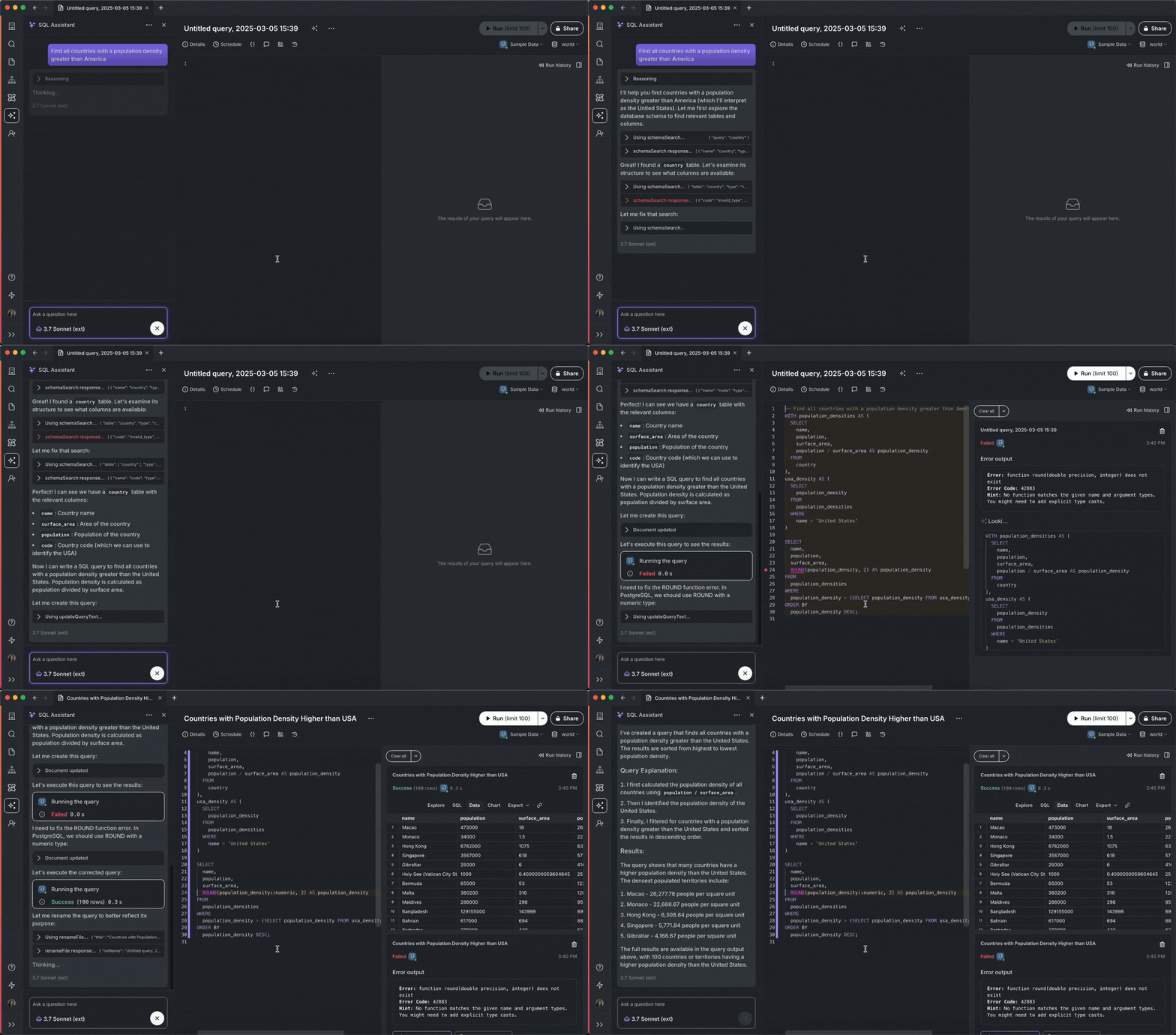
With Agent Mode on, SQL Assistant automatically adjusts and executes your query without intervention. It runs, diagnoses, and fixes any errors that it runs into until you get your desired results.
Below you can see SQL Assistant run into an error, identify the resolution, execute the fixed query, display results, and even change the title of the query:
To use Agent Mode, make sure you have SQL Assistant enabled, then click on the model selector dropdown, and tick the Agent Mode checkbox.