Refine an image across turns
Start with one output, inspect it, and use it as the next input. Keep each follow-up narrow so you can see which change helped.
Create the starting image
Use the shampoo photograph from Create a transparent product cutout as the input for this billboard scene. Quote the label text exactly.
Edit settings: size="1024x1536", quality="medium".
Create a realistic billboard mockup of the shampoo on a highway scene during sunset.
Billboard text (EXACT, verbatim, no extra characters):
"Fresh and clean"
Typography: bold sans-serif, high contrast, centered, clean kerning.
Ensure text appears once and is perfectly legible.
No watermarks, no logos.
Input image:

Example outputs:
<figure className="m-0 min-w-0"> <figcaption className="mb-2 min-h-10 text-sm font-semibold"> GPT Image 2.5 Flare </figcaption>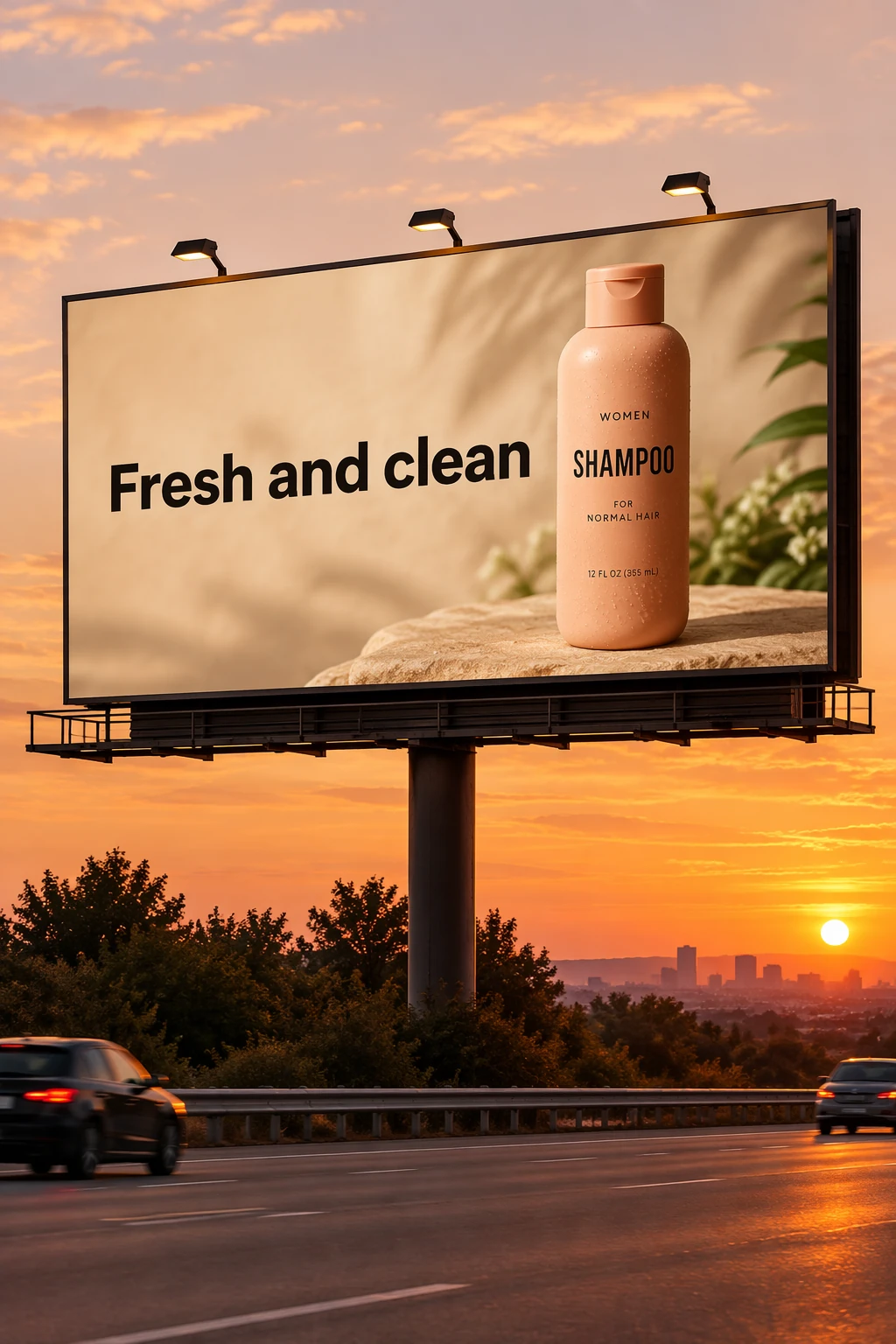

Change one condition
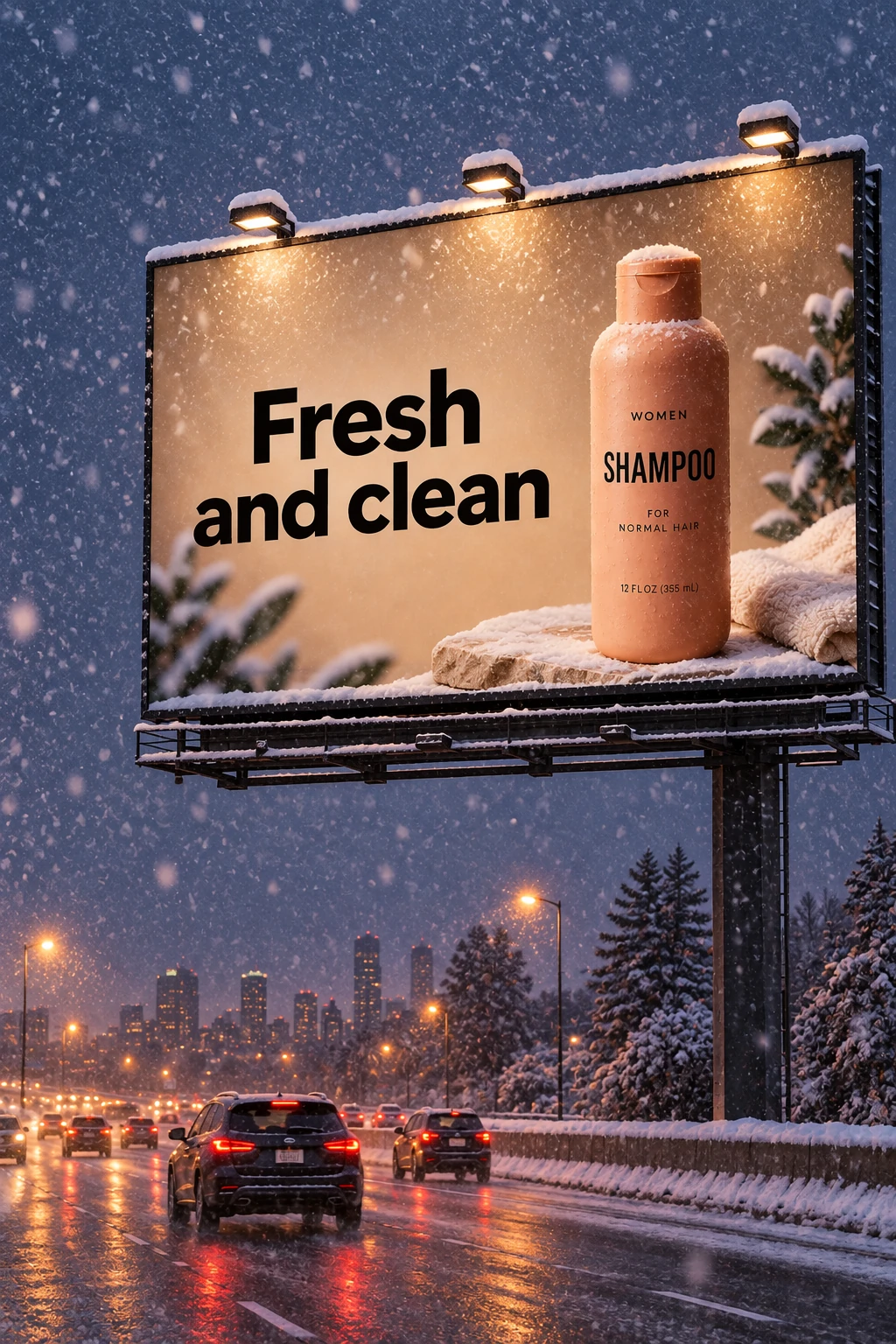
Pass each model's billboard output from the previous step into its next edit request. This short follow-up changes the weather while retaining the existing scene.
Edit settings: size="1024x1536", quality="medium".
Make it look like a winter evening with snowfall.Example outputs:
<figure className="m-0 min-w-0"> <figcaption className="mb-2 min-h-10 text-sm font-semibold"> GPT Image 2.5 Flare </figcaption>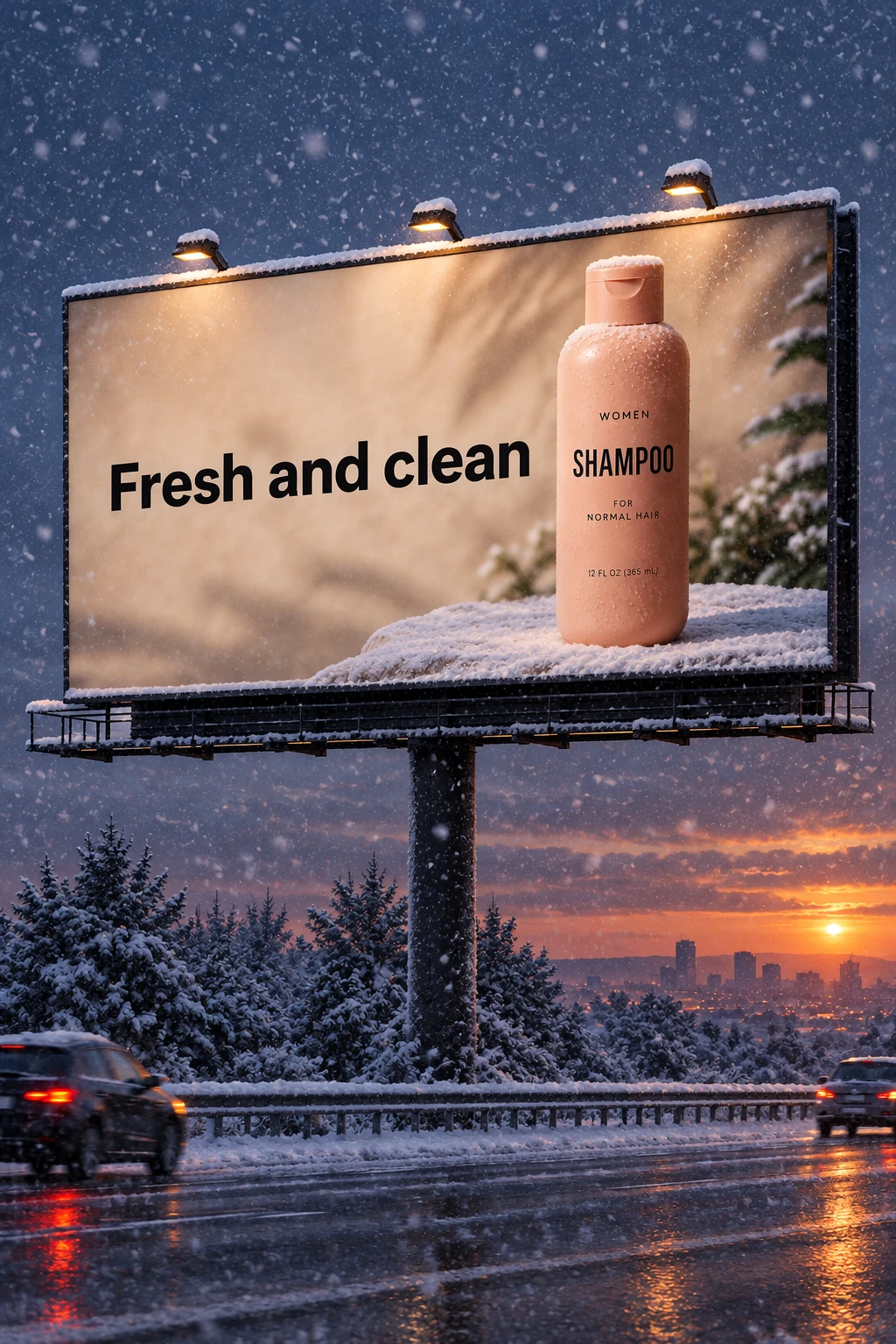
Keep a character consistent
For a book with multiple illustrations, create a reusable character reference to help preserve appearance across scenes, poses, and pages. Change the environment and story while repeating the character’s defining details.
Establish the character
Define the character’s appearance, proportions, outfit, and tone.
Generation settings: size="1024x1536", quality="medium".
Create a children’s book illustration introducing a main character.

Character:
A young, storybook-style hero inspired by a little forest outlaw,
wearing a simple green hooded tunic, soft brown boots, and a small belt pouch.
The character has a kind expression, gentle eyes, and a brave but warm demeanor.
Carries a small wooden bow used only for helping, never harming.

Theme:
The character protects and rescues small forest animals like squirrels, birds, and rabbits.

Style:
Children’s book illustration, hand-painted watercolor look,
soft outlines, warm earthy colors, whimsical and friendly.
Proportions suitable for picture books (slightly oversized head, expressive face).

Constraints:
- Original character (no copyrighted characters)
- No text
- No watermarks
- Plain forest background to clearly showcase the character
Example outputs:
<figure className="m-0 min-w-0"> <figcaption className="mb-2 min-h-10 text-sm font-semibold"> GPT Image 2.5 Flare </figcaption>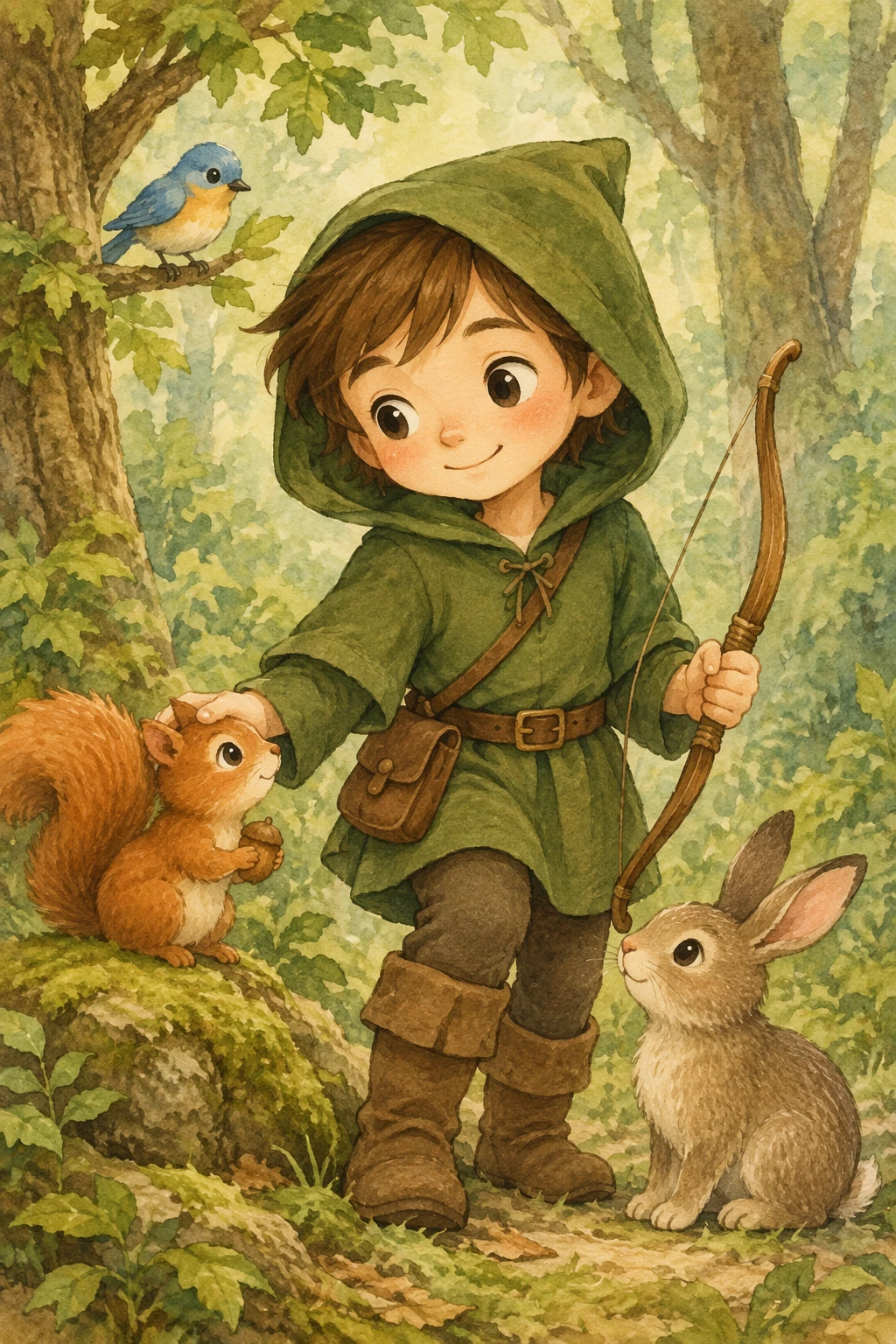
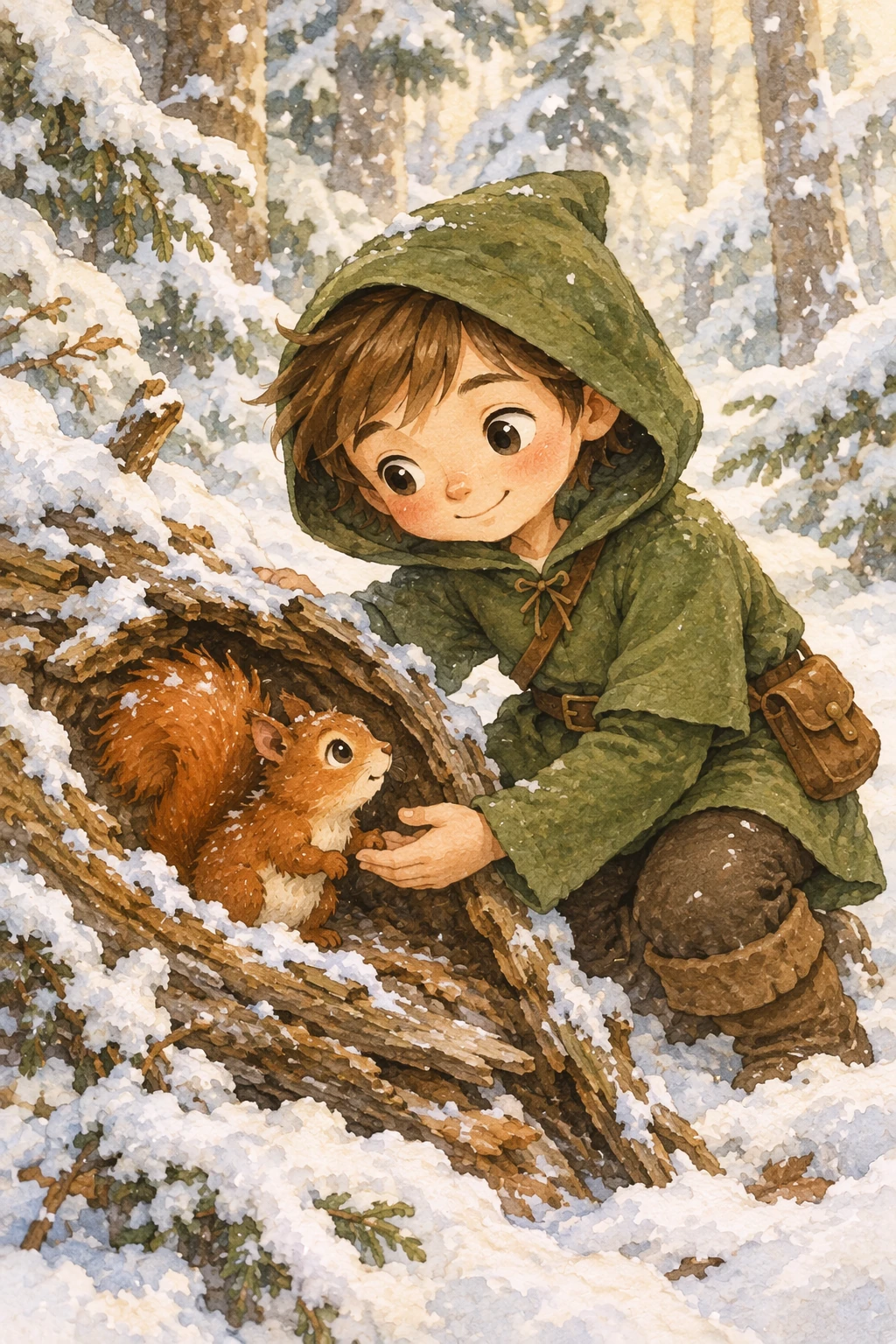
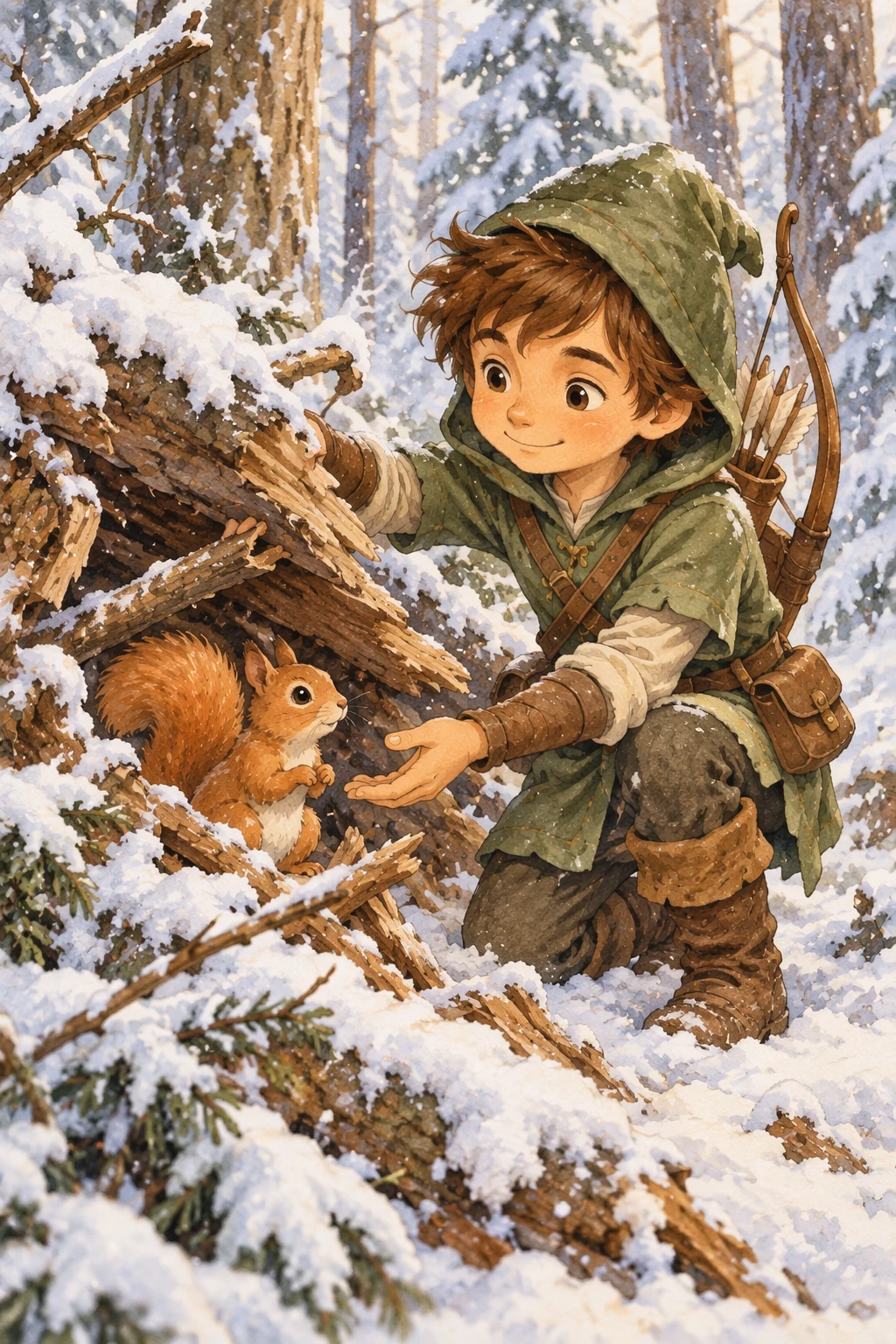
Continue the story
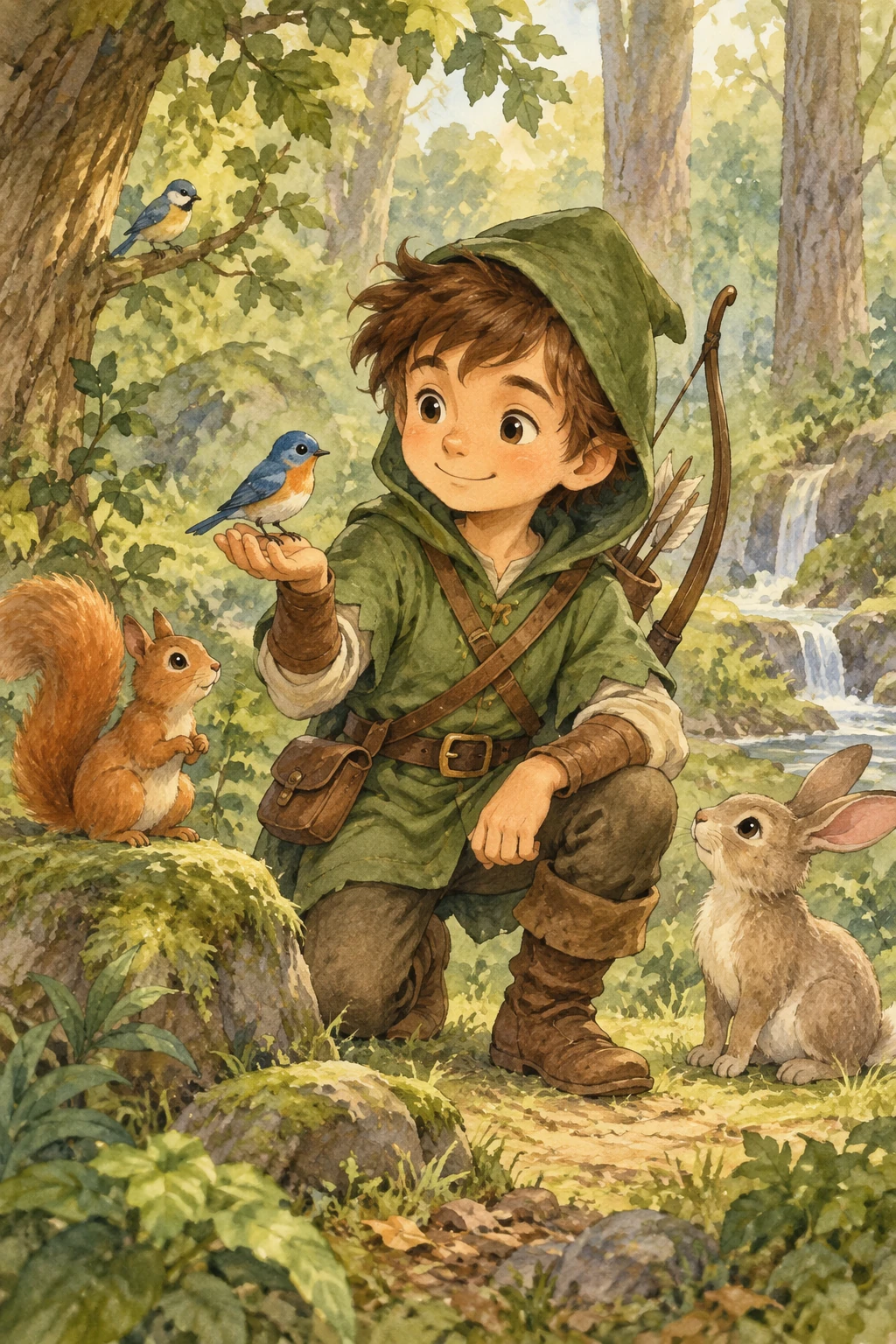
Reuse each model's generated character image and describe a new scene. Repeat the appearance constraints so the character stays consistent.
Edit settings: size="1024x1536", quality="medium".
Continue the children’s book story using the same character.

Scene:
The same young forest hero is gently helping a frightened squirrel
out of a fallen tree after a winter storm.
The character kneels beside the squirrel, offering reassurance.

Character Consistency:
- Same green hooded tunic
- Same facial features, proportions, and color palette
- Same gentle, heroic personality

Style:
Children’s book watercolor illustration,
soft lighting, snowy forest environment,
warm and comforting mood.

Constraints:
- Do not redesign the character
- No text
- No watermarks
Example outputs:
<figure className="m-0 min-w-0"> <figcaption className="mb-2 min-h-10 text-sm font-semibold"> GPT Image 2.5 Flare </figcaption>