Edit images
Use client.images.edit with the referenced input images. For local edits that require a mask, see editing with a mask.
Translate while preserving layout
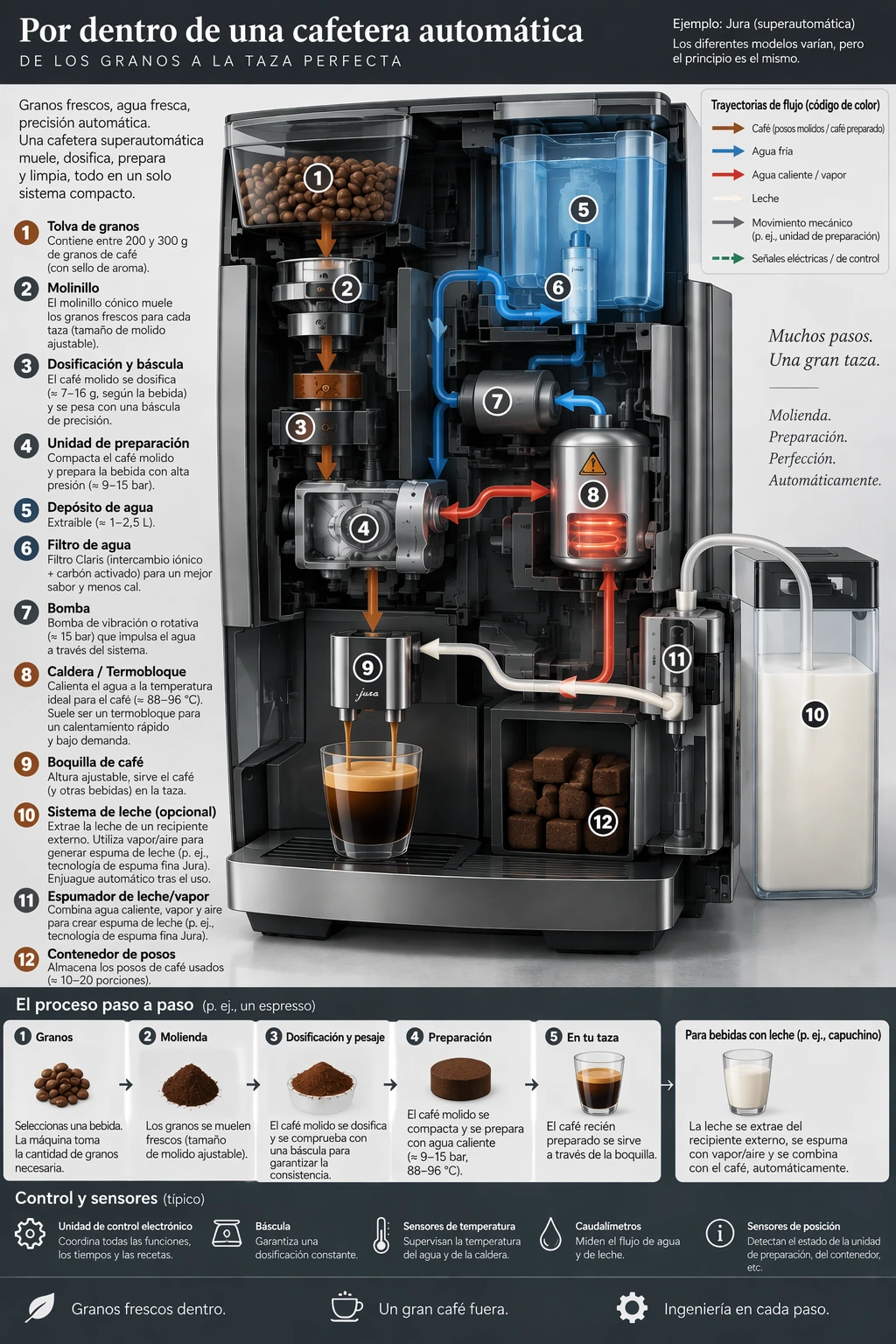
Use each model's coffee-machine diagram from Explain a process visually as the input. Ask to replace its text while keeping the design unchanged, then check the translation and any words left in the original language.
Edit settings: size="1024x1536", quality="high".
Translate the text in the infographic to Spanish. Do not change any other aspect of the image.Example outputs:
<figure className="m-0 min-w-0"> <figcaption className="mb-2 min-h-10 text-sm font-semibold"> GPT Image 2.5 Flare </figcaption>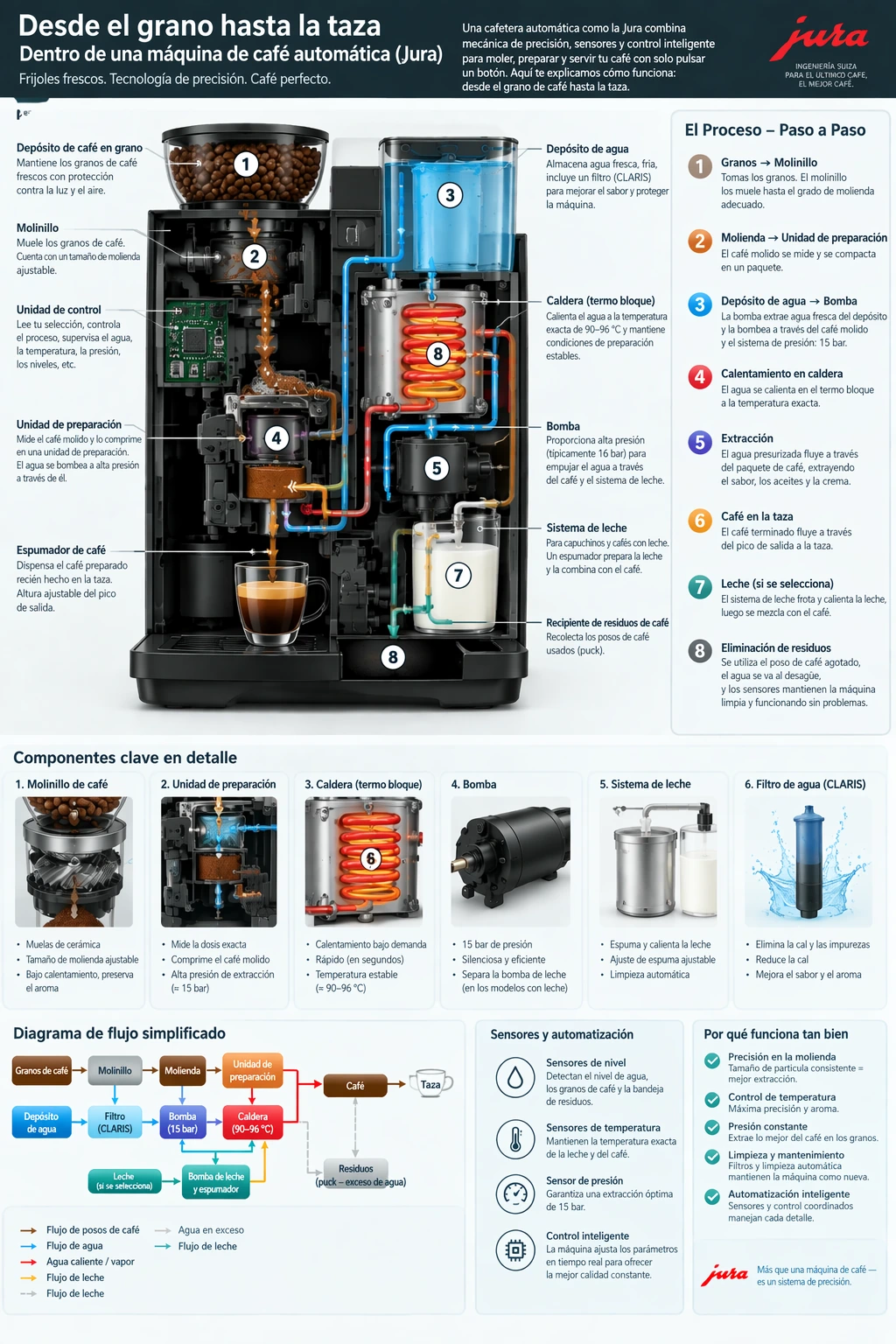
Transfer a visual style
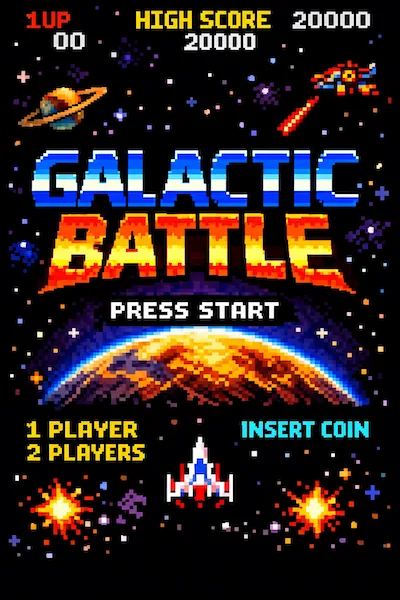
Assign the reference image a specific role: its palette, texture, or visual medium. Describe the new subject separately. Use the pixel-art image below as the input.
Edit settings: size="1024x1536", quality="medium".
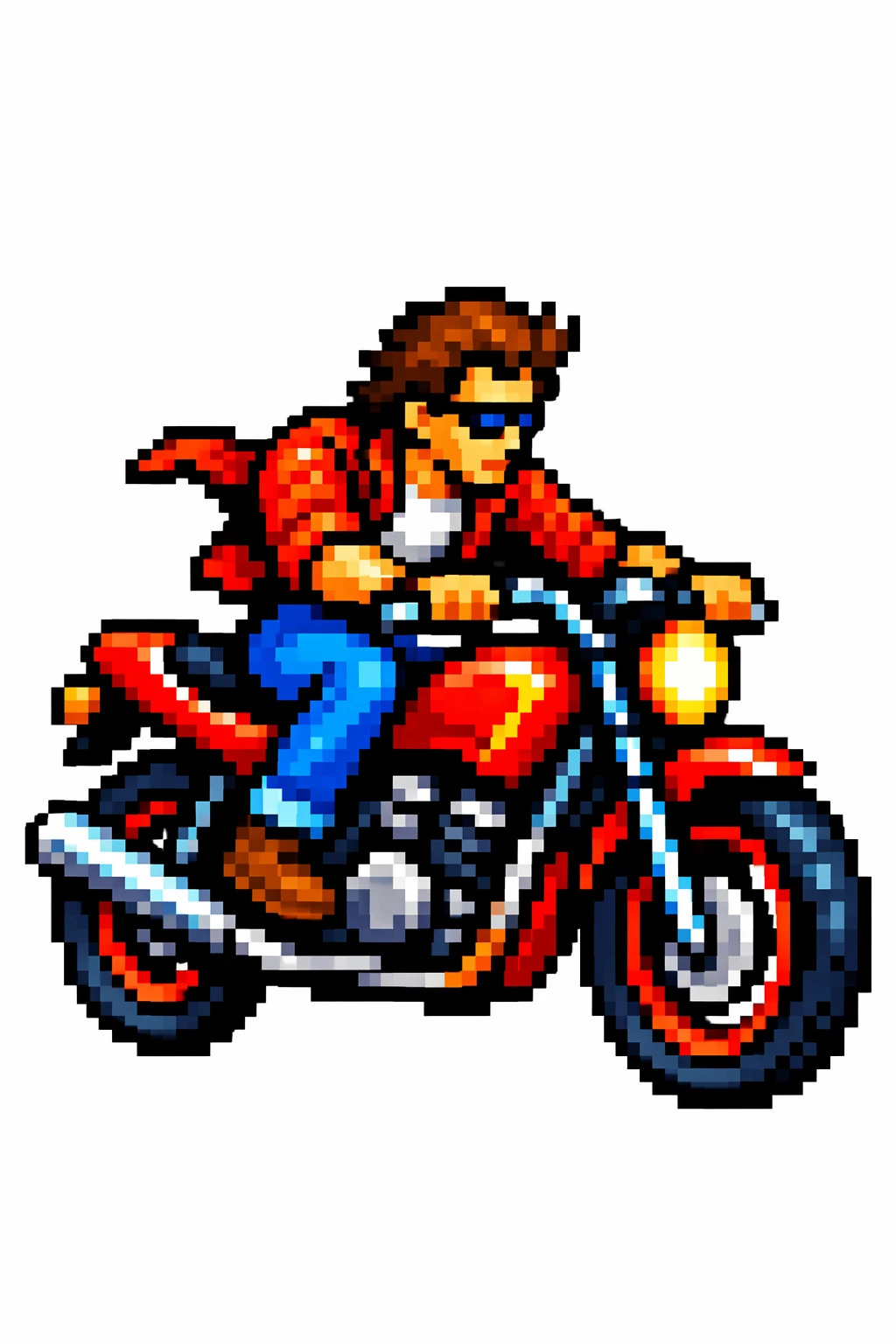
Use the same style from the input image and generate a man riding a motorcycle on a white background.Input image:
Example outputs:
<figure className="m-0 min-w-0"> <figcaption className="mb-2 min-h-10 text-sm font-semibold"> GPT Image 2.5 Flare </figcaption>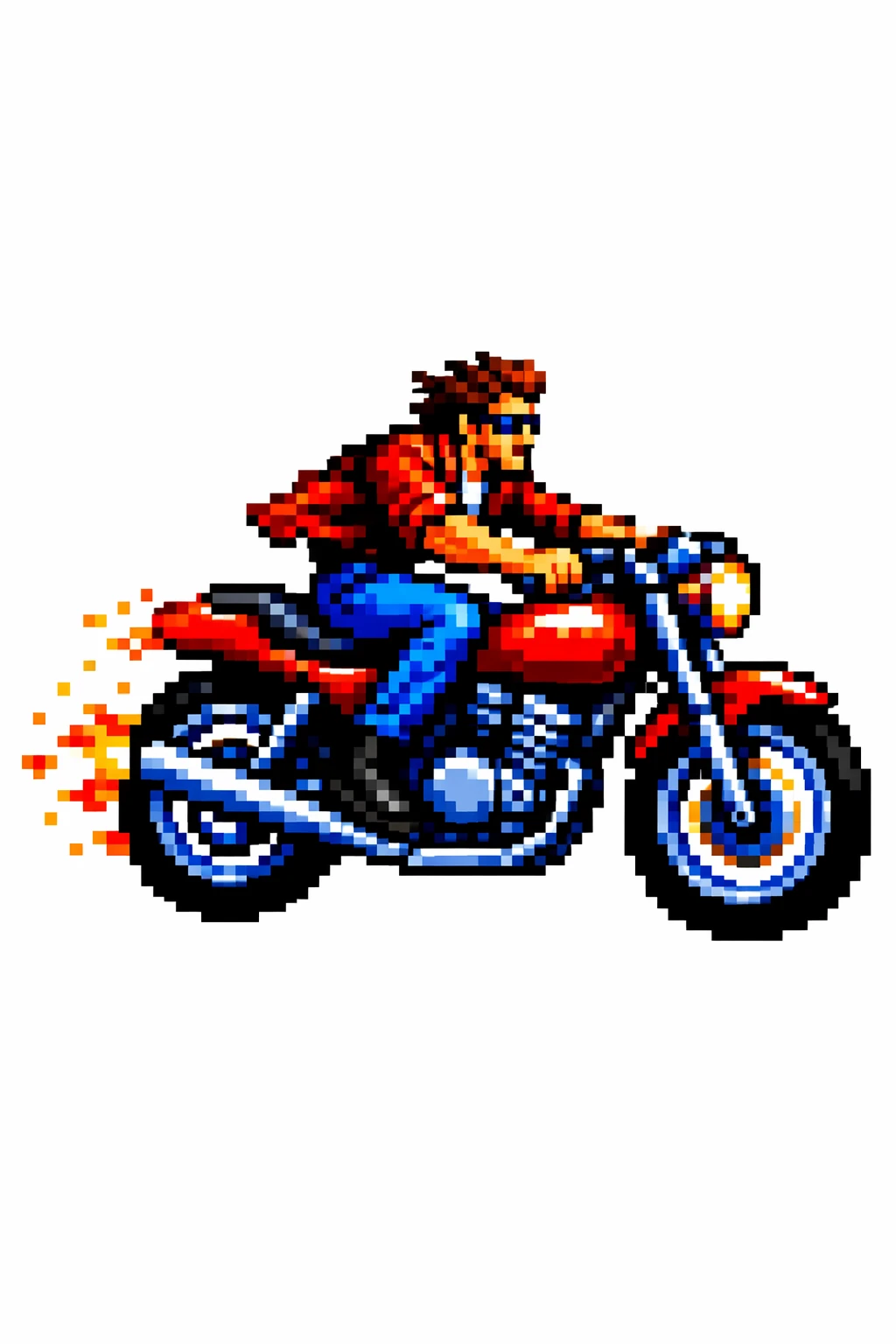
Preserve identity and change clothing
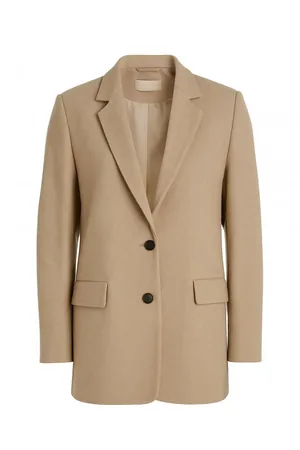
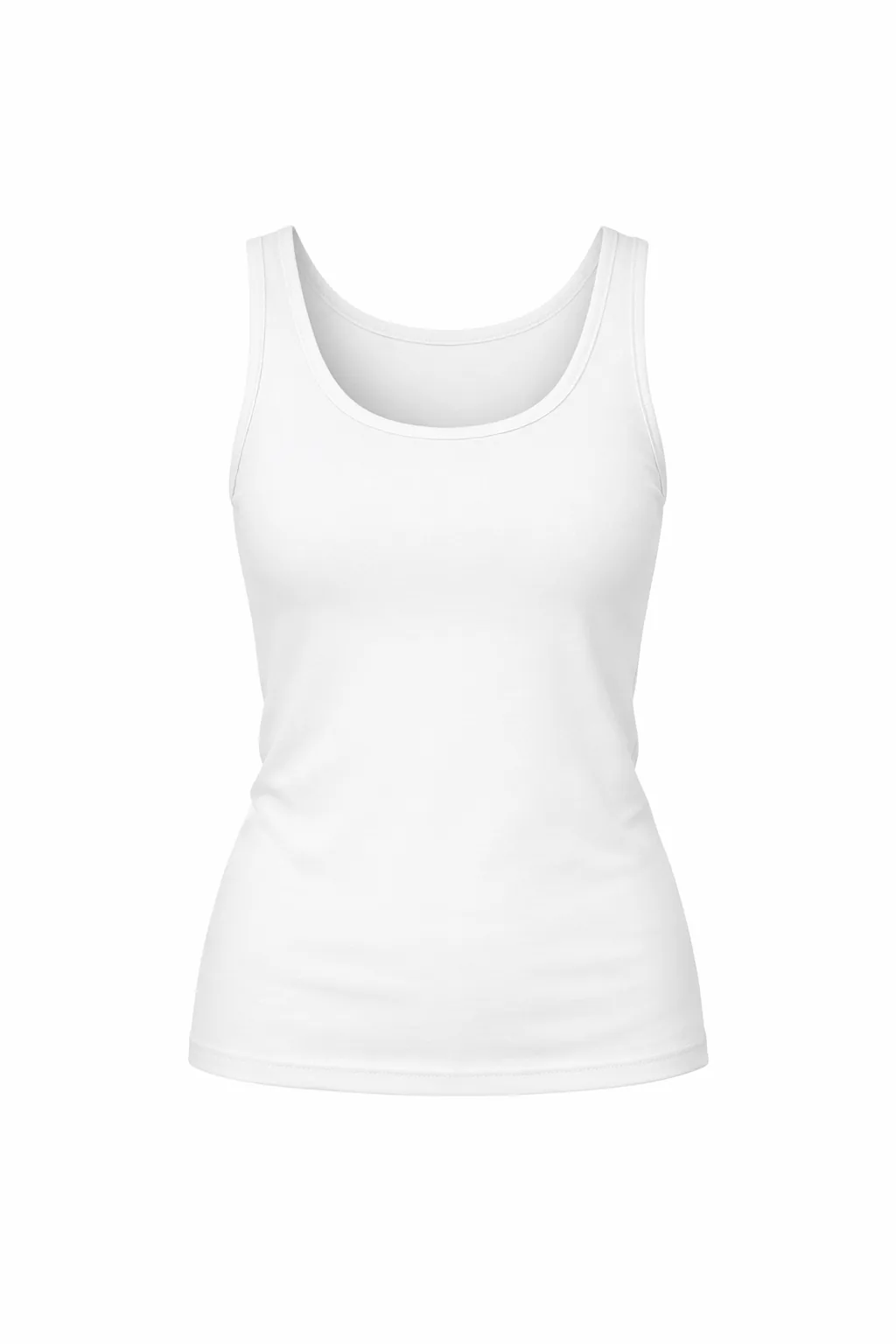
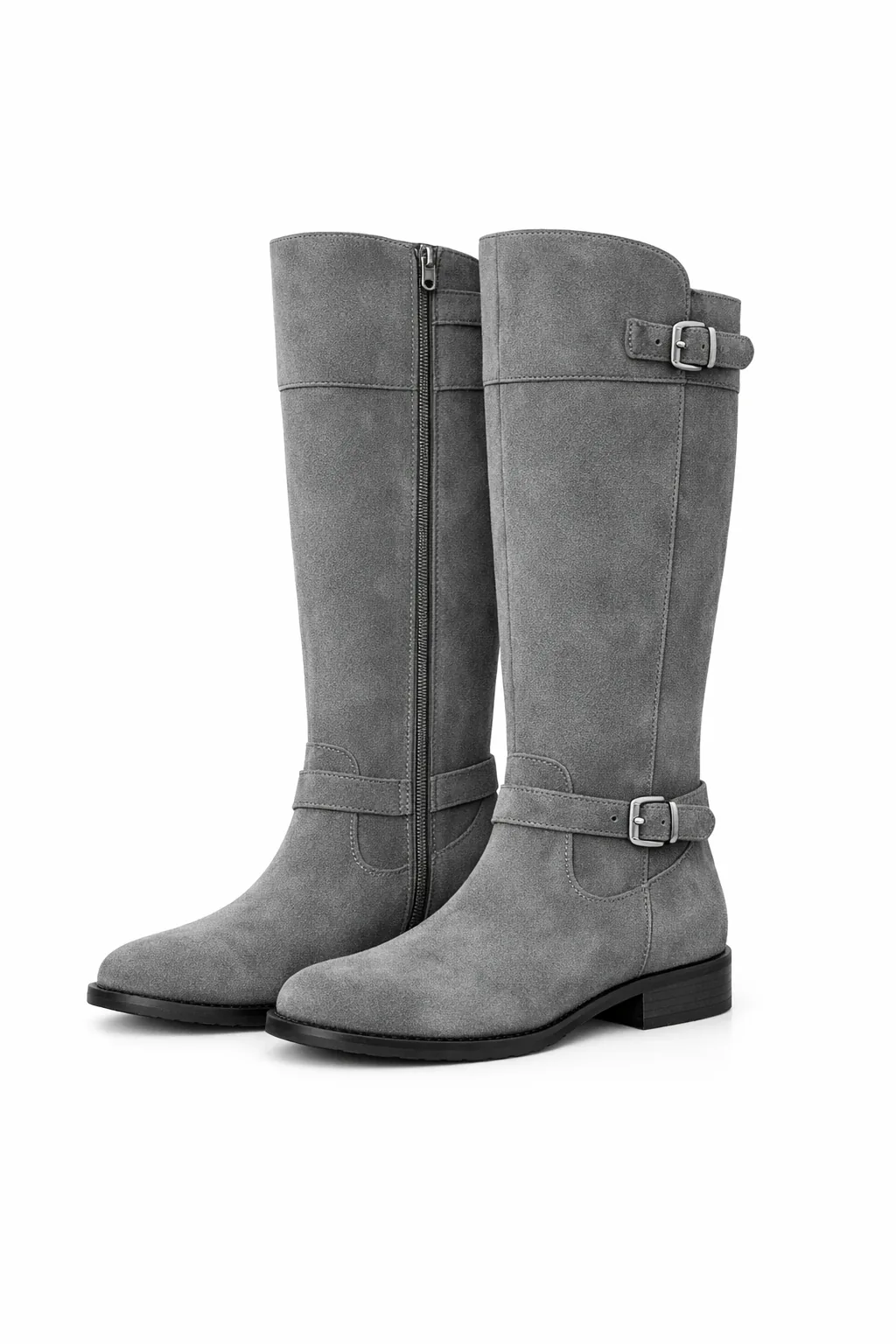
Use the person photograph and three clothing references below as inputs. State which aspects of the person must remain fixed, and allow only the clothing to change. This pattern also applies to edits where a product or object must remain recognizable.
Edit settings: size="1024x1536", quality="medium".
Edit the image to dress the woman using the provided clothing images. Do not change her face, facial features, skin tone, body shape, pose, or identity in any way. Preserve her exact likeness, expression, hairstyle, and proportions. Replace only the clothing, fitting the garments naturally to her existing pose and body geometry with realistic fabric behavior. Match lighting, shadows, and color temperature to the original photo so the outfit integrates photorealistically, without looking pasted on. Do not change the background, camera angle, framing, or image quality, and do not add accessories, text, logos, or watermarks.Input images:
Example outputs:
<figure className="m-0 min-w-0"> <figcaption className="mb-2 min-h-10 text-sm font-semibold"> GPT Image 2.5 Flare </figcaption>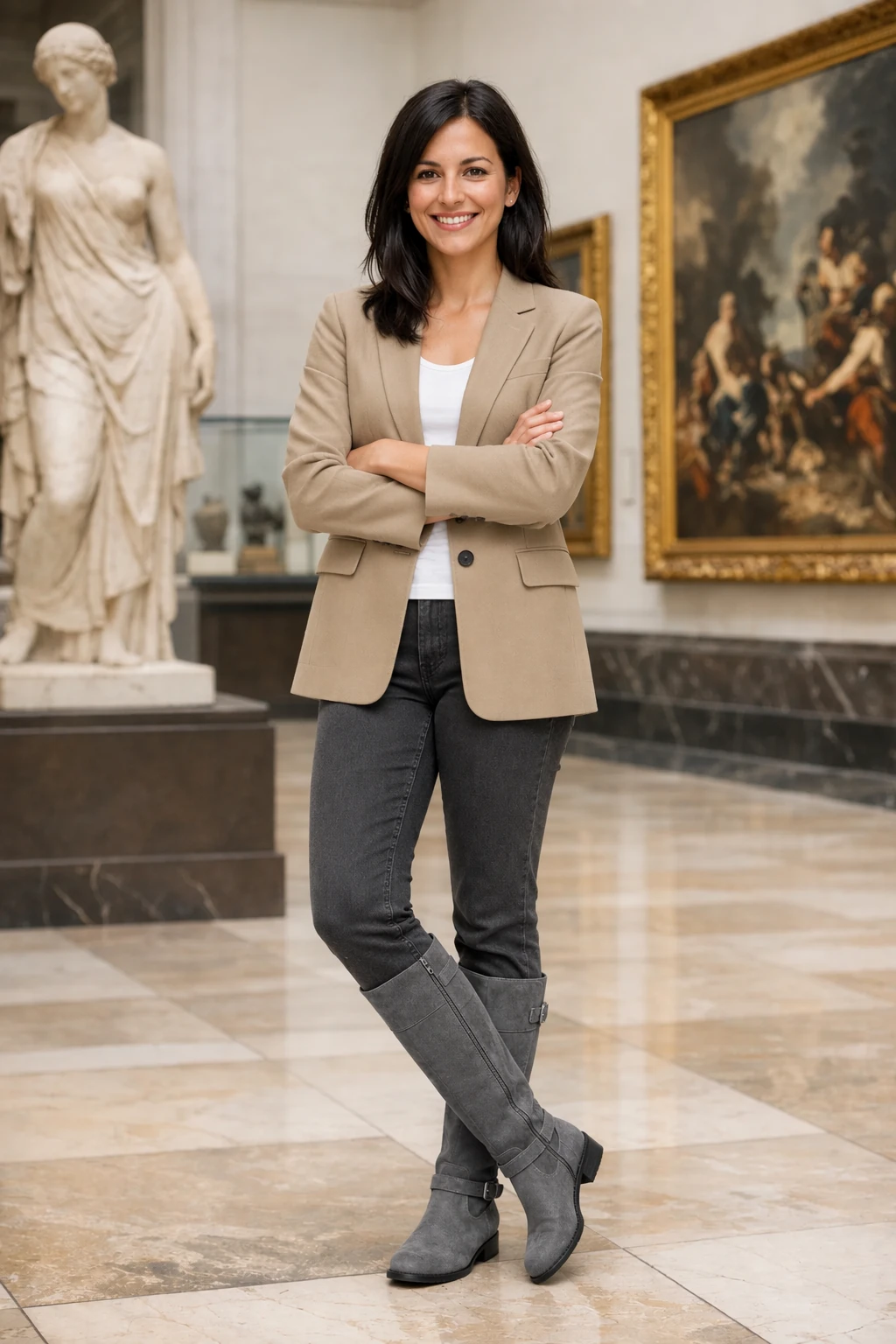
Combine references
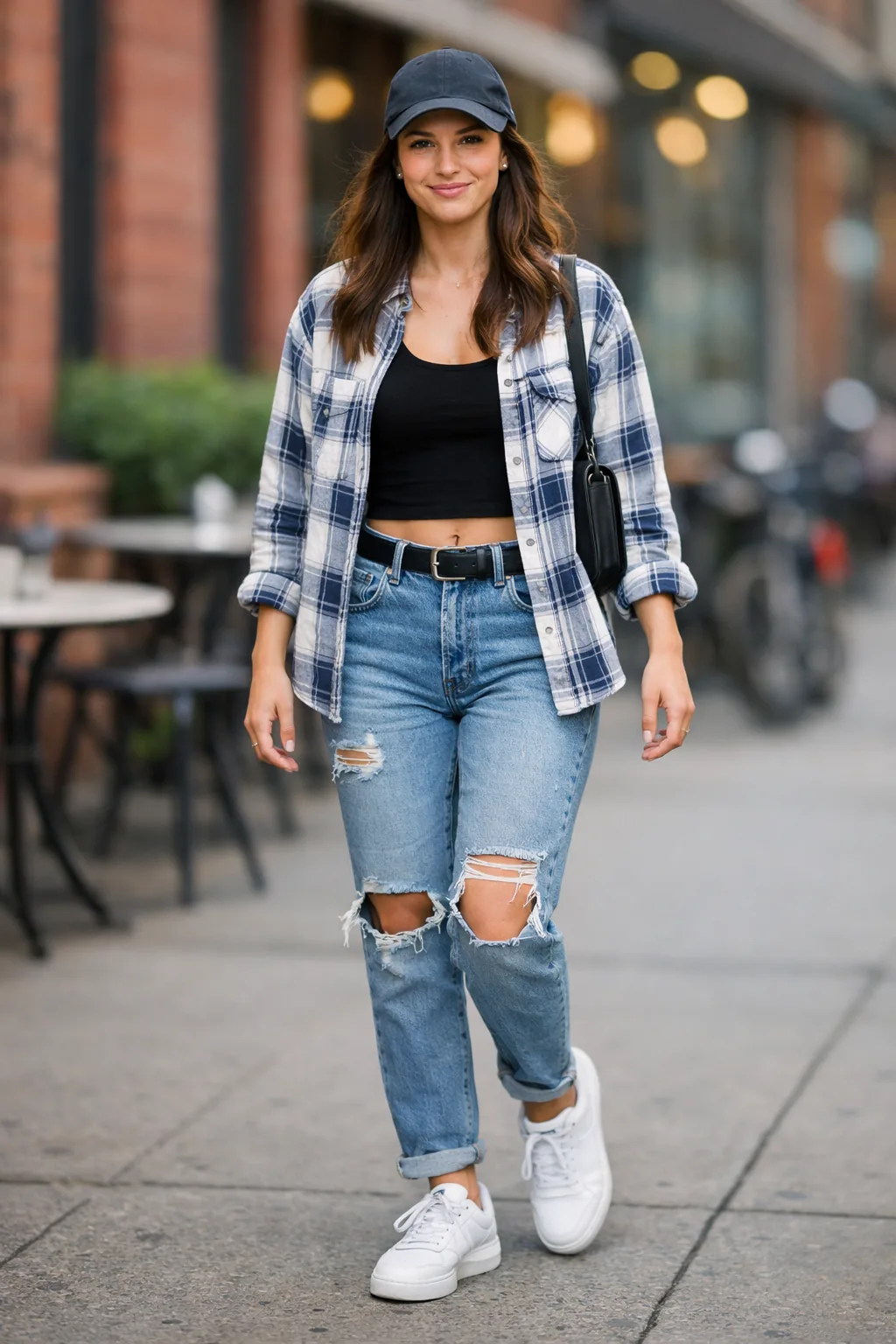
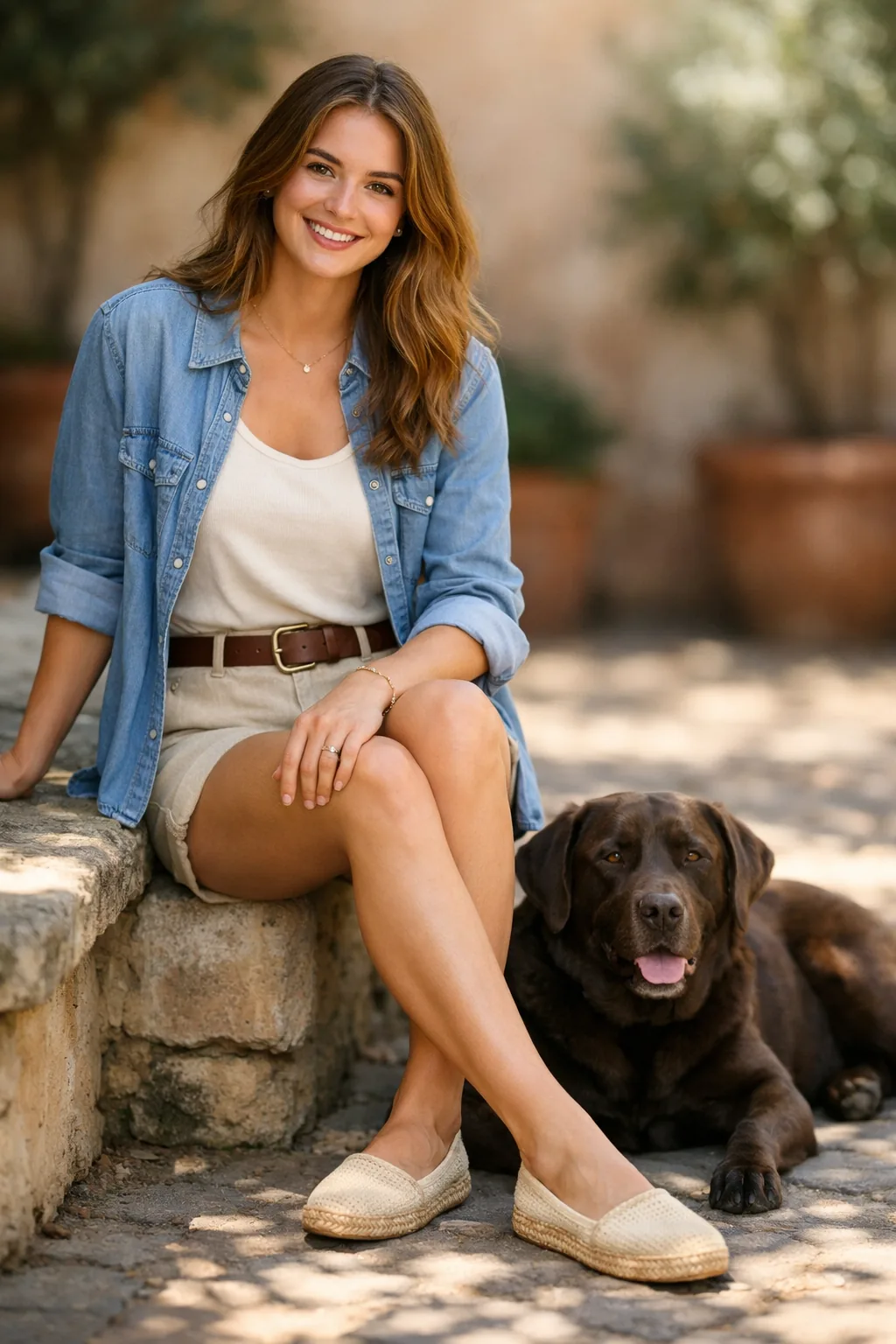
Pass the scene photograph as image 1 and the dog photograph as image 2. Specify which element to move, its destination, and what must remain unchanged.
Edit settings: size="1024x1536", quality="medium".
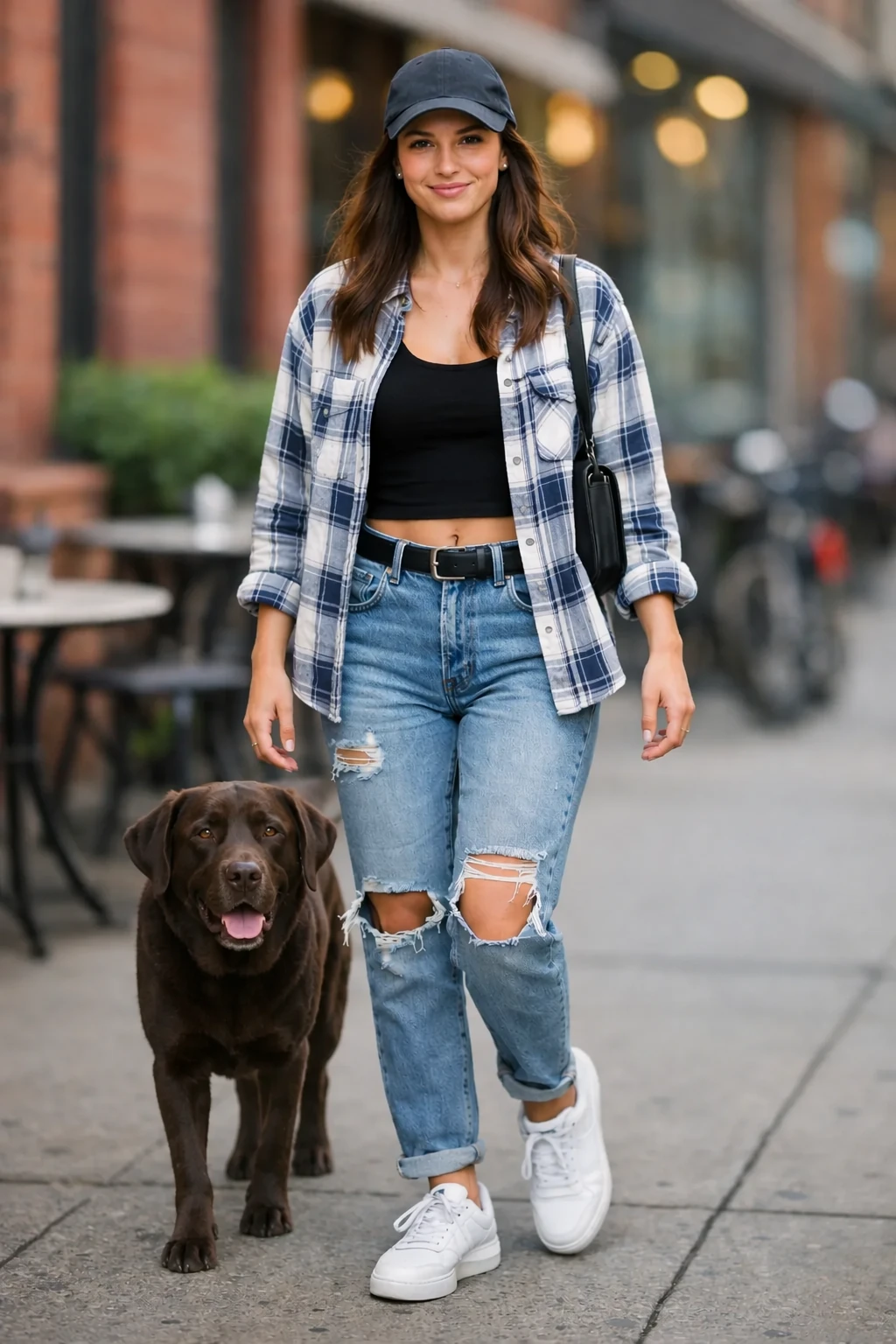
Place the dog from the second image into the setting of image 1, right next to the woman, use the same style of lighting, composition and background. Do not change anything else.Input images:
Example outputs:
<figure className="m-0 min-w-0"> <figcaption className="mb-2 min-h-10 text-sm font-semibold"> GPT Image 2.5 Flare </figcaption>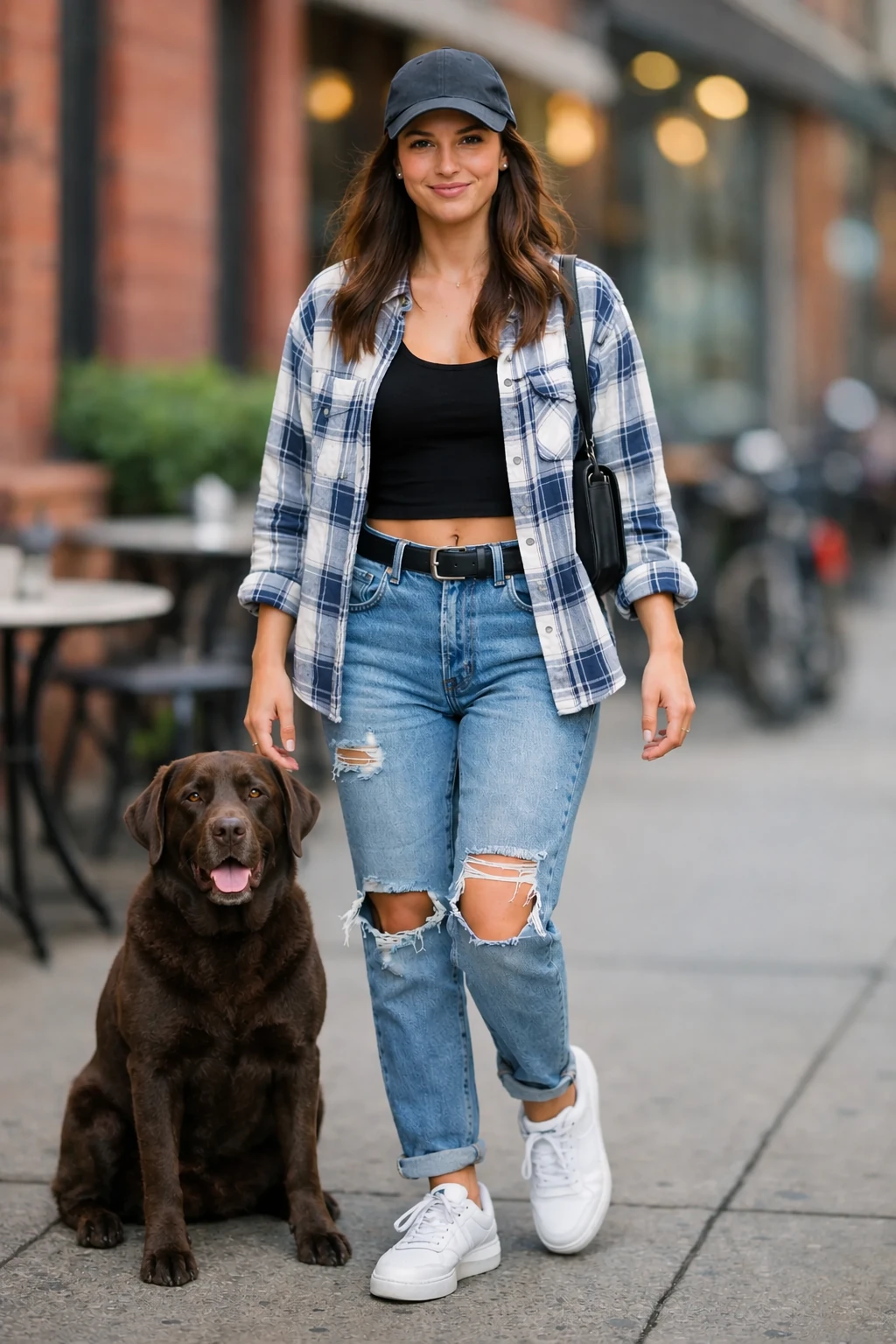
Create a transparent product cutout
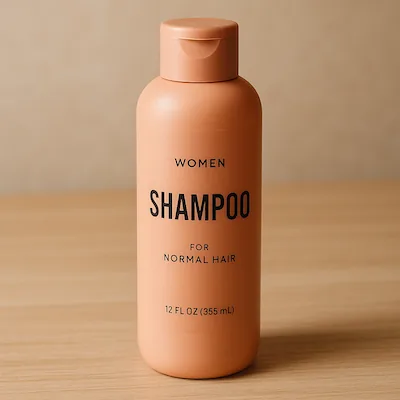
Request both an isolated subject in the prompt and background="transparent" in the API. Use PNG or WebP, preserve the returned alpha channel, and omit output_compression for PNG. A drawn checkerboard is not transparency. For subsequent edits, repeat the requirement to preserve the transparent background. Use the product photograph below as the input.
Edit settings: size="1024x1536", quality="medium", background="transparent", output_format="png".
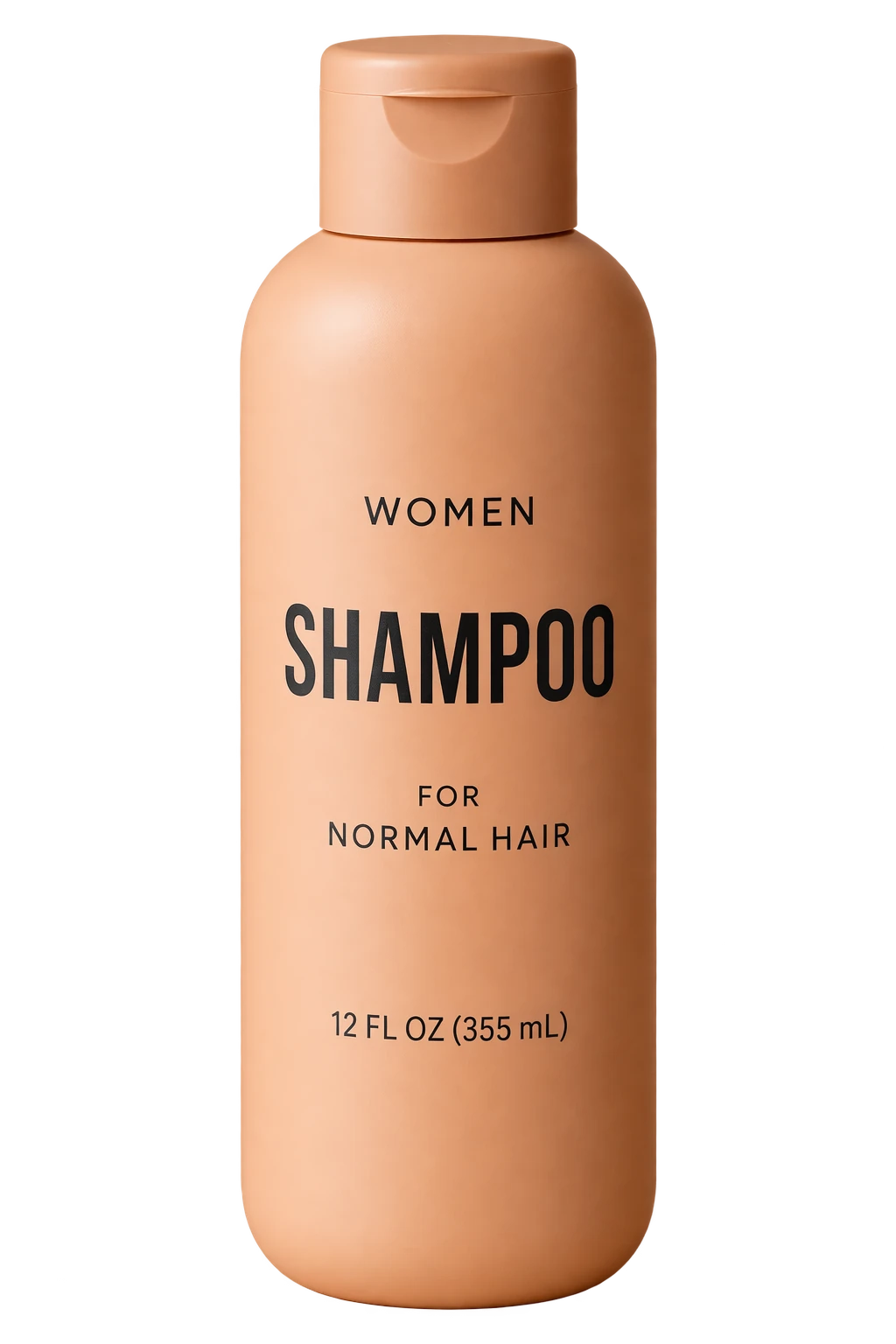
Extract the product from the input image and isolate it on a fully transparent background.
Output: centered product, crisp silhouette, no halos/fringing.
Preserve product geometry and label legibility exactly.
Add only light polishing. Do not add a solid backdrop, checkerboard, scenery, or shadow.
Do not restyle the product; remove the background and preserve clean alpha transparency.
Input image:
Example outputs:
<figure className="m-0 min-w-0"> <figcaption className="mb-2 min-h-10 text-sm font-semibold"> GPT Image 2.5 Flare </figcaption>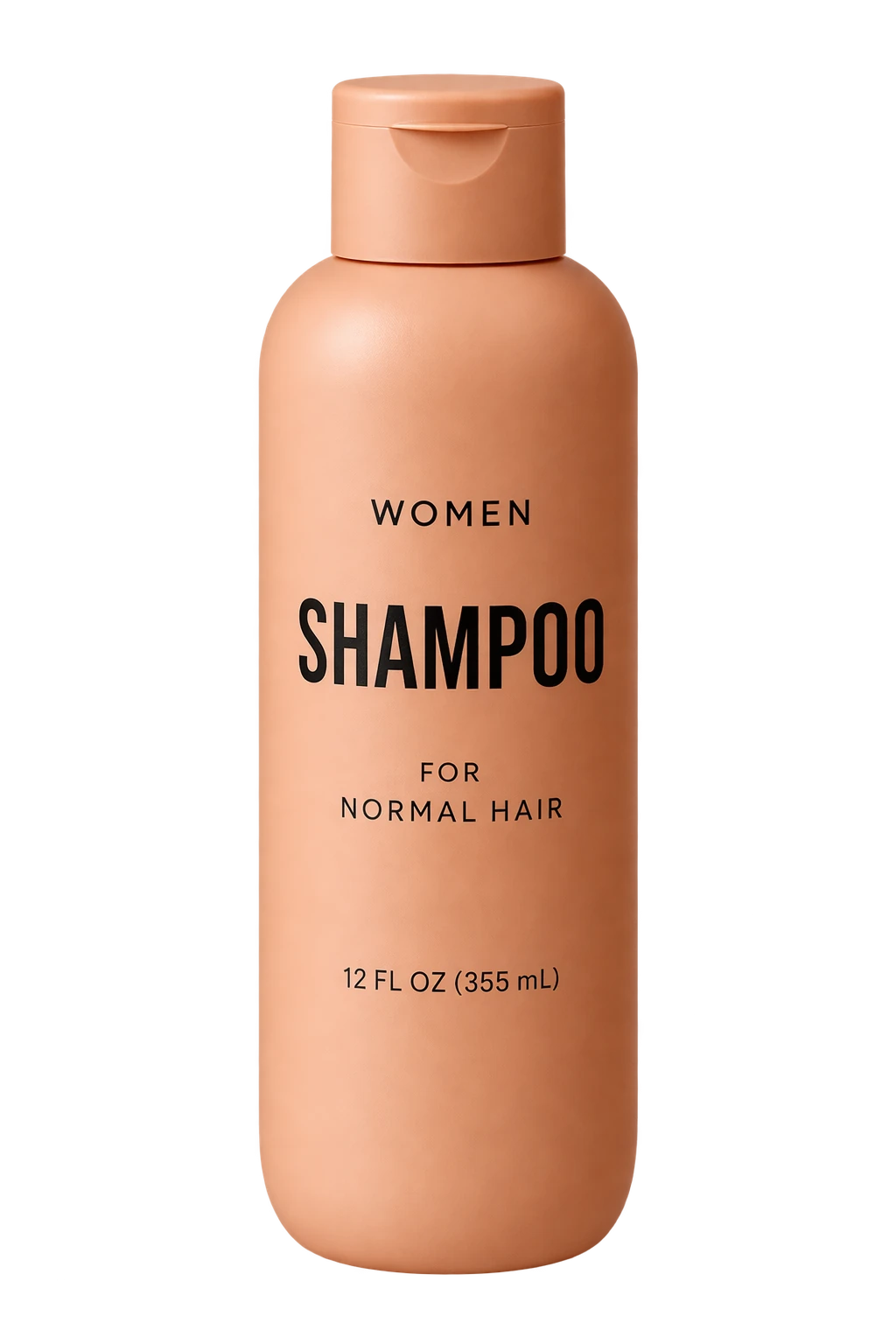
Turn a drawing into a realistic image
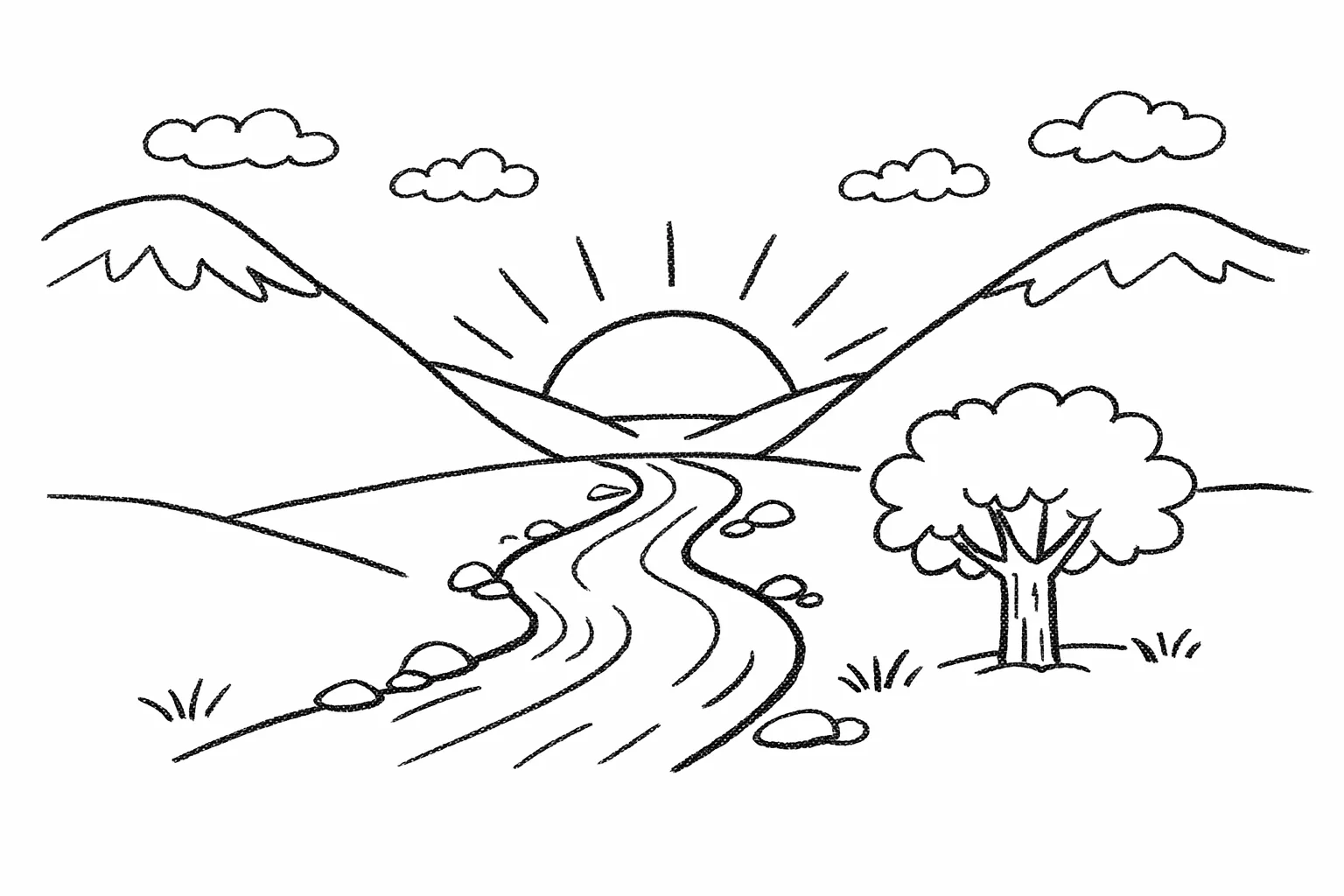
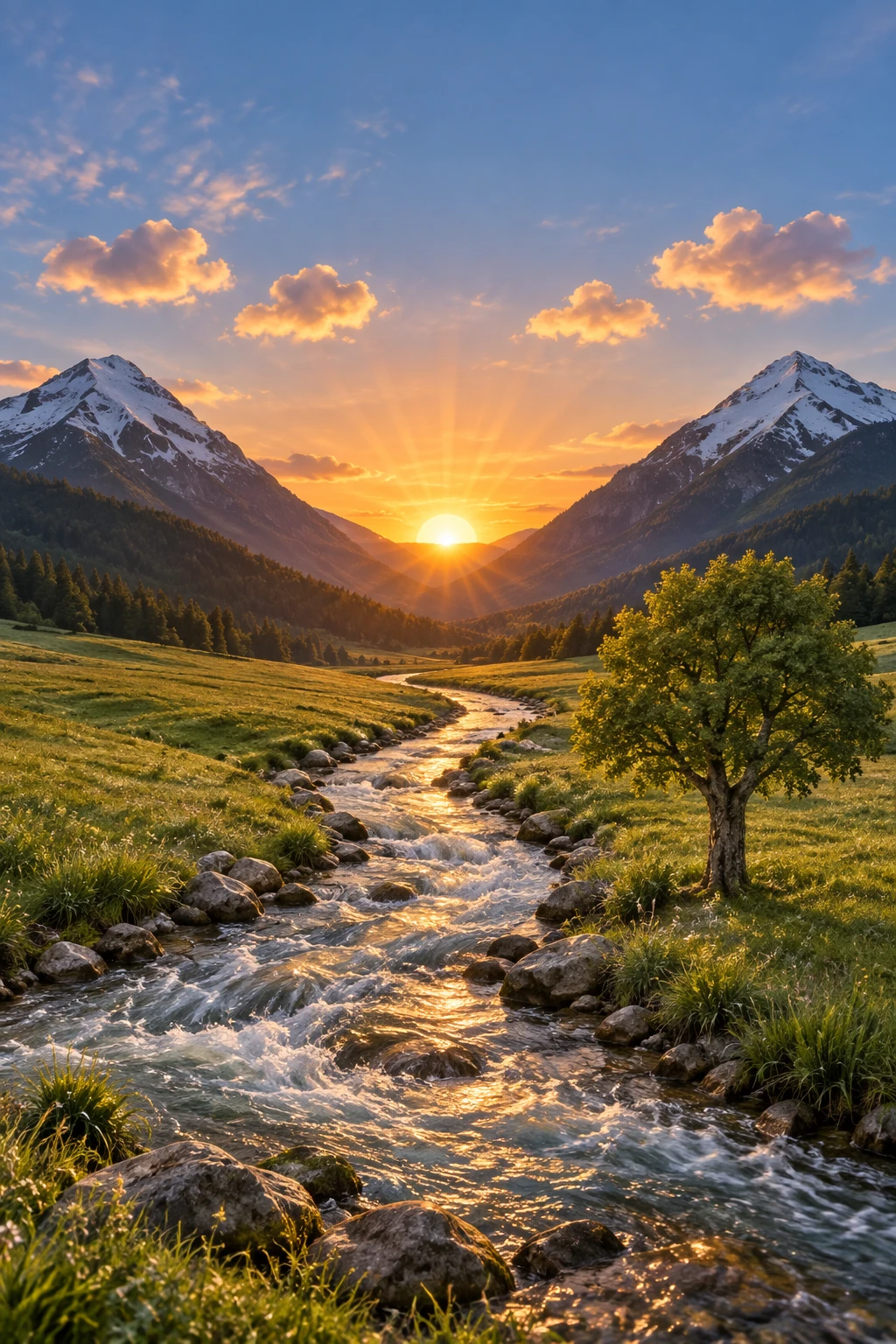
Sketch-to-render workflows are great for turning rough drawings into photorealistic concepts while keeping the original intent. Treat the prompt like a spec: preserve layout and perspective, then add realism by specifying plausible materials, lighting, and environment. Include "do not add new elements/text" to avoid creative reinterpretations.
Edit settings: size="1024x1536", quality="medium".
Turn this drawing into a photorealistic image.
Preserve the exact layout, proportions, and perspective.
Choose realistic materials and lighting consistent with the sketch intent.
Do not add new elements or text.
Input image:
Example outputs:
<figure className="m-0 min-w-0"> <figcaption className="mb-2 min-h-10 text-sm font-semibold"> GPT Image 2.5 Flare </figcaption>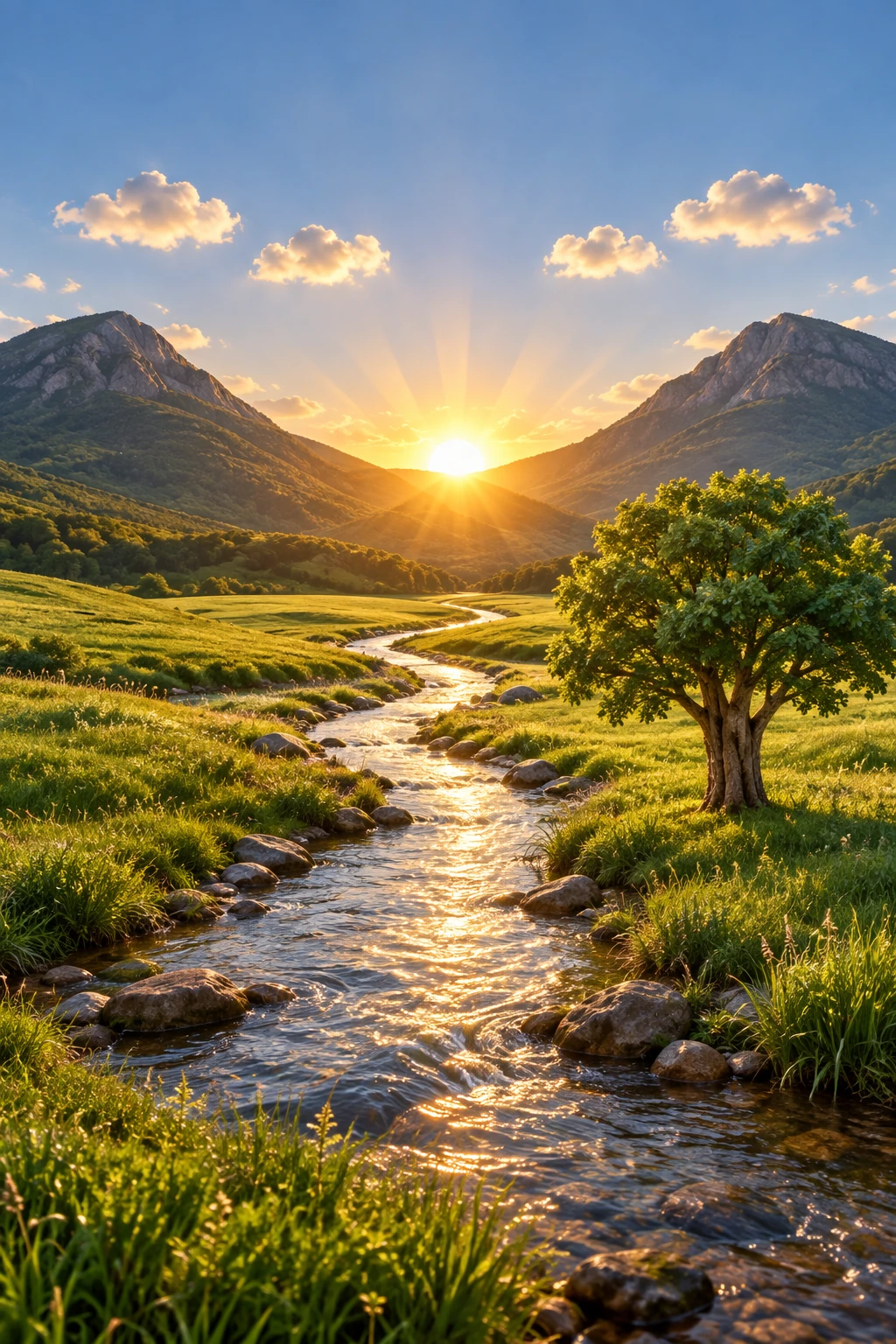
Remove an object
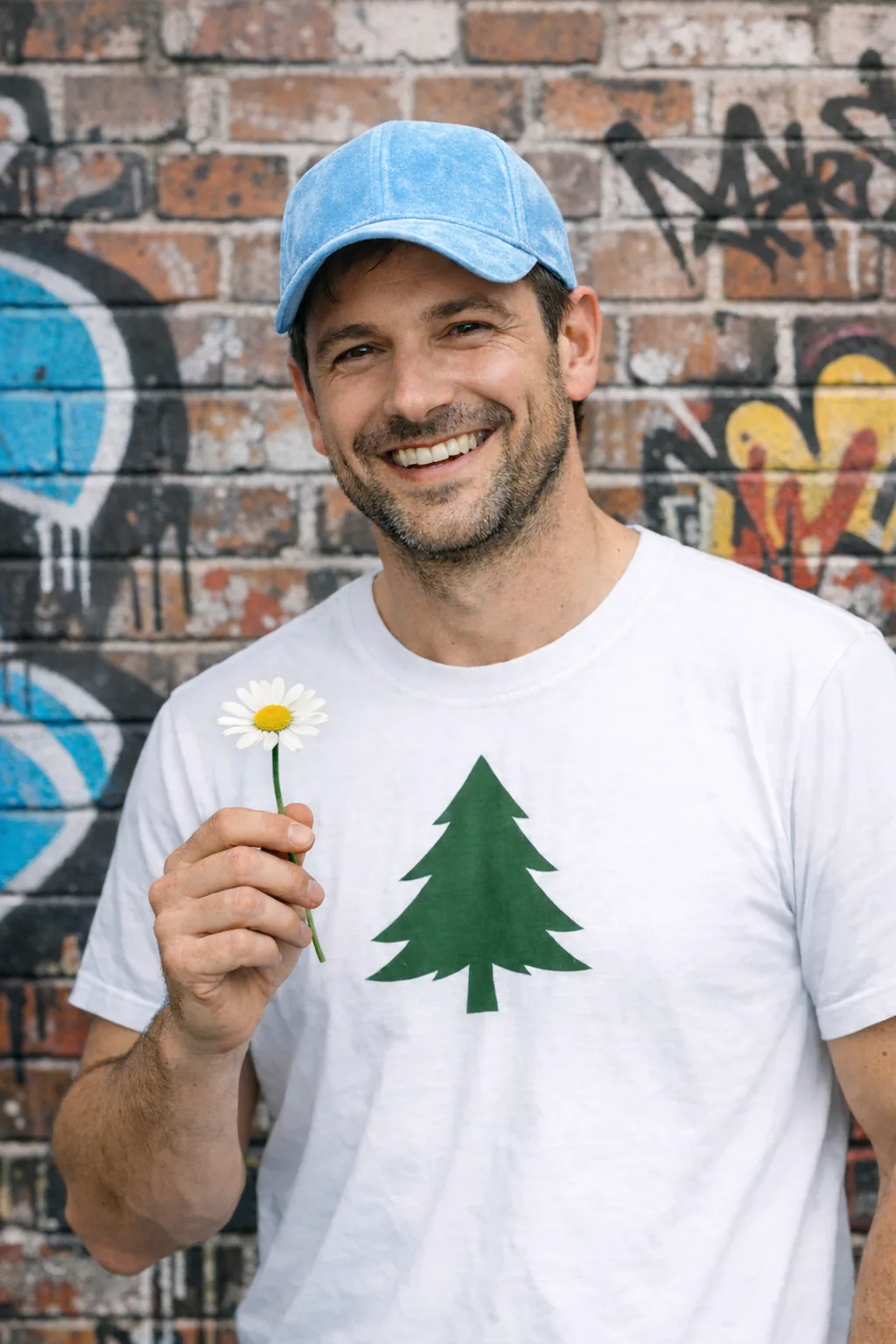
Remove one object by naming it explicitly and preserving everything around it. Keep the person, pose, lighting, and composition unchanged so the edit stays local.
Edit settings: size="1024x1536", quality="medium".
Remove the flower from man's hand. Do not change anything else.Input image:
Example outputs:
<figure className="m-0 min-w-0"> <figcaption className="mb-2 min-h-10 text-sm font-semibold"> GPT Image 2.5 Flare </figcaption>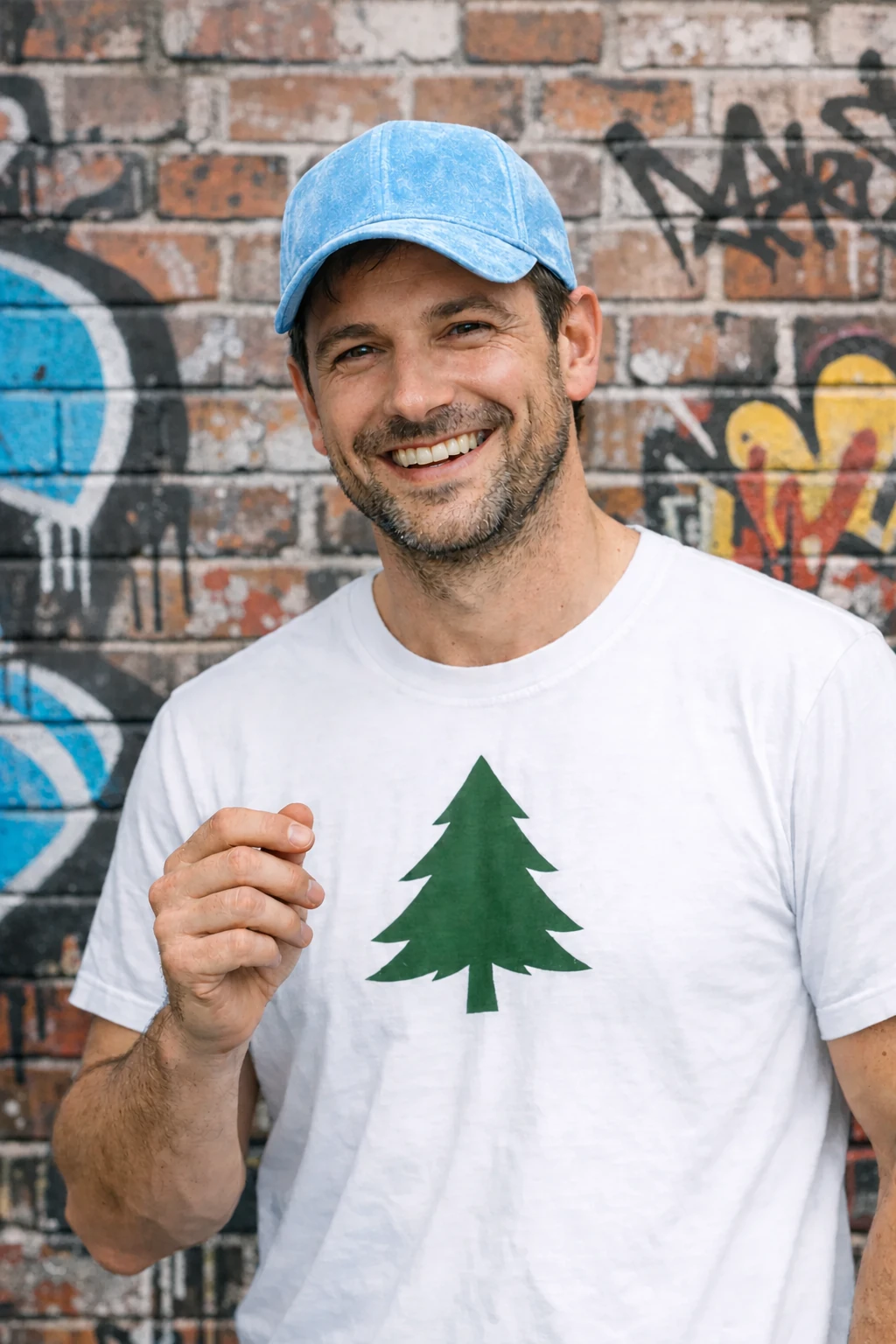
Insert a person into a scene
Insert a person into a new scene while preserving their identity. Specify natural lighting, believable detail, body framing, gaze, and interaction with the scene. State which facial features and proportions must remain unchanged. For gpt-image-2, omit input_fidelity; image inputs are always processed at high fidelity.
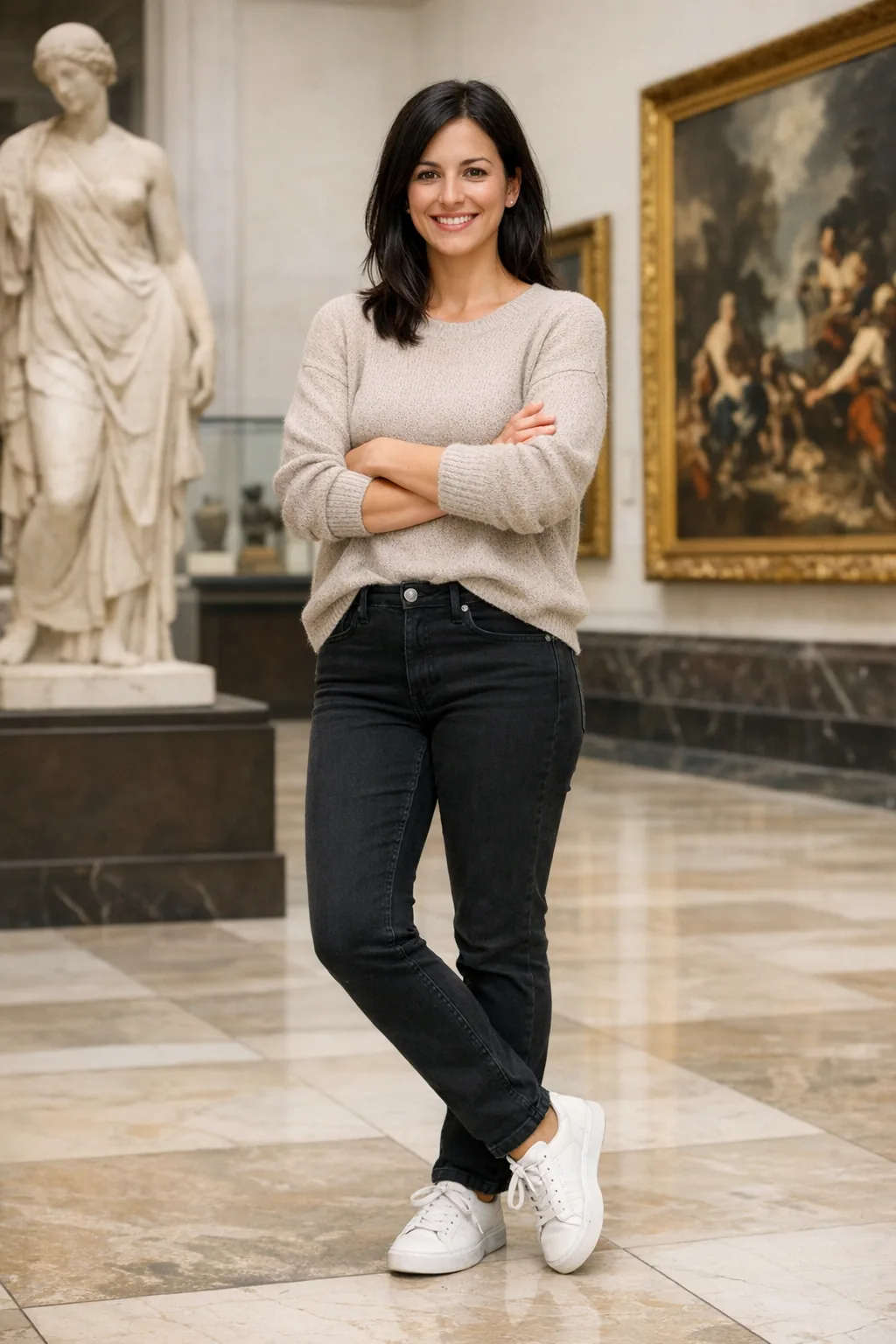
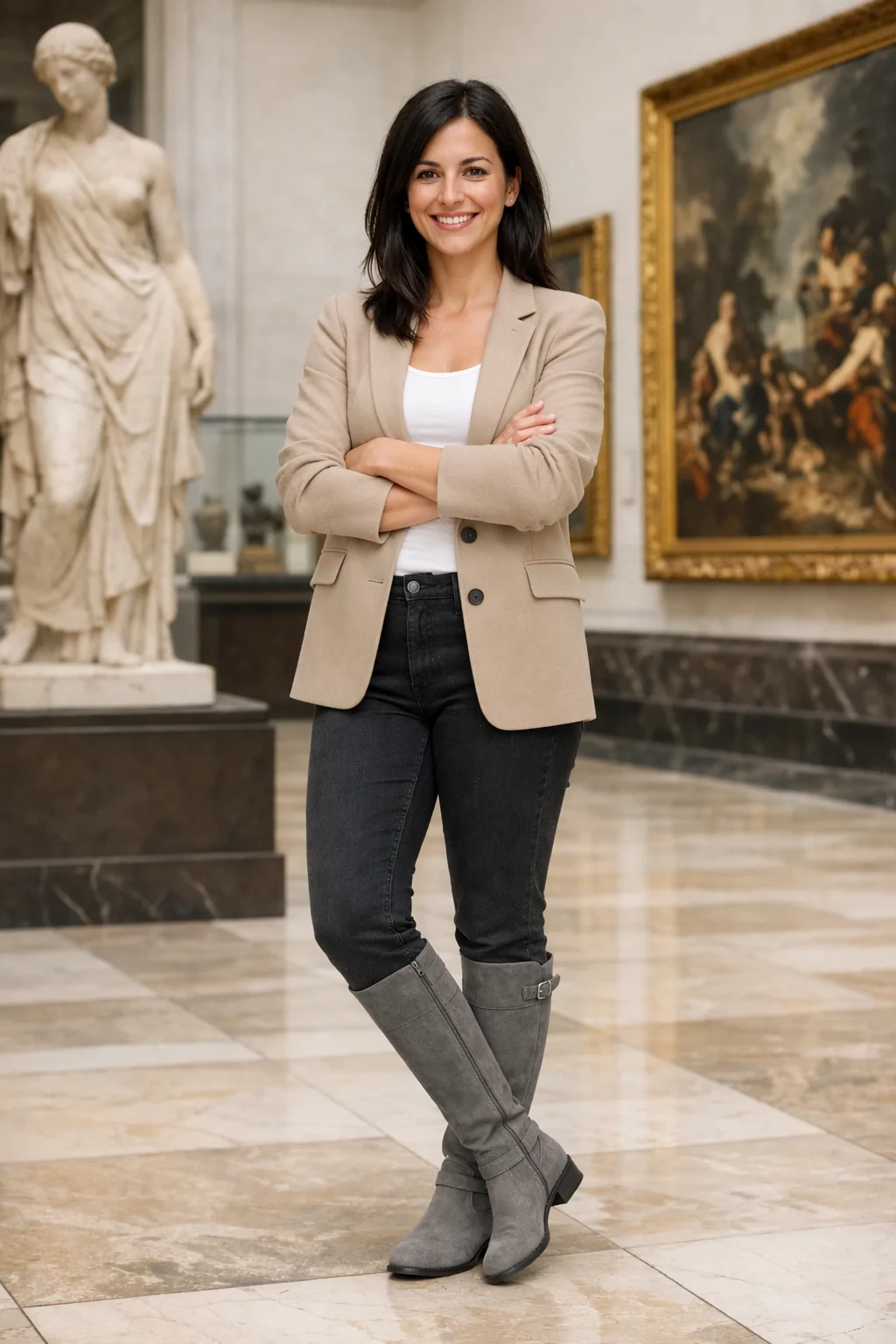
Use the woman in the museum as the input image.
Edit settings: size="1024x1536", quality="medium".
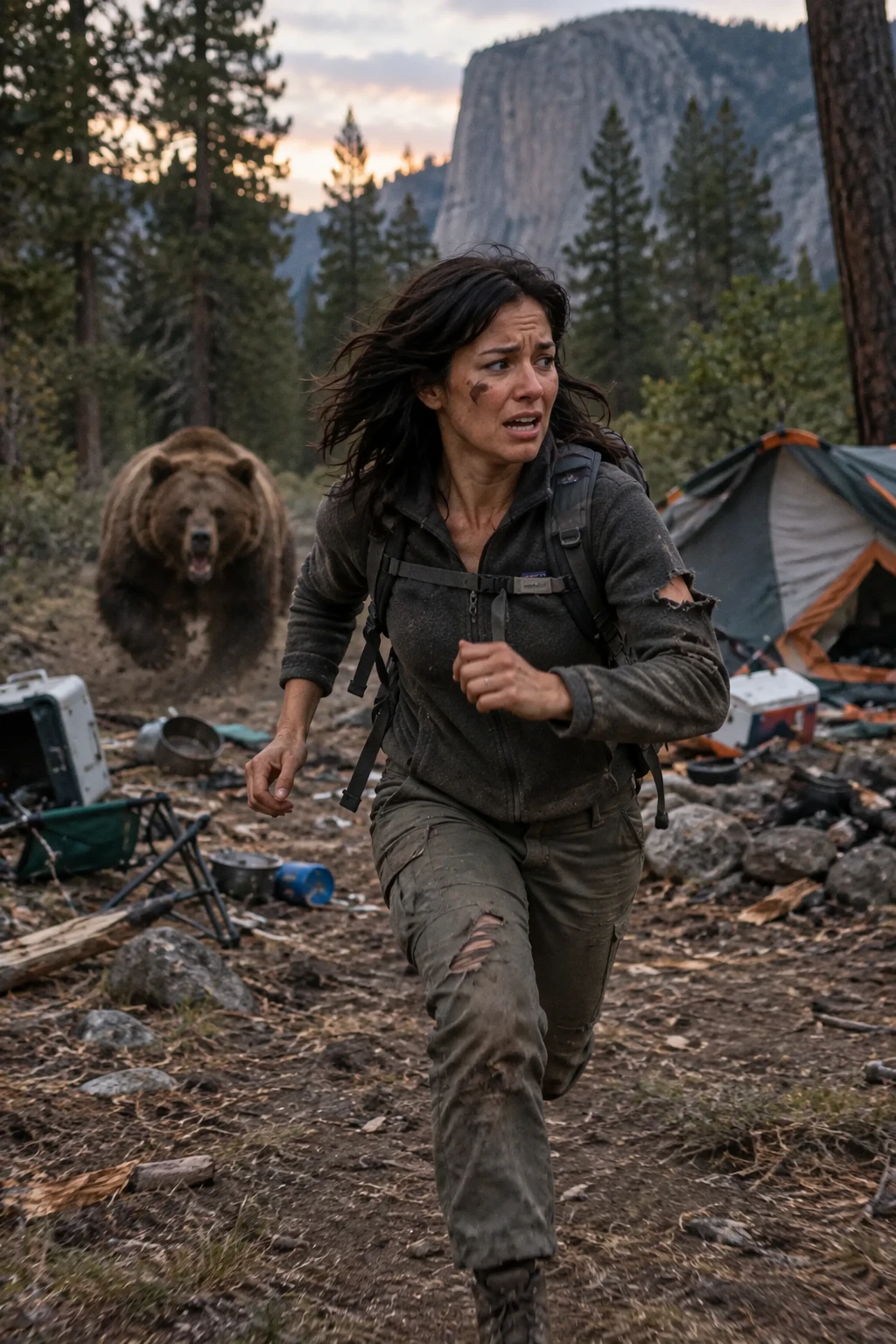
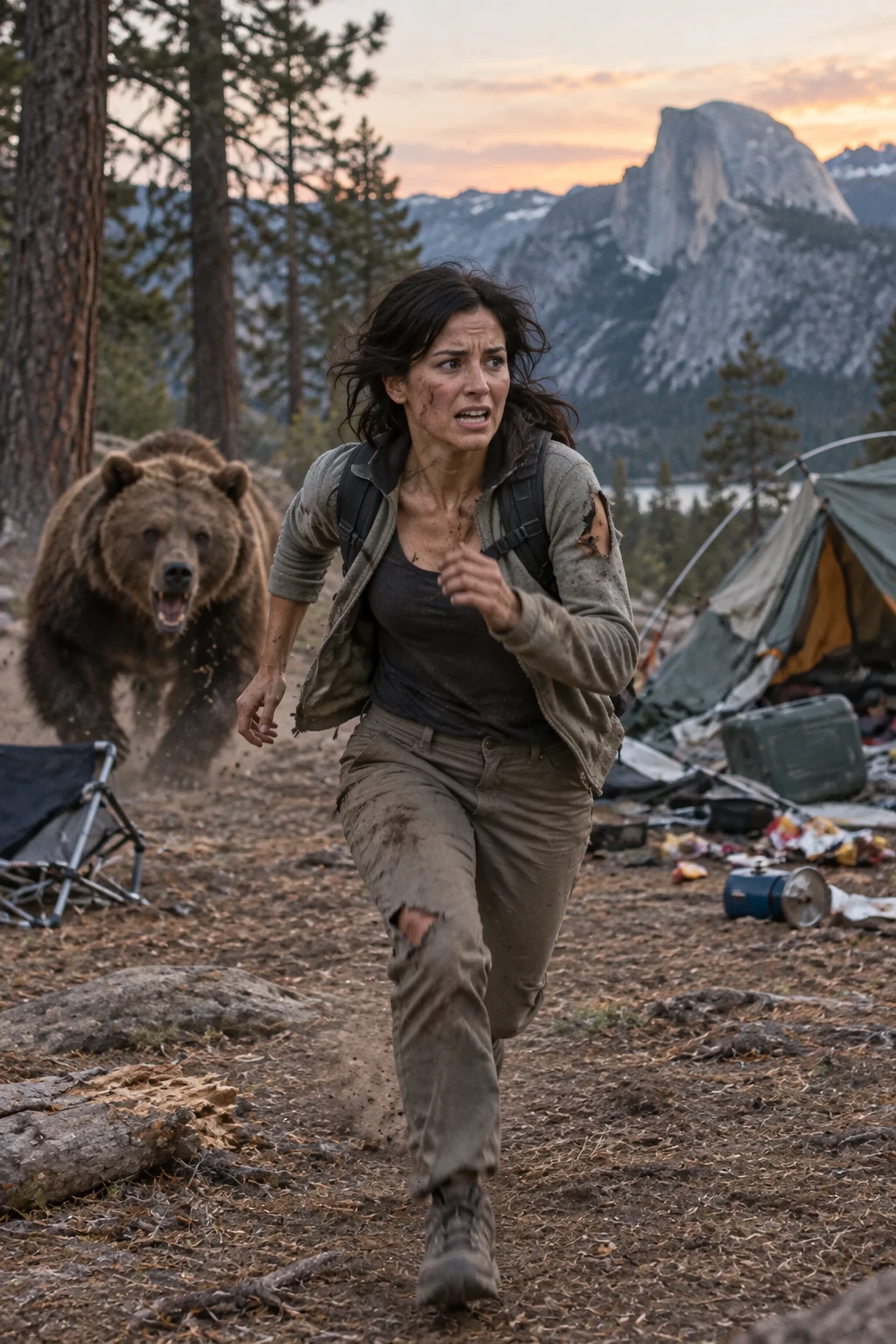
Generate a highly realistic action scene where this person is running away from a large, realistic brown bear attacking a campsite. The image should look like a real photograph someone could have taken, not an overly enhanced or cinematic movie-poster image.
She is centered in the image but looking away from the camera, wearing outdoorsy camping attire, with dirt on her face and tears in her clothing. She is clearly afraid but focused on escaping, running away from the bear as it destroys the campsite behind her.
The campsite is in Yosemite National Park, with believable natural details. The time of day is dusk, with natural lighting and realistic colors. Everything should feel grounded, authentic, and unstyled, as if captured in a real moment. Avoid cinematic lighting, dramatic color grading, or stylized composition.
Example outputs:
<figure className="m-0 min-w-0"> <figcaption className="mb-2 min-h-10 text-sm font-semibold"> GPT Image 2.5 Flare </figcaption>