Manage multiple agents with agent view
Dispatch and manage many Claude Code sessions from one screen. Agent view shows what every session is doing and which ones need your input.
Agent view, opened with claude agents, is one screen for all your background sessions: what's running, what needs your input, and what's done. Dispatch new sessions, watch their state at a glance instead of scrolling through transcripts, and step in only when one needs you. Each background session is a full Claude Code conversation that keeps running without a terminal attached, so you can open it, reply, and leave whenever you want.
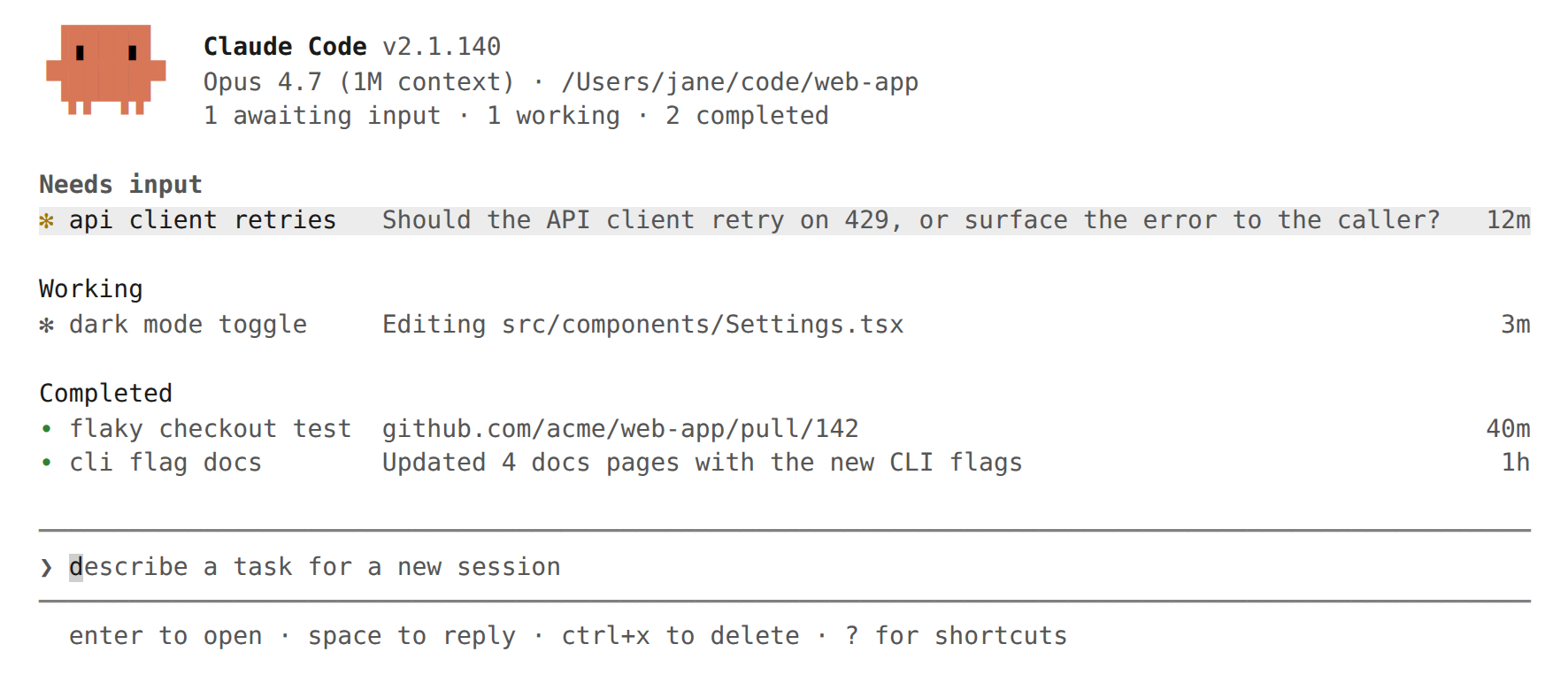
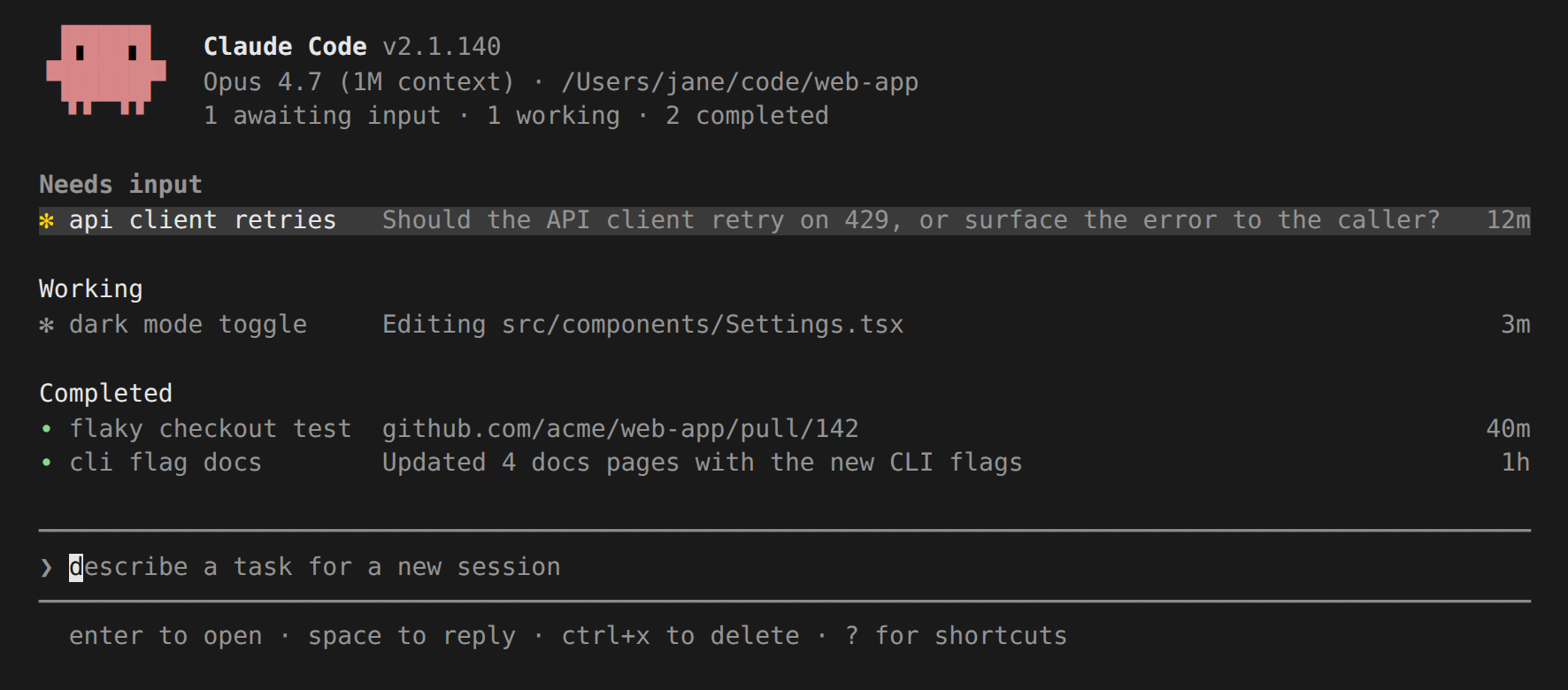
Use agent view when you have several independent tasks Claude can work on without you watching every step. Dispatch a bug fix, a pull request review, and a flaky-test investigation as three rows, keep working in another window, and check back when a row shows it needs you or has a result.
When you want to work more directly in any agent's session, attach to the row to enter the full conversation.
To compare agent view with subagents, agent teams, and worktrees, see Run agents in parallel.
Agent view is in research preview. The interface and keyboard shortcuts may change as the feature evolves.