vibefast.app Quickstart
English · 繁中 · 日本語 · Español · Português (BR)
Updated: March 2026
Reading time: about 5 minutes
From Clone to Live in 3 Commands
git clone https://github.com/vibefast-app/vibefast.git my-app
cd my-app && npm install
npm run setup
That’s it.
npm run setup is the core of the vibefast.app template experience. It handles everything you’d otherwise do manually:
- Log into Cloudflare and verify your account
- Create a D1 database, run bootstrap SQL, build all tables automatically
- Generate a JWT secret and write it to your Workers environment
- Deploy both the frontend (Remix) and backend (Workers API) to production simultaneously
When the terminal finishes, you’ll see two live URLs — one for the frontend, one for the backend API. Your app is already running on Cloudflare’s global edge network across 300+ locations.
Requirements
Before you start, make sure you have:
- Node.js 20+
- npm 10+
- A Cloudflare account (free tier is enough)
- macOS users:
jqinstalled (brew install jq)
No Cloudflare account yet? Sign up free here — no credit card required.
Want to See It Running First?
Don't take the description at face value.
vibefast.app is built entirely on the vibefast.app template — the marketing homepage, blog, pricing page, user login, and live backend are all real features from this template running in production.
Sign up for a free account and once you're logged in, you'll be able to explore:
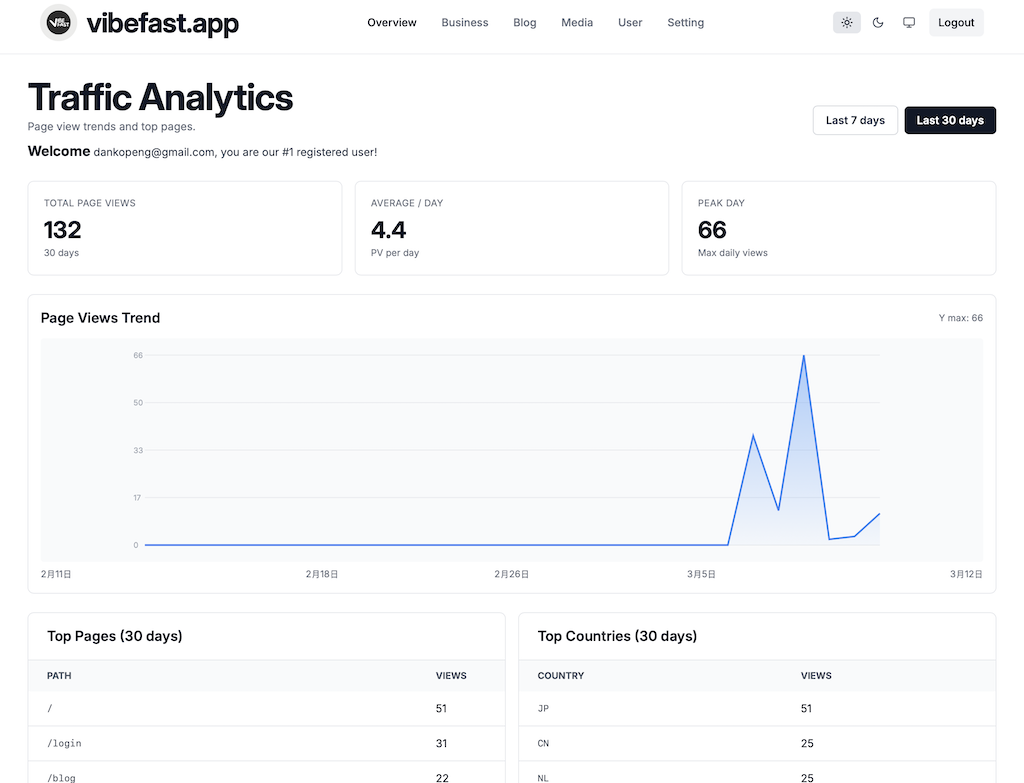
- Analytics inside the live backend
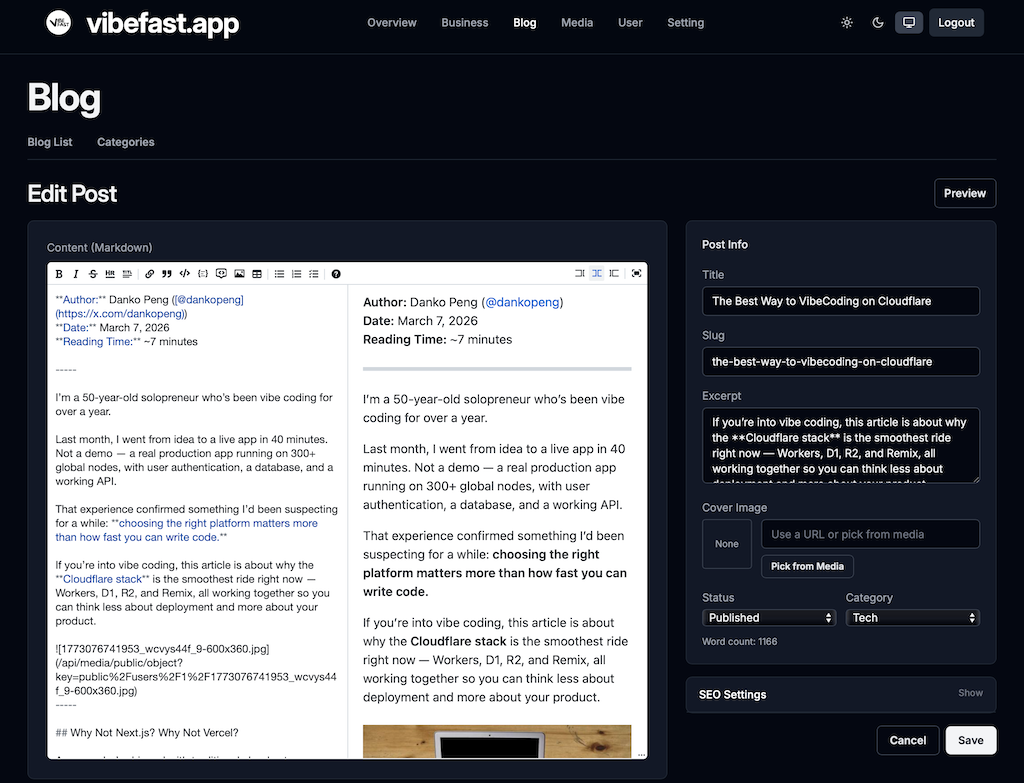
- Blog and Media workflows running on the production site
- Sample Business and User views in limited-access mode
- Your registration number — which user you are
The auth flow you just went through, the live backend UI, and the page speed — that's exactly what you're buying. Not a demo. The real thing.
What You Can Do in the First Hour
The vibefast.app template is designed with one goal: buyers should be able to go from setup to a customized, live app within their first hour.
0–10 Minutes: Install and Deploy
npm install
npm run setup
When this finishes, you have:
- A complete web app running on Cloudflare
- A D1 database with users, posts, and orders tables already created
- Frontend and backend Workers both live in production
- A URL you can open right now
10–15 Minutes: Local Development
npm run devOne command starts both frontend and backend. Open the local URL printed in your terminal and you’ll see:
- A complete marketing homepage
- A pricing page
- A blog system
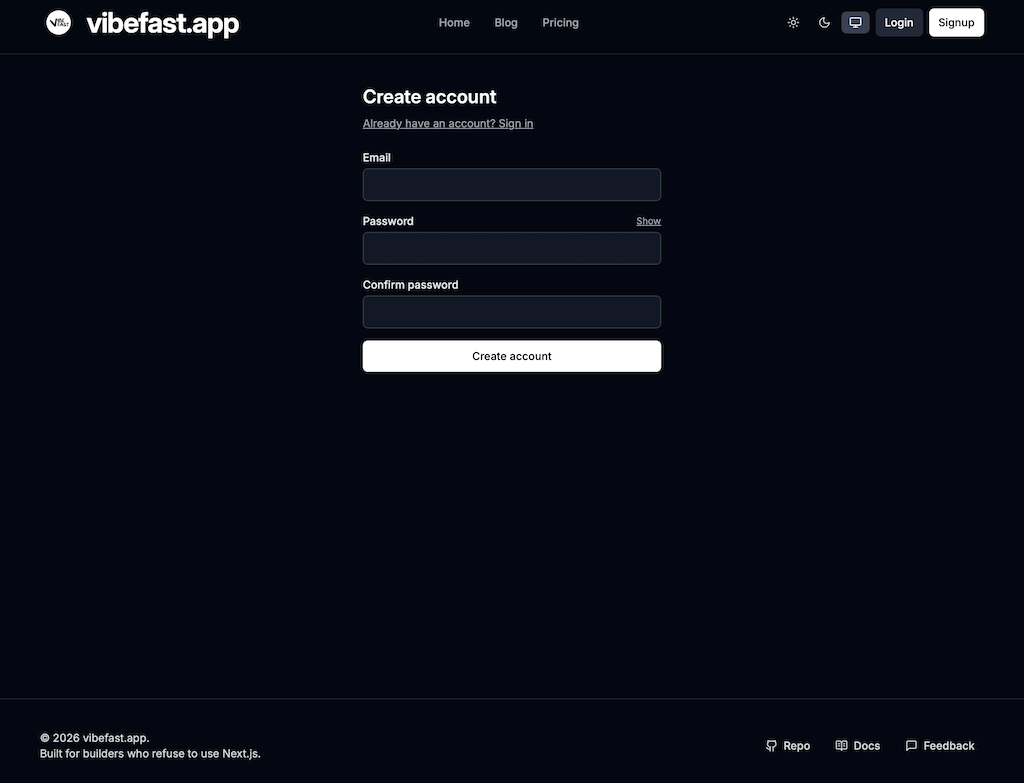
- User registration and login
- An admin backend entry point
These aren’t placeholder screens. Every feature is wired together and working.
15–40 Minutes: Stripe, Resend, and Branding
Add your Stripe API key and Resend API key to the config, run npm run deploy, then:
- Register an account using your configured admin email
- Open
/adminand confirm you can access the live backend - Run a Stripe test payment and confirm the webhook fires
- Confirm the purchase confirmation and admin notification emails both arrive
Once the end-to-end flow works, your app is ready.
Branding is straightforward — the vibefast.app template centralizes all the copy you’ll want to change in a single config file: site name, domain, pricing copy, homepage copy, SEO settings. Change them, run npm run deploy, everything updates.
Command Reference
| Command | What it does |
|---|---|
npm run setup | First-time setup: creates database, generates secret, deploys all Workers |
npm run dev | Start local development (frontend + backend simultaneously) |
npm run deploy | Deploy to production (frontend + backend simultaneously) |
npm run deploy:frontend | Deploy frontend only |
npm run deploy:backend | Deploy backend only |
npm run build | Build all packages |
npm run typecheck | TypeScript type check across the entire project |
Want to Go Deeper on the Architecture?
- Why Cloudflare Is the Best Choice for Vibe Coding — Direct comparison with Next.js + Vercel
- Cloudflare Workers vs. Traditional Servers — The practical benefits of edge architecture
Ready?
Early bird $99 — price goes up to $199 on August 1, 2026.
One-time payment. Lifetime access. Private GitHub repo. All future updates included.