Observability with LangSmith
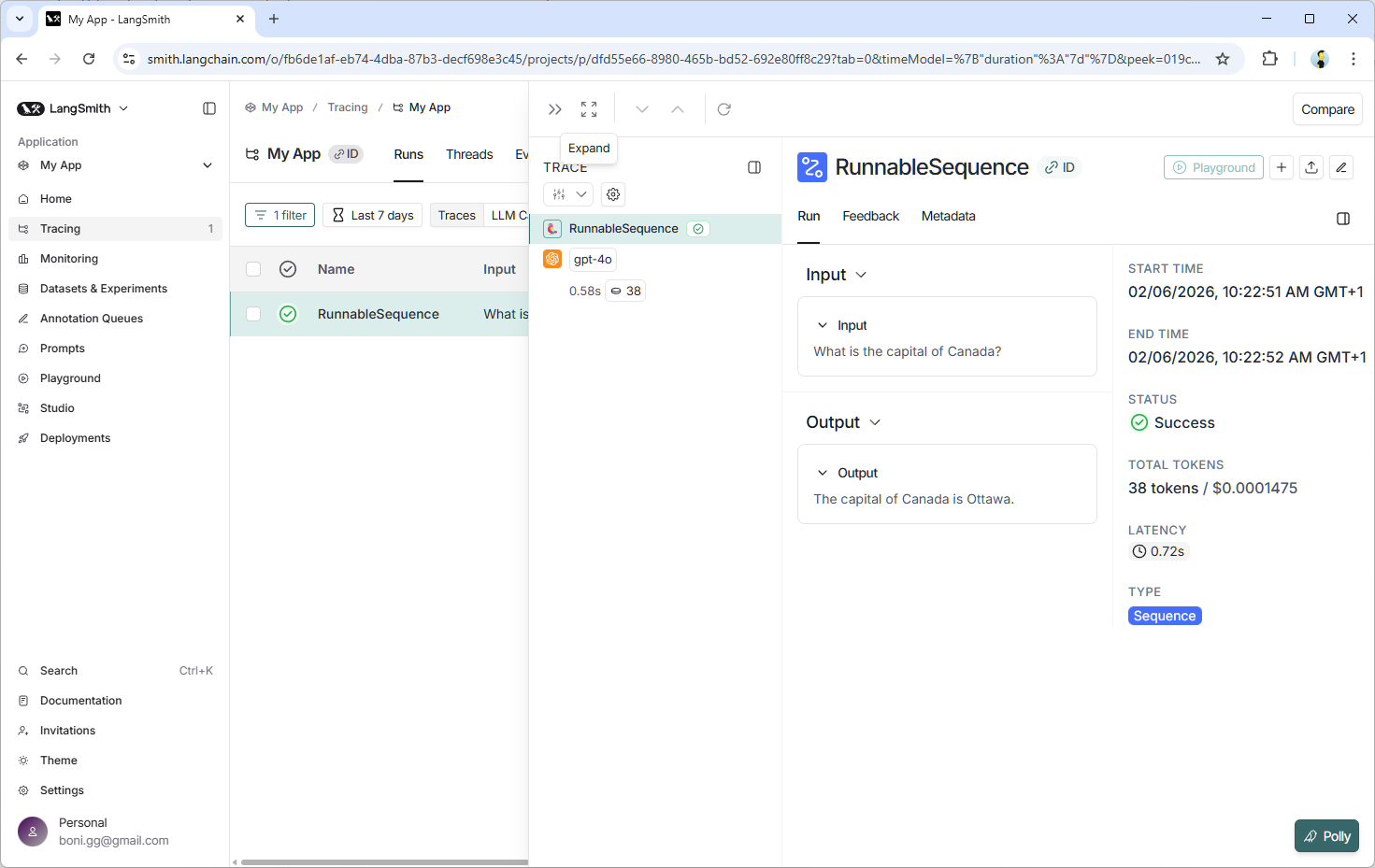
This example uses LangSmith to trace a small LangChain pipeline. The trace shows the context selection step, the prompt, and the final answer in one run.
Requirements
This project requires Python 3.9+ and the libraries listed in requirements.txt. You will also need an OpenAI API key and a LangSmith account.
Steps for running this example
- Install dependencies:
bash
python -m venv .venv

# macOS/Linux:
source .venv/bin/activate

# Windows Command Prompt:
.venv\Scripts\activate.bat

# Windows PowerShell:
.venv\Scripts\Activate.ps1

pip install -r requirements.txt- Configure your credentials:
- Create a
.envfile in this directory. - Add your OpenAI and LangSmith credentials:
OPENAI_API_KEY="YOUR_OPENAI_API_KEY"
LANGSMITH_TRACING=true
LANGCHAIN_PROJECT="Your LangChain Project Name"
LANGCHAIN_API_KEY="YOUR_LANGSMITH_API_KEY"
LANGSMITH_ENDPOINT=https://api.smith.langchain.com- Run the script:
bash
python langsmith_observability.pyOutput
The script prints the selected context and the final answer. The full run appears in your LangSmith dashboard as a trace with metadata and tags.
--- LangSmith traced run ---
Question: I was charged twice for order #12345. What should I do?
Selected context: Billing policy: duplicate charges must be verified by billing before any refund is promised.
Answer: Please contact our billing department to verify the duplicate charges for order #12345 before any refund can be processed. They will assist you in resolving the issue.
Trace available in LangSmith when LANGSMITH_TRACING=true, LANGCHAIN_PROJECT, and LANGCHAIN_API_KEY are set.
Example LangSmith dashboard: