Observability and tracing with Langfuse
This example demonstrates the concept of observability in context-aware AI systems by using Langfuse to trace the execution of a multi-step AI agent. It shows how to capture detailed information about an agent's reasoning process, tool usage, and LLM calls, which is essential for debugging, evaluation, and monitoring.
Requirements
This project requires Python 3.6+ and the libraries listed in requirements.txt. You will also need an account with Langfuse (cloud or self-hosted) and an OpenAI API key.
Steps for running this example
- Install dependencies:
python -m venv .venv

# macOS/Linux:
source .venv/bin/activate

# Windows Command Prompt:
.venv\Scripts\activate.bat

# Windows PowerShell:
.venv\Scripts\Activate.ps1

pip install -r requirements.txt- Configure your credentials:
- Create a
.envfile in this directory. - Add your credentials from your Langfuse project settings and your OpenAI API key:
LANGFUSE_PUBLIC_KEY="pk-lf-..."
LANGFUSE_SECRET_KEY="sk-lf-..."
LANGFUSE_HOST="https://cloud.langfuse.com"
OPENAI_API_KEY="sk-..."- Run the script:
python observability_tracing.pyOutput
The script will run a simple AI agent, built with create_agent, that calls a deterministic lookup tool to answer a question. Because the tool always returns the same result, repeated runs produce comparable traces. At the end, the script will print:
- A URL to the full, detailed trace in your Langfuse project.
- The final answer generated by the agent.
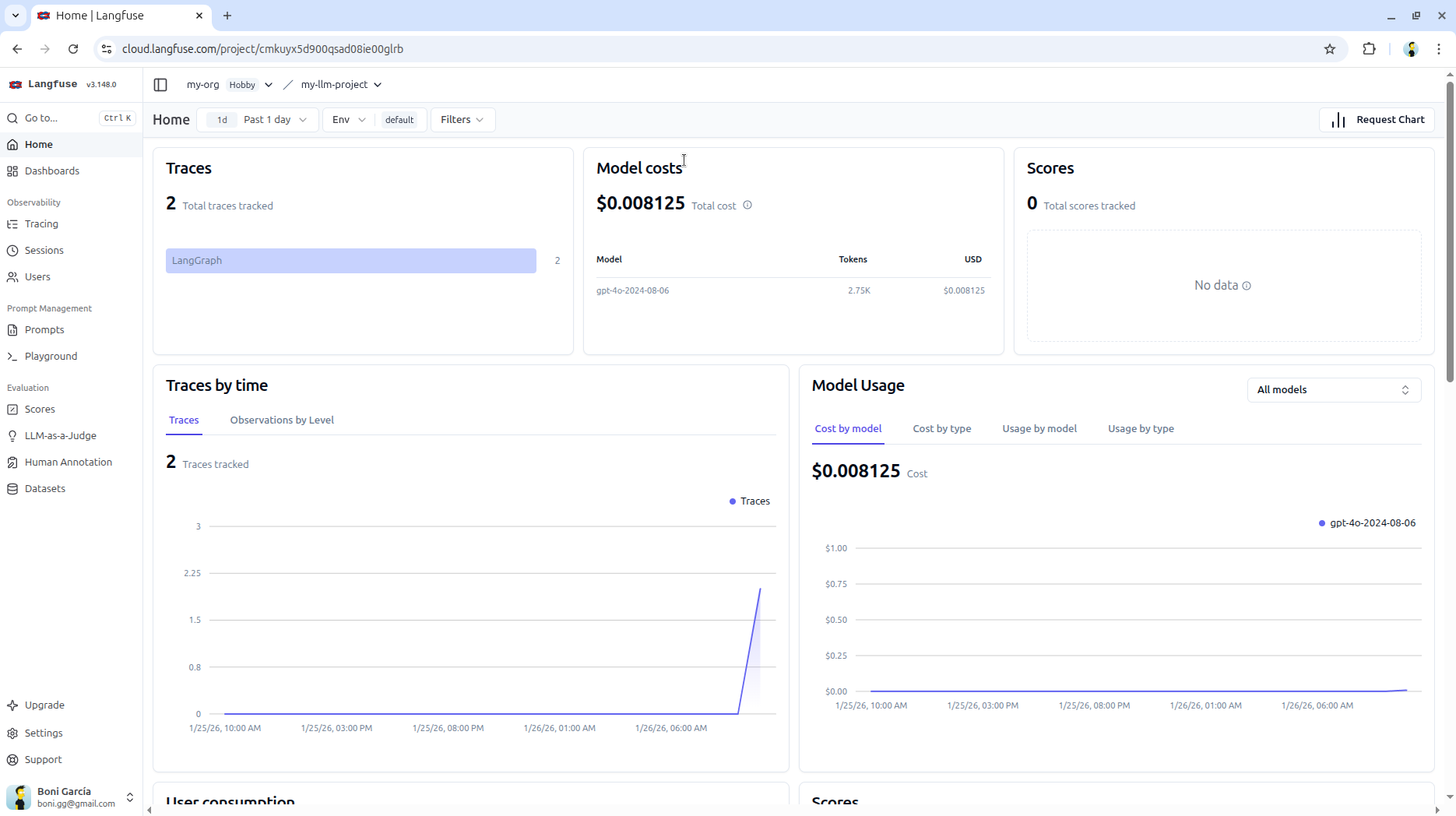
You can visit the Langfuse URL to see a complete, step-by-step visualization of the agent's execution, including thoughts, tool calls, and LLM inputs/outputs.