Loan Approval Conversational Agent with Parlant
A compliance-driven conversational AI agent built with Parlant that guides customers through a structured loan approval process.
Overview
This project demonstrates a financial services chatbot that helps customers navigate the loan application process. The agent uses a state-based journey to guide users through eligibility checks, document collection, and approval workflows while maintaining compliance with financial service standards using deterministic and rule-based behavioral patterns.
Installation
- Prerequisites:
- Python 3.12 +
Install dependencies: First, install
uvand set up the environment:bash# MacOS/Linux curl -LsSf https://astral.sh/uv/install.sh | sh # Windows powershell -ExecutionPolicy ByPass -c "irm https://astral.sh/uv/install.ps1 | iex"Install dependencies:
bash# Create a new directory for our project uv init research-assistant cd research-assistant # Create virtual environment and activate it uv venv source .venv/bin/activate # MacOS/Linux .venv\Scripts\activate # Windows # Install dependencies uv syncSet up environment variables:
# Create a .env file with your configuration
cp .env.example .env
Usage
Run the main application:
uv run loan_approval.pyThis will start the Parlant server locally on port 8800 with the loan approval agent configured and ready to handle customer interactions.
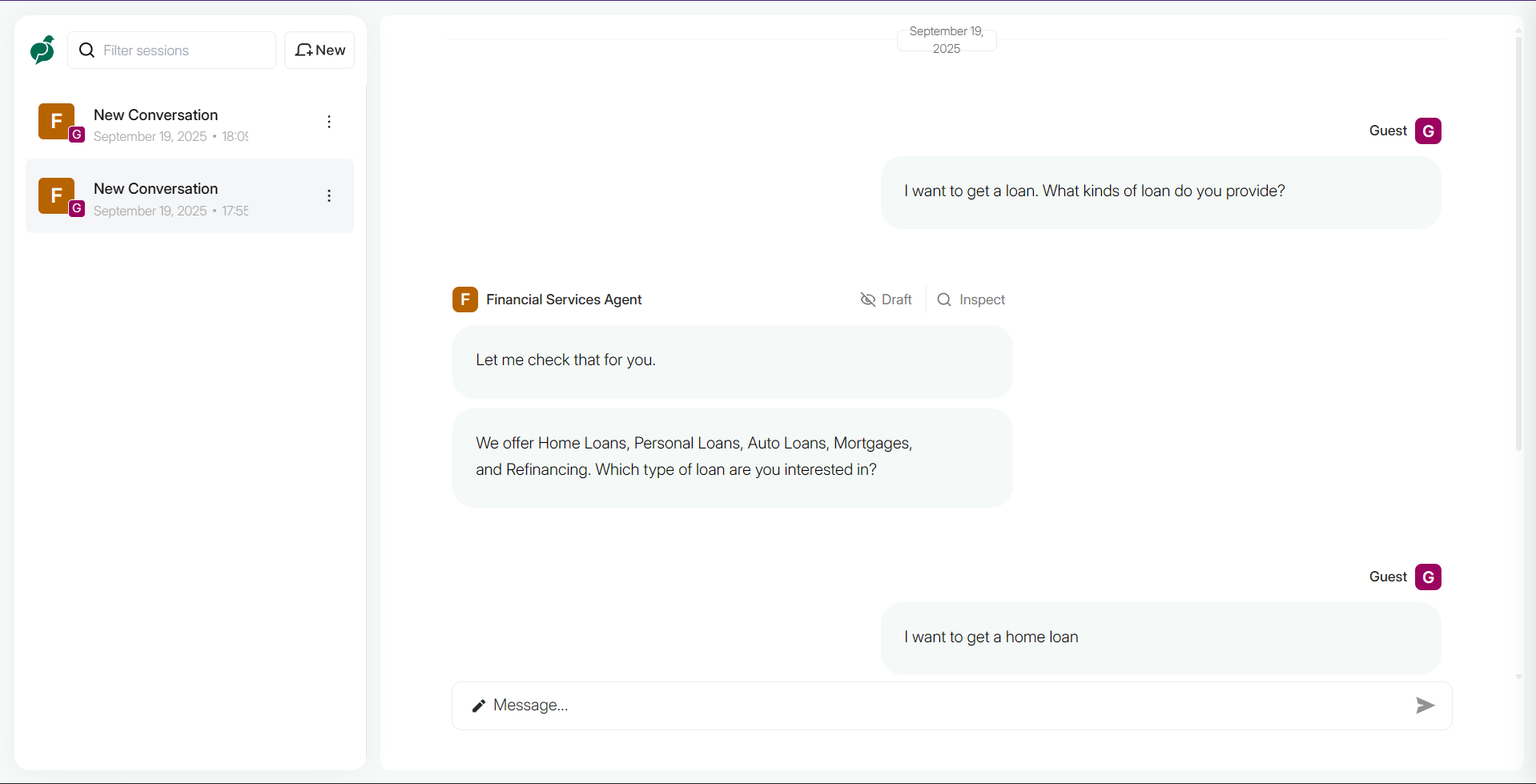
Loan Approval Flow
The agent follows a structured conversational journey for processing loan applications:
stateDiagram-v2
    N0: Determine the type of loan user is interested in
    N1: Ask them to provide income and loan related details
    N2: Use the tool check_eligibility
    N3: Inform them that they are not qualified for the loan and ask them if they are interested in other types of loans
    N4: Ask them to provide their tax returns and recent pay stubs
    N5: Use the tool process_documents
    N6: Ask them to use our Online Portal to submit their documents, or contact a Loan Specialist at our Customer Care Phone Number for assistance
    N7: Inform them that their application has been approved and a Loan Specialist will review their information and contact them shortly
    [*] --> N0
    N0 --> N1: The customer specified the type of loan
    N1 --> N2
    N2 --> N3: The customer is not eligible for the loan
    N2 --> N4: The customer is eligible for the loan
    N4 --> N5
    N5 --> N6: The documents are either invalid, missing or not uploaded correctly
    N5 --> N7: Documents are successfully uploaded
    N7 --> [*]
    N6 --> [*]
    N3 --> [*]
style N0 fill:#006e53,stroke:#ffffff,stroke-width:2px,color:#ffffff
style N1 fill:#006e53,stroke:#ffffff,stroke-width:2px,color:#ffffff
style N2 fill:#ffeeaa,stroke:#ffeeaa,stroke-width:2px,color:#dd6600
style N3 fill:#006e53,stroke:#ffffff,stroke-width:2px,color:#ffffff
style N4 fill:#006e53,stroke:#ffffff,stroke-width:2px,color:#ffffff
style N5 fill:#ffeeaa,stroke:#ffeeaa,stroke-width:2px,color:#dd6600
style N6 fill:#006e53,stroke:#ffffff,stroke-width:2px,color:#ffffff
style N7 fill:#006e53,stroke:#ffffff,stroke-width:2px,color:#ffffff
Key Components
Tools
check_eligibility: Validates customer creditworthiness based on credit score, income, and loan amountprocess_documents: Simulates document validation for tax returns and pay stubsget_current_rates: Fetches current interest rates by locationget_loan_types: Returns available loan products
Agent Capabilities
- Domain-specific terminology understanding
- Compliance guidelines for financial advice limitations
- Structured conversation flow management
- Human handoff protocols
📬 Stay Updated with Our Newsletter!
Get a FREE Data Science eBook 📖 with 150+ essential lessons in Data Science when you subscribe to our newsletter! Stay in the loop with the latest tutorials, insights, and exclusive resources. Subscribe now!
