15 Hidden & Under-Utilized Features in Claude Code — From Boris Cherny
A summary of tips shared by Boris Cherny (@bcherny), creator of Claude Code, on March 30, 2026.
| ← Back to Claude Code Best Practice | %20scaleY(1)%20scaleX(1);%20}%2030%25%20{%20transform:%20translateY(-16px)%20scaleY(1.1)%20scaleX(0.95);%20}%2050%25%20{%20transform:%20translateY(-18px)%20scaleY(1.05)%20scaleX(0.98);%20}%2080%25%20{%20transform:%20translateY(-5px)%20scaleY(0.95)%20scaleX(1.05);%20}%20}%20@keyframes%20shadow-scale%20{%200%25,%20100%25%20{%20transform:%20scaleX(1);%20opacity:%200.25;%20}%2050%25%20{%20transform:%20scaleX(0.4);%20opacity:%200.08;%20}%20}%20@keyframes%20wave-left%20{%200%25,%20100%25%20{%20transform:%20rotate(0deg);%20}%2050%25%20{%20transform:%20rotate(-25deg);%20}%20}%20@keyframes%20wave-right%20{%200%25,%20100%25%20{%20transform:%20rotate(0deg);%20}%2050%25%20{%20transform:%20rotate(25deg);%20}%20}%20@keyframes%20ear-bounce%20{%200%25,%20100%25%20{%20transform:%20scaleY(1);%20}%2040%25%20{%20transform:%20scaleY(1.2);%20}%2060%25%20{%20transform:%20scaleY(0.85);%20}%20}%20%3c/style%3e%3c!--%20Shadow%20--%3e%3cellipse%20class='shadow'%20cx='50'%20cy='82'%20rx='22'%20ry='5'%20fill='%23000'/%3e%3c!--%20Claude%20Character%20Group%20--%3e%3cg%20class='claude-body'%3e%3c!--%20Claude%20Orange:%20%23E07C4C%20--%3e%3c!--%20Left%20ear%20--%3e%3crect%20class='left-ear'%20x='22'%20y='10'%20width='8'%20height='14'%20fill='%23E07C4C'/%3e%3c!--%20Right%20ear%20--%3e%3crect%20class='right-ear'%20x='70'%20y='10'%20width='8'%20height='14'%20fill='%23E07C4C'/%3e%3c!--%20Main%20body%20-%20top%20row%20(narrower)%20--%3e%3crect%20x='18'%20y='24'%20width='64'%20height='4'%20fill='%23E07C4C'/%3e%3c!--%20Main%20body%20-%20full%20block%20--%3e%3crect%20x='14'%20y='28'%20width='72'%20height='32'%20fill='%23E07C4C'/%3e%3c!--%20Left%20eye%20(smaller,%20positioned%20higher)%20--%3e%3crect%20x='30'%20y='34'%20width='8'%20height='10'%20fill='%23000000'/%3e%3c!--%20Right%20eye%20(smaller,%20positioned%20higher)%20--%3e%3crect%20x='62'%20y='34'%20width='8'%20height='10'%20fill='%23000000'/%3e%3c!--%20Left%20arm%20--%3e%3crect%20class='left-arm'%20x='2'%20y='36'%20width='12'%20height='8'%20fill='%23E07C4C'/%3e%3c!--%20Right%20arm%20--%3e%3crect%20class='right-arm'%20x='86'%20y='36'%20width='12'%20height='8'%20fill='%23E07C4C'/%3e%3c!--%20Left%20leg%20--%3e%3crect%20x='24'%20y='60'%20width='12'%20height='14'%20fill='%23E07C4C'/%3e%3c!--%20Right%20leg%20--%3e%3crect%20x='64'%20y='60'%20width='12'%20height='14'%20fill='%23E07C4C'/%3e%3c/g%3e%3c/svg%3e) |
Context
Boris shared a bunch of his favorite hidden and under-utilized features in Claude Code, focusing on the ones he uses the most.
<a href="https://x.com/bcherny/status/2038454336355999749"> </a>
1/ Claude Code Has a Mobile App
Did you know Claude Code has a mobile app? Boris writes a lot of his code from the iOS app — it's a convenient way to make changes without opening a laptop.
- Download the Claude app for iOS/Android
- Navigate to the Code tab on the left
- You can review changes, approve PRs, and write code directly from your phone
<a href="https://x.com/bcherny/status/2038454337811386436">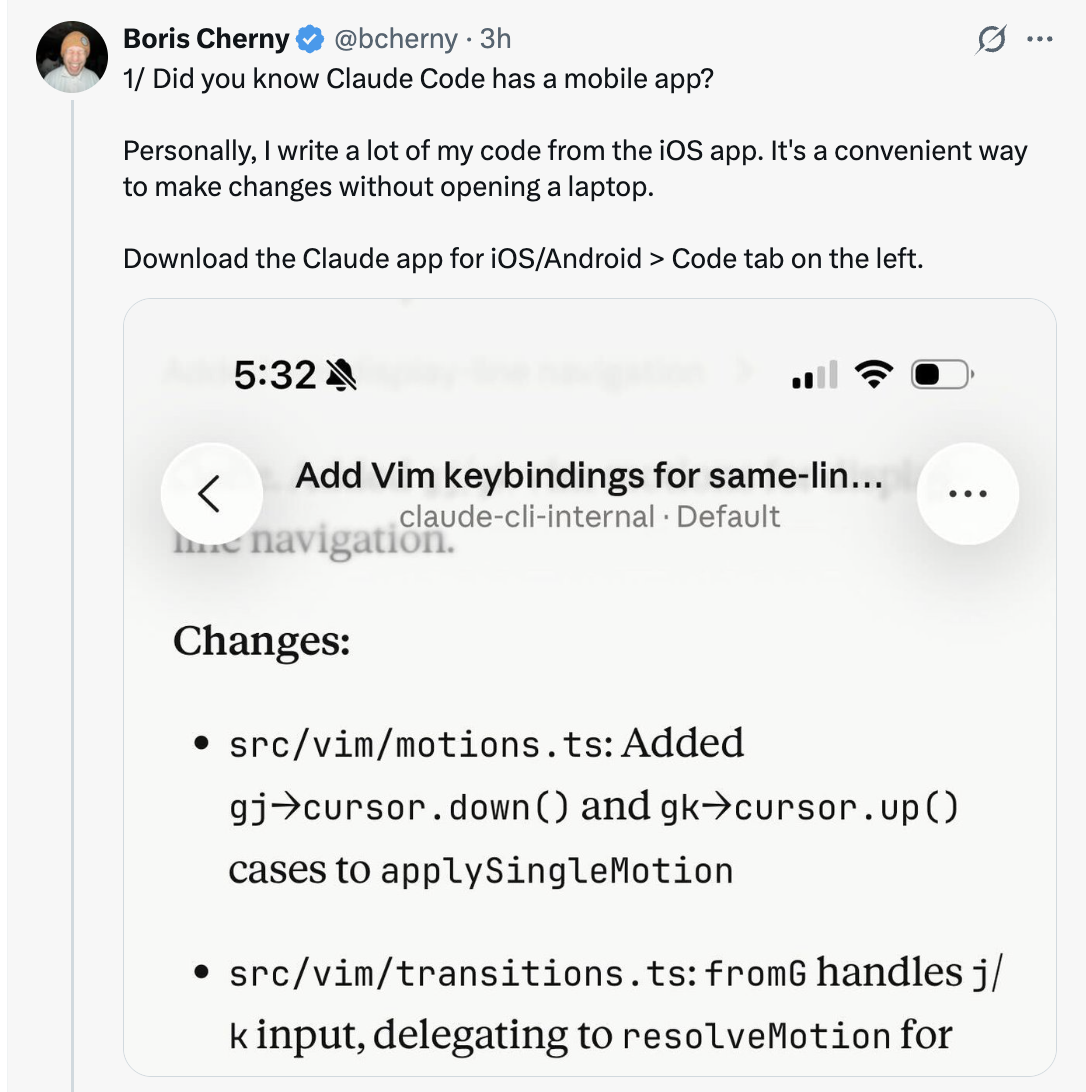 </a>
2/ Move Sessions Between Mobile/Web/Desktop and Terminal
Run claude --teleport or /teleport to continue a cloud session on your machine. Or run /remote-control to control a locally running session from your phone/web.
- Teleport: pulls a cloud session down to your local terminal
- Remote Control: lets you control a local session from any device
- Boris has "Enable Remote Control for all sessions" set in his
/config
<a href="https://x.com/bcherny/status/2038454339933548804">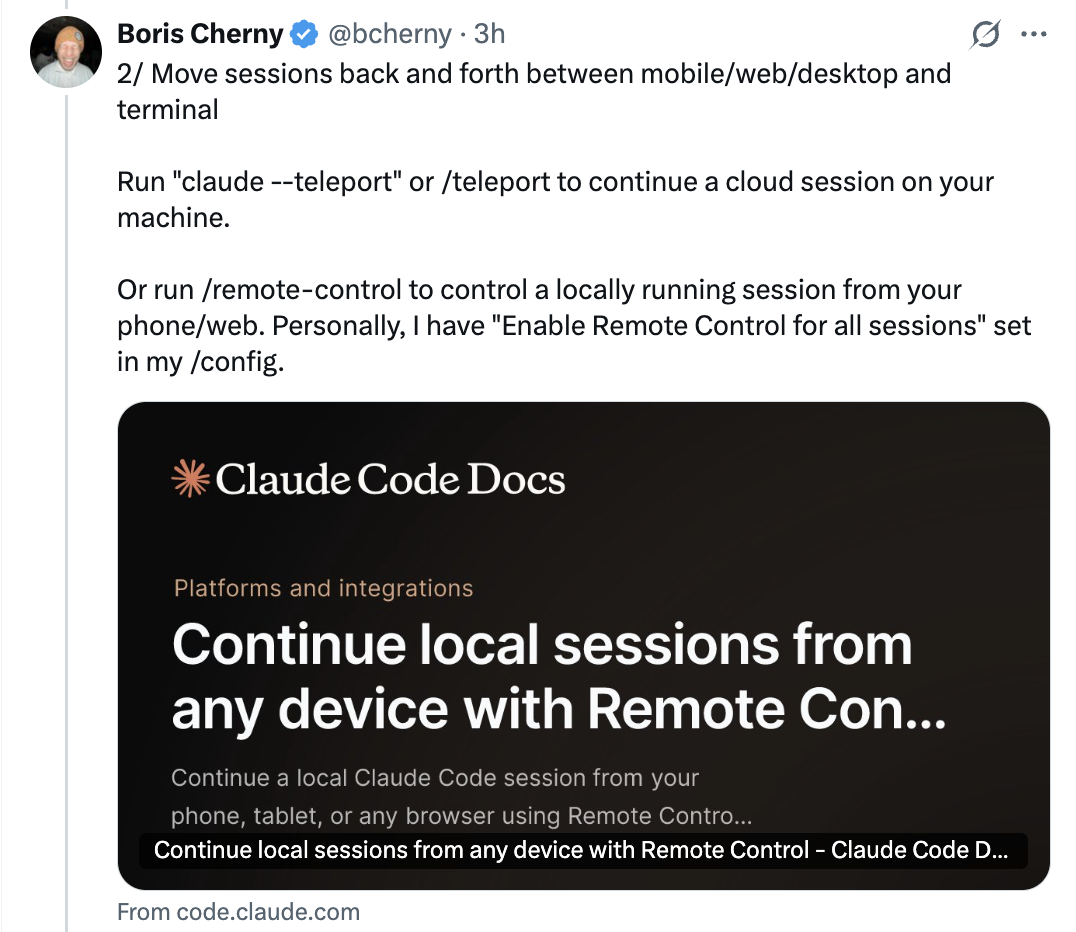 </a>
3/ /loop and /schedule — Two of the Most Powerful Features
Use these to schedule Claude to run automatically at a set interval, for up to a week at a time. Boris has a bunch of loops running locally:
/loop 5m /babysit— auto-address code review, auto-rebase, and shepherd PRs to production/loop 30m /slack-feedback— automatically put up PRs for Slack feedback every 30 mins/loop /post-merge-sweeper— put up PRs to address code review comments he missed/loop 1h /pr-pruner— close out stale and no longer necessary PRs- ...and lots more!
Experiment with turning workflows into skills + loops. It's powerful.
<a href="https://x.com/bcherny/status/2038454341884154269">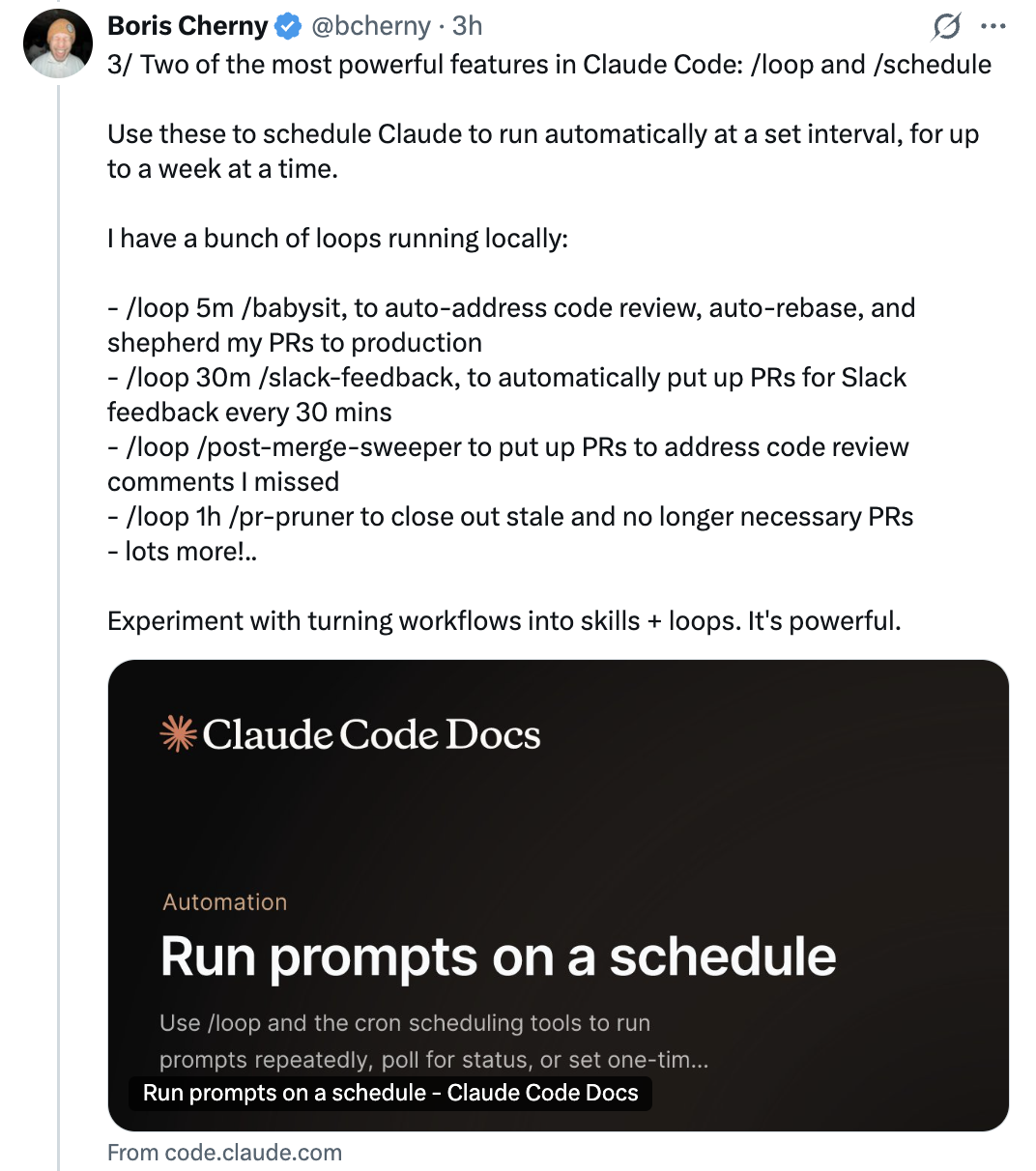 </a>
4/ Use Hooks to Deterministically Run Logic
Use hooks to run logic as part of the agent lifecycle. For example:
- Dynamically load in context each time you start Claude (
SessionStart) - Log every bash command the model runs (
PreToolUse) - Route permission prompts to WhatsApp for you to approve/deny (
PermissionRequest) - Poke Claude to keep going whenever it stops (
Stop)
<a href="https://x.com/bcherny/status/2038454343519932844"> </a>
5/ Cowork Dispatch
Boris uses Dispatch every day to catch up on Slack and emails, manage files, and do things on his laptop when he's not at a computer. When he's not coding, he's dispatching.
- Dispatch is a secure remote control for the Claude Desktop app
- It can use your MCPs, browser, and computer, with your permission
- Think of it as a way to delegate non-coding tasks to Claude from anywhere
<a href="https://x.com/bcherny/status/2038454345419936040"> </a>
6/ Use the Chrome Extension for Frontend Work
The most important tip for using Claude Code: give Claude a way to verify its output. Once you do that, Claude will iterate until the result is great.
- Think of it like asking someone to build a website but they aren't allowed to use a browser — the result probably won't look good
- Give Claude a browser and it will write code and iterate until it looks good
- Boris uses the Chrome extension every time he works on web code — it tends to work more reliably than other similar MCPs
<a href="https://x.com/bcherny/status/2038454347156398333"> </a>
7/ Use the Claude Desktop App to Auto-Start and Test Web Servers
Along the same vein, the Desktop app bundles in the ability for Claude to automatically run your web server and even test it in a built-in browser.
- You can set up something similar in CLI or VSCode using the Chrome extension
- Or just use the Desktop app for the integrated experience
<a href="https://x.com/bcherny/status/2038454348804714642"> </a>
8/ Fork Your Session
People often ask how to fork an existing session. Two ways:
- Run
/branchfrom your session