10 Tips for Using Claude Code — From the Claude Code Team
A summary of team tips shared by Boris Cherny (@bcherny), creator of Claude Code, on February 1, 2026.
Claude Code 的作者 Boris Cherny(@bcherny)于 2026 年 2 月 1 日分享的团队技巧汇总。
| ← Back to Claude Code Best Practice | %20scaleY(1)%20scaleX(1);%20}%2030%25%20{%20transform:%20translateY(-16px)%20scaleY(1.1)%20scaleX(0.95);%20}%2050%25%20{%20transform:%20translateY(-18px)%20scaleY(1.05)%20scaleX(0.98);%20}%2080%25%20{%20transform:%20translateY(-5px)%20scaleY(0.95)%20scaleX(1.05);%20}%20}%20@keyframes%20shadow-scale%20{%200%25,%20100%25%20{%20transform:%20scaleX(1);%20opacity:%200.25;%20}%2050%25%20{%20transform:%20scaleX(0.4);%20opacity:%200.08;%20}%20}%20@keyframes%20wave-left%20{%200%25,%20100%25%20{%20transform:%20rotate(0deg);%20}%2050%25%20{%20transform:%20rotate(-25deg);%20}%20}%20@keyframes%20wave-right%20{%200%25,%20100%25%20{%20transform:%20rotate(0deg);%20}%2050%25%20{%20transform:%20rotate(25deg);%20}%20}%20@keyframes%20ear-bounce%20{%200%25,%20100%25%20{%20transform:%20scaleY(1);%20}%2040%25%20{%20transform:%20scaleY(1.2);%20}%2060%25%20{%20transform:%20scaleY(0.85);%20}%20}%20%3c/style%3e%3c!--%20Shadow%20--%3e%3cellipse%20class='shadow'%20cx='50'%20cy='82'%20rx='22'%20ry='5'%20fill='%23000'/%3e%3c!--%20Claude%20Character%20Group%20--%3e%3cg%20class='claude-body'%3e%3c!--%20Claude%20Orange:%20%23E07C4C%20--%3e%3c!--%20Left%20ear%20--%3e%3crect%20class='left-ear'%20x='22'%20y='10'%20width='8'%20height='14'%20fill='%23E07C4C'/%3e%3c!--%20Right%20ear%20--%3e%3crect%20class='right-ear'%20x='70'%20y='10'%20width='8'%20height='14'%20fill='%23E07C4C'/%3e%3c!--%20Main%20body%20-%20top%20row%20(narrower)%20--%3e%3crect%20x='18'%20y='24'%20width='64'%20height='4'%20fill='%23E07C4C'/%3e%3c!--%20Main%20body%20-%20full%20block%20--%3e%3crect%20x='14'%20y='28'%20width='72'%20height='32'%20fill='%23E07C4C'/%3e%3c!--%20Left%20eye%20(smaller,%20positioned%20higher)%20--%3e%3crect%20x='30'%20y='34'%20width='8'%20height='10'%20fill='%23000000'/%3e%3c!--%20Right%20eye%20(smaller,%20positioned%20higher)%20--%3e%3crect%20x='62'%20y='34'%20width='8'%20height='10'%20fill='%23000000'/%3e%3c!--%20Left%20arm%20--%3e%3crect%20class='left-arm'%20x='2'%20y='36'%20width='12'%20height='8'%20fill='%23E07C4C'/%3e%3c!--%20Right%20arm%20--%3e%3crect%20class='right-arm'%20x='86'%20y='36'%20width='12'%20height='8'%20fill='%23E07C4C'/%3e%3c!--%20Left%20leg%20--%3e%3crect%20x='24'%20y='60'%20width='12'%20height='14'%20fill='%23E07C4C'/%3e%3c!--%20Right%20leg%20--%3e%3crect%20x='64'%20y='60'%20width='12'%20height='14'%20fill='%23E07C4C'/%3e%3c/g%3e%3c/svg%3e) |
Context
Boris shared tips for using Claude Code sourced directly from the Claude Code team. The way the team uses Claude is different than how Boris uses it personally. Remember: there is no one right way to use Claude Code — everyone's setup is different. You should experiment to see what works for you!
Boris 分享的这些 Claude Code 使用技巧直接来自 Claude Code 团队。团队用 Claude 的方式,和 Boris 个人的用法并不一样。请记住:使用 Claude Code 没有唯一正确的方式——每个人的配置都不同,值得自己动手试验,找到适合你的那一套。
<a href="https://x.com/bcherny/status/2017742741636321619">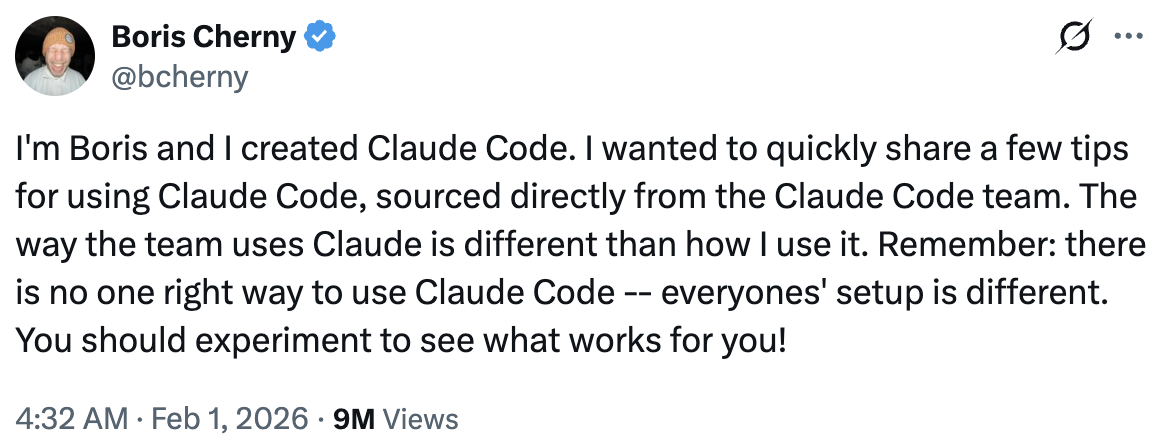 </a>
1/ Do More in Parallel
Spin up 3–5 git worktrees at once, each running its own Claude session in parallel. It's the single biggest productivity unlock, and the top tip from the team. Personally, Boris uses multiple git checkouts, but most of the Claude Code team prefers worktrees — it's the reason @amorisscode built native support for them into the Claude Desktop app!
同时开 3 到 5 个 git worktree,每个里面跑一个独立的 Claude 会话并行推进。这是提效最猛的一招,也是团队的头号技巧。Boris 本人用的是多个 git checkout,但 Claude Code 团队大多数人更偏爱 worktree——正因如此,@amorisscode 才把原生支持内置进了 Claude 桌面应用。
Some people also name their worktrees and set up shell aliases (2a, 2b, 2c) so they can hop between them in one keystroke. Others have a dedicated "analysis" worktree that's only for reading logs and running BigQuery.
还有人会给 worktree 起名字、配好 shell 别名(2a、2b、2c),一个按键就能来回切换。也有人专门留一个「分析」用 worktree,只用来读日志、跑 BigQuery。
See: Worktrees Docs
参见:Worktrees 文档。
<a href="https://x.com/bcherny/status/2017742743125299476">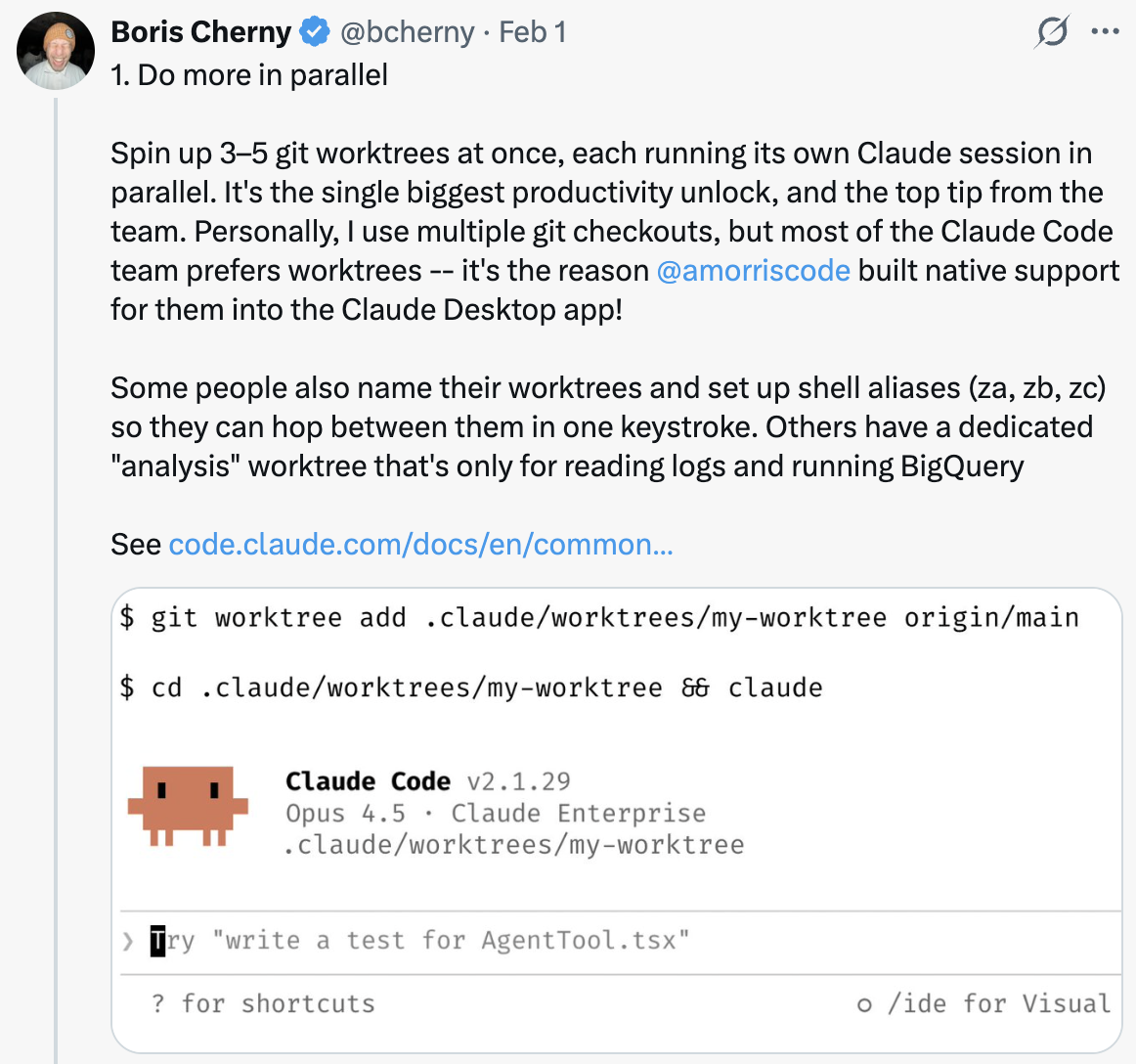 </a>
2/ Start Every Complex Task in Plan Mode
Pour your energy into the plan so Claude can 1-shot the implementation.
把精力花在规划上,让 Claude 一次就把实现做完。
One person has one Claude write the plan, then they spin up a second Claude to review it as a staff engineer.
有位同事让一个 Claude 写方案,再开第二个 Claude,以资深工程师的视角来评审这份方案。
Another says the moment something goes sideways, they switch back to plan mode and re-plan. Don't keep pushing. They also explicitly tell Claude to enter plan mode for verification steps, not just for the build.
另一位同事说,一旦事情开始跑偏,他就切回 plan 模式重新规划,绝不硬推。他们还会明确要求 Claude 在验证环节(而不只是构建环节)也进入 plan 模式。
<a href="https://x.com/bcherny/status/2017742745365057733">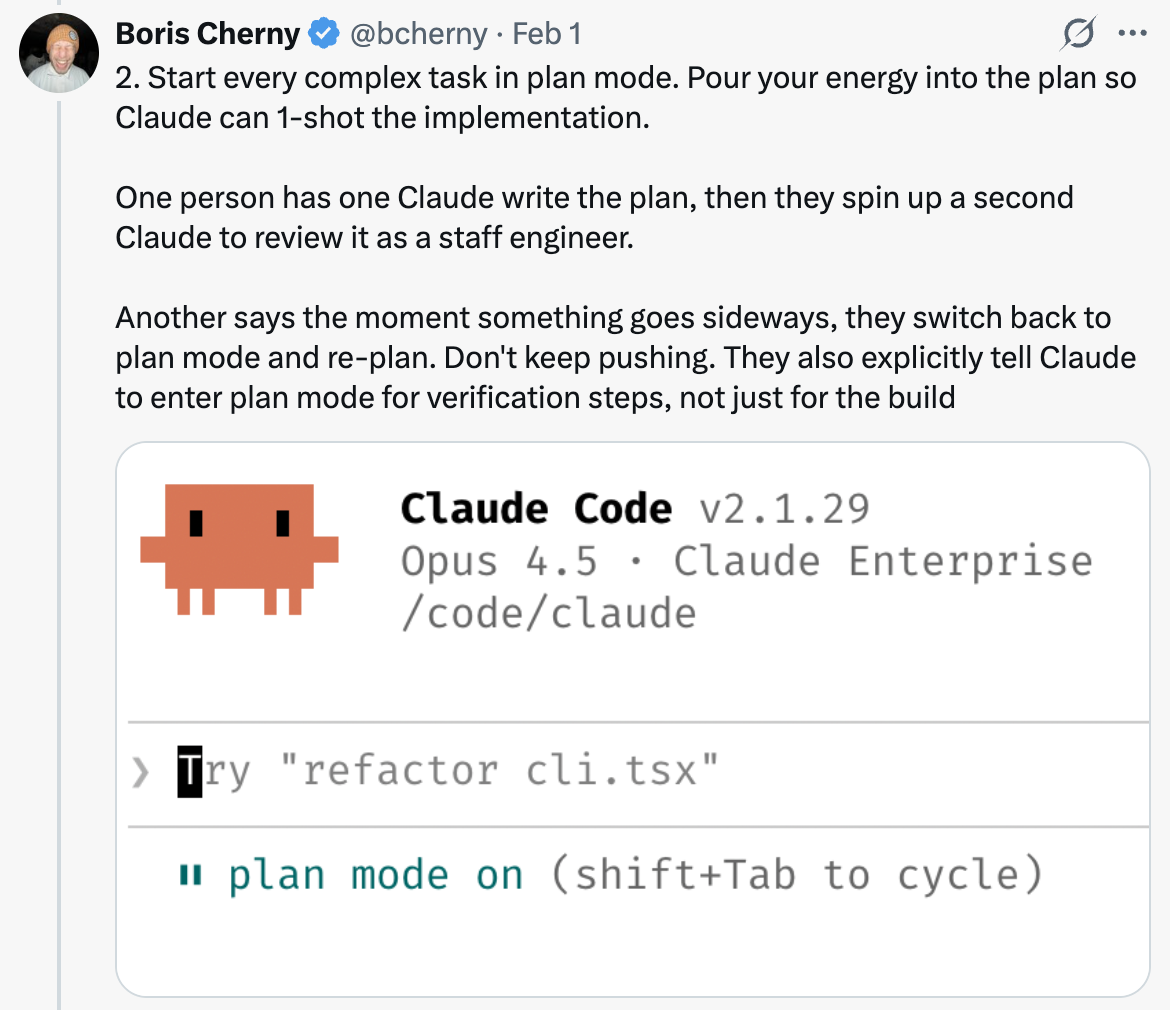 </a>
3/ Invest in Your CLAUDE.md
After every correction, end with: "Update your CLAUDE.md so you don't make that mistake again." Claude is eerily good at writing rules for itself.
每次纠正之后,都以这句话收尾:「更新你的 CLAUDE.md,别再犯同样的错误。」Claude 给自己写规则的本事出奇地好。
Ruthlessly edit your CLAUDE.md over time. Keep iterating until Claude's mistake rate measurably drops.
持续对 CLAUDE.md 做无情精简。反复迭代,直到 Claude 的出错率出现可测量的下降。
One engineer tells Claude to maintain a notes directory for every task/project, updated after every PR. They then point CLAUDE.md at it.
有位工程师让 Claude 为每个任务或项目维护一个笔记目录,每提交一个 PR 就更新一次,再让 CLAUDE.md 指向它。
<a href="https://x.com/bcherny/status/2017742747067945390">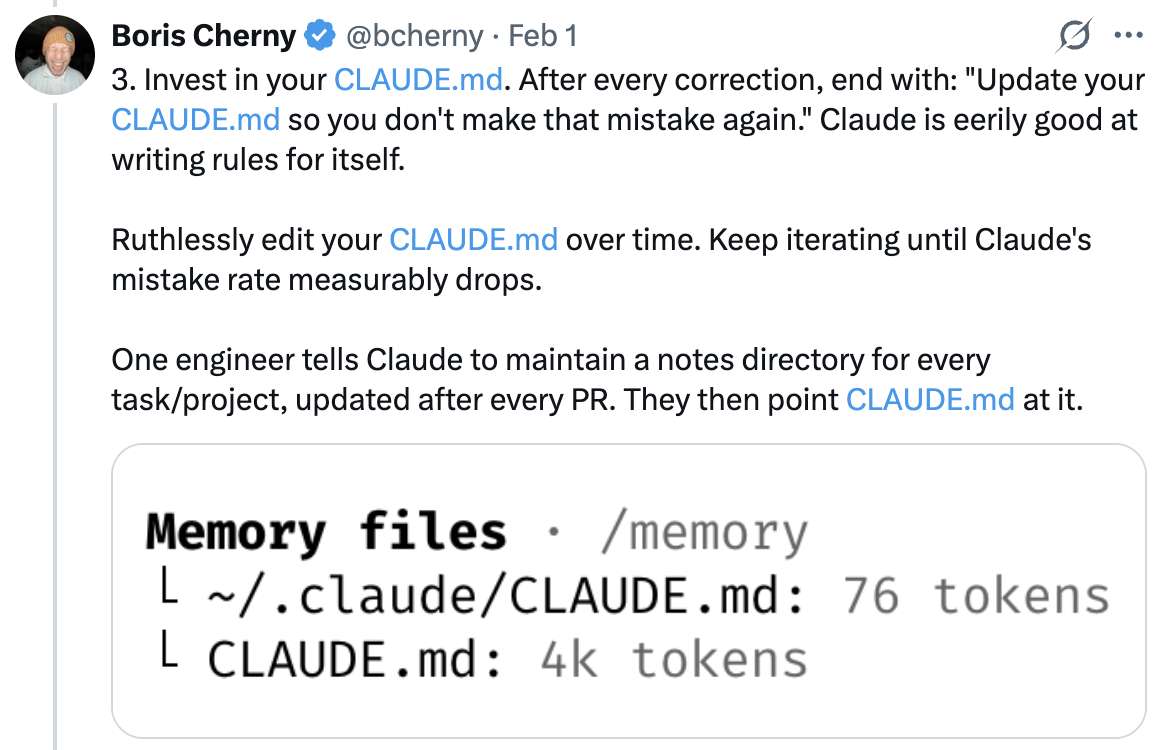 </a>
4/ Create Your Own Skills and Commit Them to Git
Reuse across every project. Tips from the team:
让成果在每个项目之间复用。团队的经验是:
- If you do something more than once a day, turn it into a skill or command
- Build a
/techdebtslash command and run it at the end of every session to find and kill duplicated code - Set up a slash command that syncs 7 days of Slack, GDrive, Asana, and GitHub into one context dump
- Build analytics-engineer-style agents that write dbt models, review code, and test changes in dev
一天里要做超过一次的事,就把它做成 skill 或 command;建一个 /techdebt 斜杠命令,每次会话结束时跑一遍,找出并干掉重复代码;做一个斜杠命令,把 Slack、GDrive、Asana 和 GitHub 最近 7 天的内容同步成一份上下文汇总;构建数据分析工程师风格的 agent,让它们写 dbt 模型、审代码、在 dev 环境里验证改动。
See: Extend Claude with Skills — Claude Code Docs
参见:用 Skills 扩展 Claude——Claude Code 文档。
<a href="https://x.com/bcherny/status/2017742748984742078">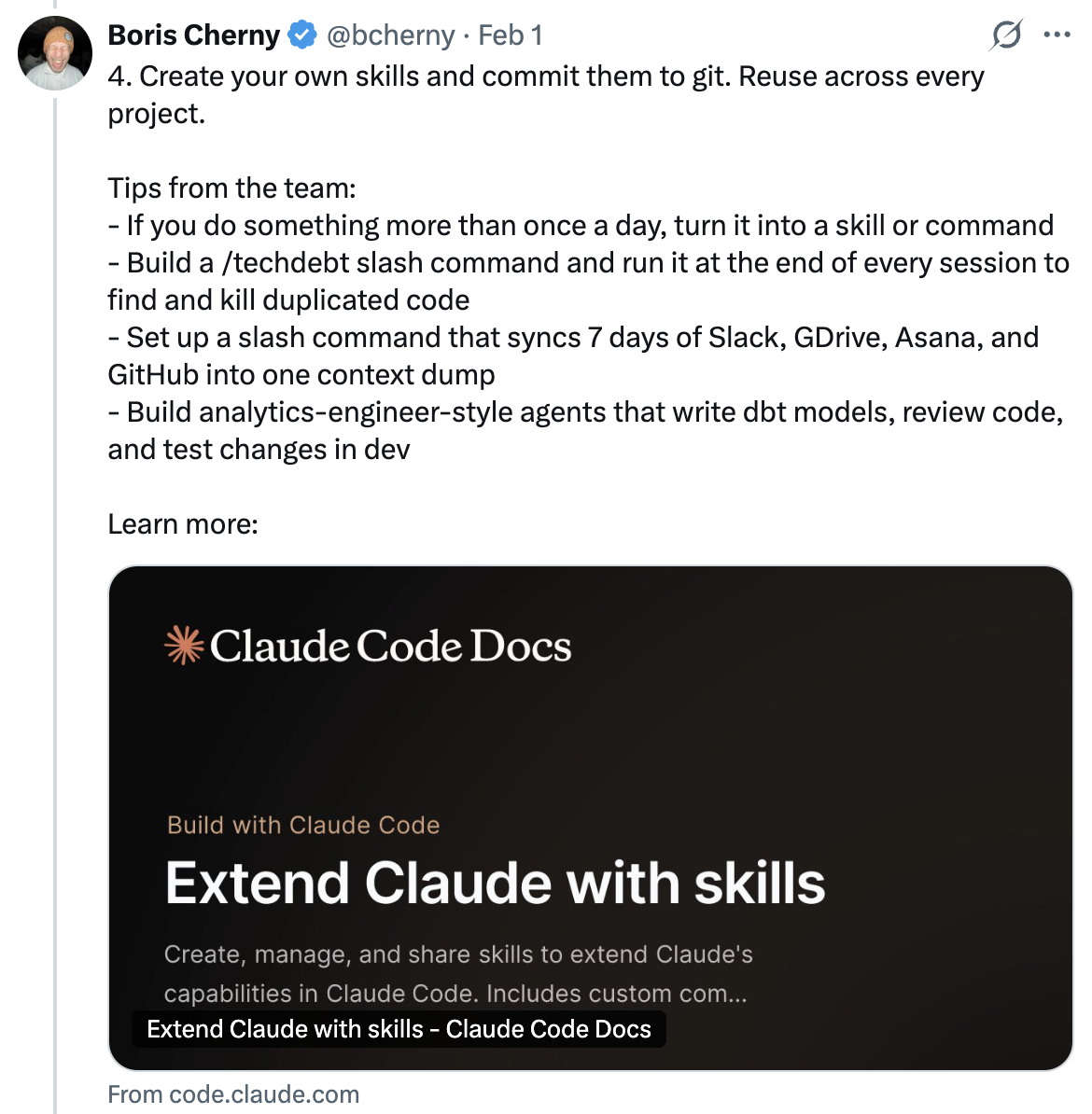 </a>
5/ Claude Fixes Most Bugs by Itself
Here's how the team does it:
团队是这么做的:
Enable the Slack MCP, then paste a Slack bug thread into Claude and just say "fix." Zero context switching required.
启用 Slack MCP,然后把一段 Slack 上的 bug 讨论粘给 Claude,只说一句「修好它」。完全不用切换窗口。
Or, just say "Go fix the failing CI tests." Don't micromanage how.
或者直接说「去把挂掉的 CI 测试修好」,不要事无巨细地规定它怎么做。
Point Claude at docker logs to troubleshoot distributed systems — it's surprisingly capable at this.
把 docker 日志指给 Claude,让它排查分布式系统问题——它在这方面的能力出人意料地强。
<a href="https://x.com/bcherny/status/2017742750473720121">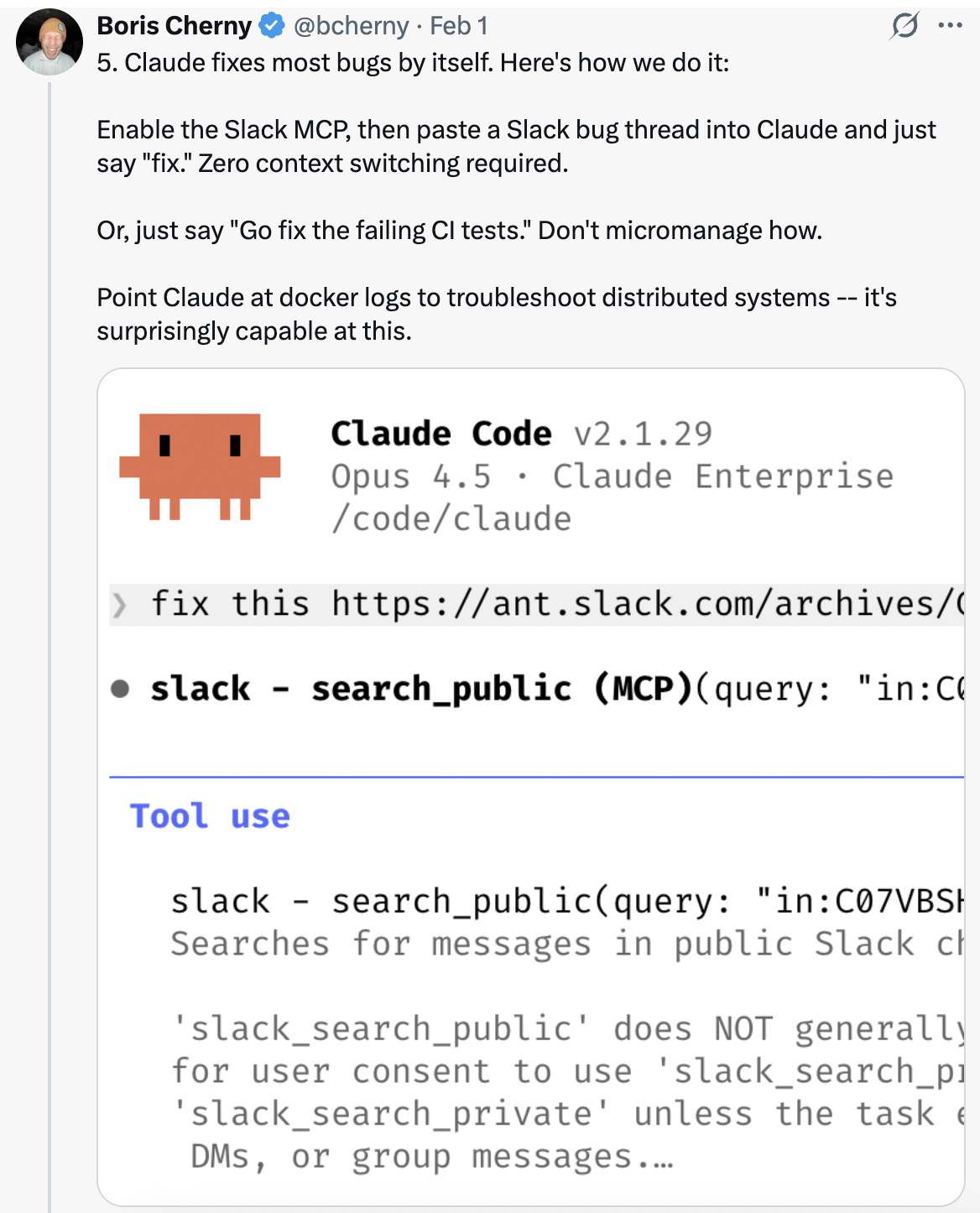 </a>
6/ Level Up Your Prompting
a. Challenge Claude. Say "Grill me on these changes and don't make a PR until I pass your test." Make Claude be your reviewer. Or, say "Prove to me this works" and have Claude diff behavior between main and your feature branch.
a. 让 Claude 挑战你。说:「就这些改动拷问我,我通不过你的测试之前不许提 PR。」让 Claude 当你的评审。或者说「向我证明这能跑」,让 Claude 对比 main 与你的功能分支的行为差异。
b. After a mediocre fix, say: "Knowing everything you know now, scrap this and implement the elegant solution."
b. 修复效果平平之后,说:「以你现在掌握的全部信息,废掉这个方案,用更优雅的做法重做。」
c. Write detailed specs and reduce ambiguity before handing work off. The more specific you are, the better the output.
c. 写详细的规格文档,交接前先把歧义消掉。你说得越具体,产出越好。
<a href="https://x.com/bcherny/status/2017742752566632544">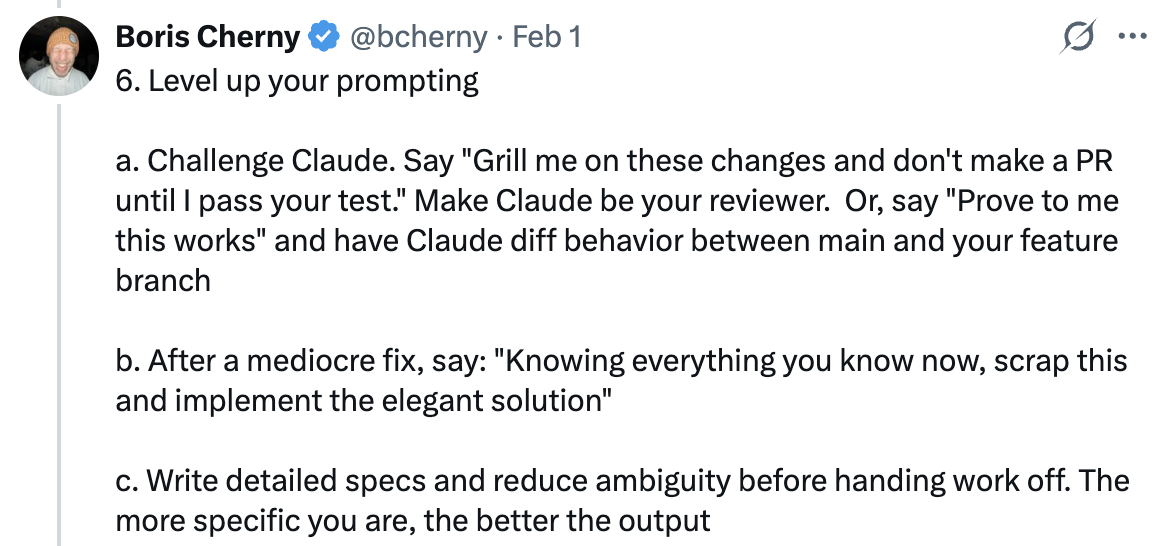 </a>
7/ Terminal & Environment Setup
The team loves Ghostty! Multiple people like its synchronized rendering, 24-bit color, and proper unicode support.
团队很喜欢 Ghostty!不少人中意它的同步渲染、24 位色和完整的 unicode 支持。
For easier Claude-juggling, use /statusline to customize your status bar to always show context usage and current git branch. Many also color-code and name their terminal tabs, sometimes using tmux — one tab per task/worktree.
为了更轻松地在多个 Claude 之间周旋,可以用 /statusline 定制状态栏,让它始终显示上下文用量和当前 git 分支。很多人还会给终端标签页配色、命名,有时配合 tmux——一个标签页对应一个任务或 worktree。
Use voice dictation. You speak 3x faster than you type, and your prompts get way more detailed as a result. (hit fn x2 on macOS)
用语音输入。说话比打字快 3 倍,提示词也因此详细得多。(macOS 上连按两次 fn)
See: Terminal Setup Docs
参见:终端配置文档。
<a href="https://x.com/bcherny/status/2017742753971769626">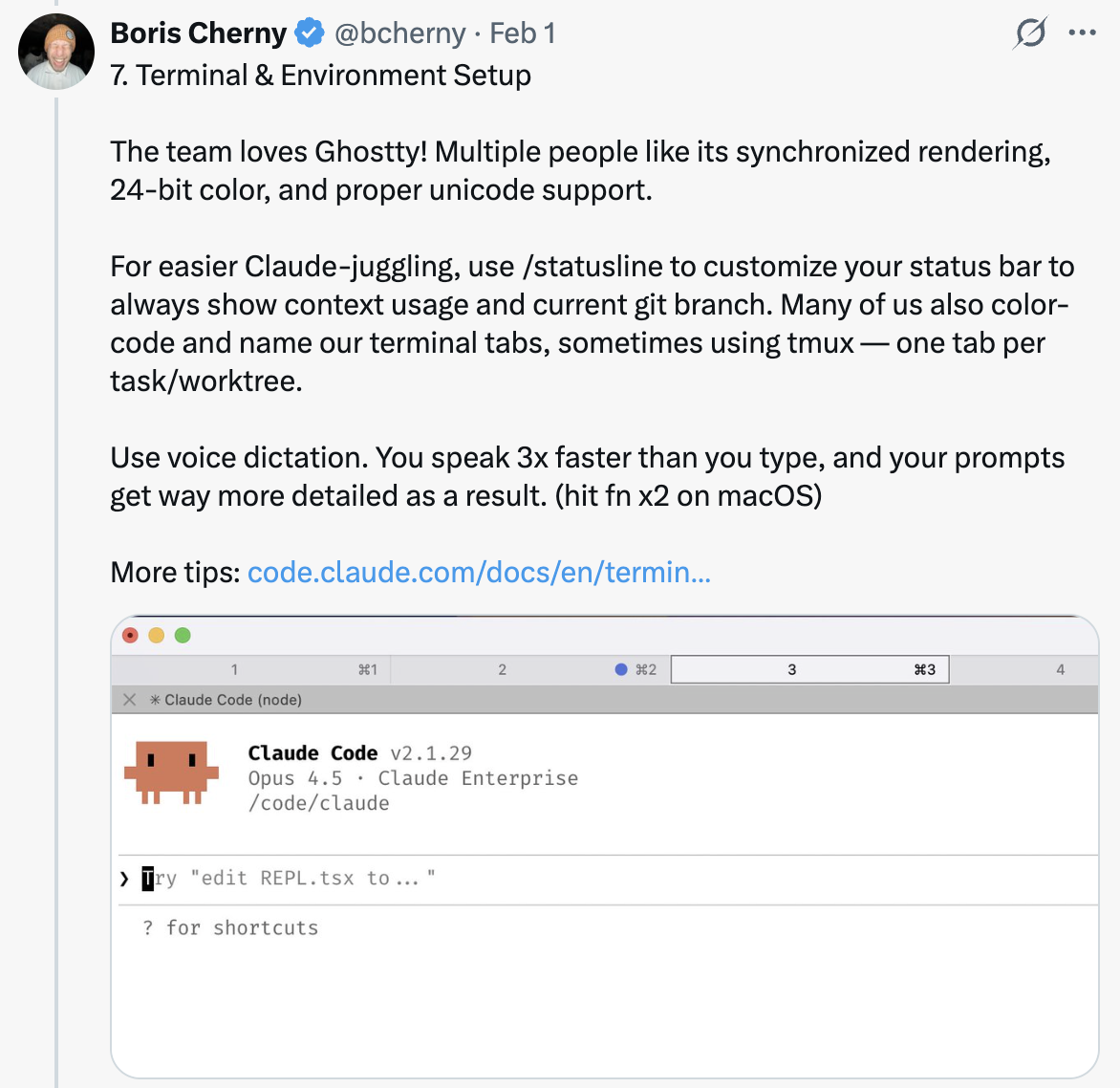 </a>
8/ Use Subagents
a. Append "use subagents" to any request where you want Claude to throw more compute at the problem.
a. 想让 Claude 在这件事上投入更多算力时,在请求后面加上「使用子代理」。
b. Offload individual tasks to subagents to keep your main agent's context window clean and focused.
b. 把零散任务交给子代理去做,好让主 agent 的上下文窗口保持干净、聚焦。
c. Route permission requests to Opus 4.5 via a hook — let it scan for attacks and auto-approve the safe ones. See: Hooks Docs
c. 用 hook 把权限请求转给 Opus 4.5——让它扫描攻击意图,安全的直接自动批准。参见:Hooks 文档。
<a href="https://x.com/bcherny/status/2017742755737555434">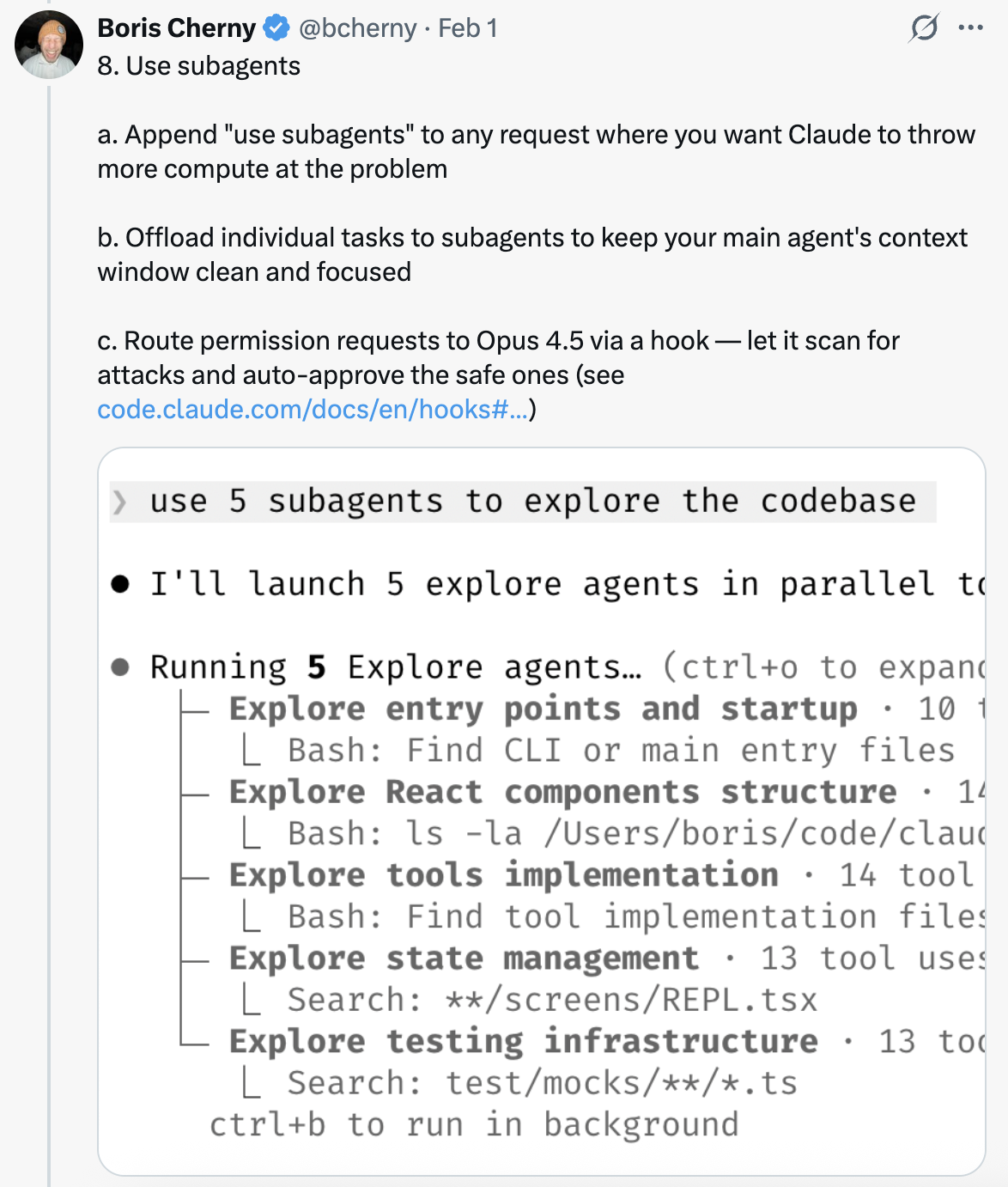 </a>
9/ Use Claude for Data & Analytics
Ask Claude Code to use the "bq" CLI to pull and analyze metrics on the fly. The team has a BigQuery skill checked into the codebase, and everyone uses it for analytics queries directly in Claude Code. Personally, Boris hasn't written a line of SQL in 6+ months.
让 Claude Code 用 bq 命令行工具随时拉取和分析指标。团队把一个 BigQuery skill 提交进了代码库,所有人都直接在 Claude Code 里做分析查询。Boris 本人已经 6 个多月没写过一行 SQL。
This works for any database that has a CLI, MCP, or API.
任何有 CLI、MCP 或 API 的数据库都能这么用。
<a href="https://x.com/bcherny/status/2017742757666902374"> </a>
10/ Learning with Claude
A few tips from the team to use Claude Code for learning:
团队关于「用 Claude Code 来学习」的几条经验:
a. Enable the "Explanatory" or "Learning" output style in /config to have Claude explain the "why" behind its changes.
a. 在 /config 里启用 Explanatory 或 Learning 输出风格,让 Claude 解释改动背后的「为什么」。
b. Have Claude generate a visual HTML presentation explaining unfamiliar code. It makes surprisingly good slides!
b. 让 Claude 生成一份可视化 HTML 演示,讲解你看不懂的代码。它做的幻灯片出人意料地好。
c. Ask Claude to draw ASCII diagrams of new protocols and codebases to help you understand them.
c. 让 Claude 用 ASCII 画出新协议和代码库的结构图,帮你理解。
d. Build a spaced-repetition learning skill: you explain your understanding, Claude asks follow-ups to fill gaps, stores the result.
d. 建一个间隔重复的学习 skill:你讲自己的理解,Claude 追问以补齐缺口,最后把结果存下来。
<a href="https://x.com/bcherny/status/2017742759218794768"> </a>
Sources
来源:Boris Cherny(@bcherny)2026 年 2 月 1 日在 X 上的分享。