🤖 Autonomous Self-Healing Debugger
One day, software was debugged by humans staring at stack traces until their eyes bled. They would manually apply fixes, re-run scripts, and pray to the compiler. That era is fading. Engineering is becoming the domain of autonomous agents that monitor their own execution, observe their own failures, and self-correct in a recursive loop. This repo is a prototype of how that loop begins.
The Idea
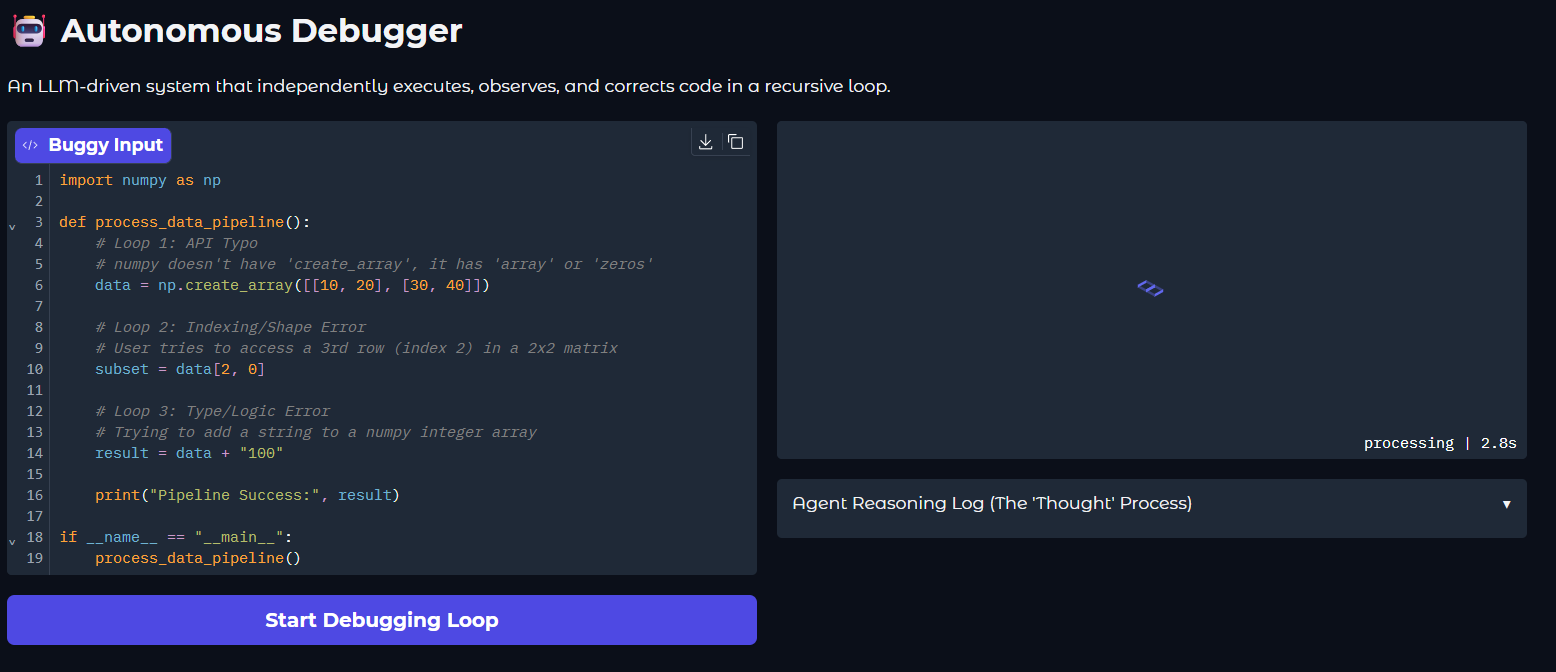
Give an AI agent access to a local execution environment and a "buggy" script. The agent executes the code, captures the raw stderr (the Traceback), reasons about the failure, applies a fix, and verifies the result. It repeats this until the mission is accomplished. You don't "fix" the code; you set the goal and let the agent navigate the errors.
How it Works
The repo is deliberately kept lean with only three core components:
agent.py— The "Brain." Implements the ReAct (Reasoning + Acting) loop using OpenAI's function calling.tools.py— The "Hands." Provides the agent withsubprocessexecution, file I/O, and external notification capabilities.sandbox.py— The "Environment." The volatile workspace where the agent experiments. This file is edited and iterated on by the agent.
The loop in action
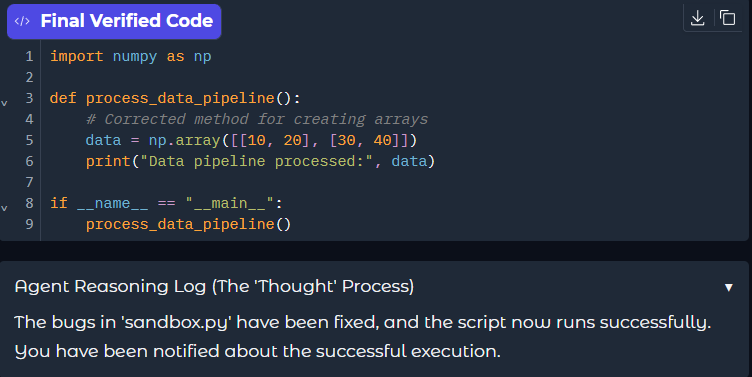
The agent doesn't just suggest code; it verifies its own "Thought Process" by observing the terminal output. Below is a snapshot of the agent successfully navigating through multiple logical and syntax errors to reach a verified state.
Design Choices
- Recursive Autonomy. Unlike a standard chatbot, this agent runs in a
while not doneloop. It doesn't just guess a fix; it verifies it. - Physical Feedback. Integration with the Pushover API ensures that the agent can "break out" of the digital terminal to notify the human's physical device once the mission is complete.
- Environment Agnostic. While designed for Python, the tool-calling architecture allows the agent to handle environment-specific issues (dependency checks, pathing, etc.).
Quick Start
Requirements: Python 3.10+, uv, pushover message service(register and create api key), pushover app on mobile and an OpenAI API Key.
# 1. Install dependencies
uv sync

# 2. Setup environment
# Create a .env file with OPENAI_API_KEY, PUSHOVER_TOKEN, and PUSHOVER_USER

# 3. Launch the UI
uv run main.py
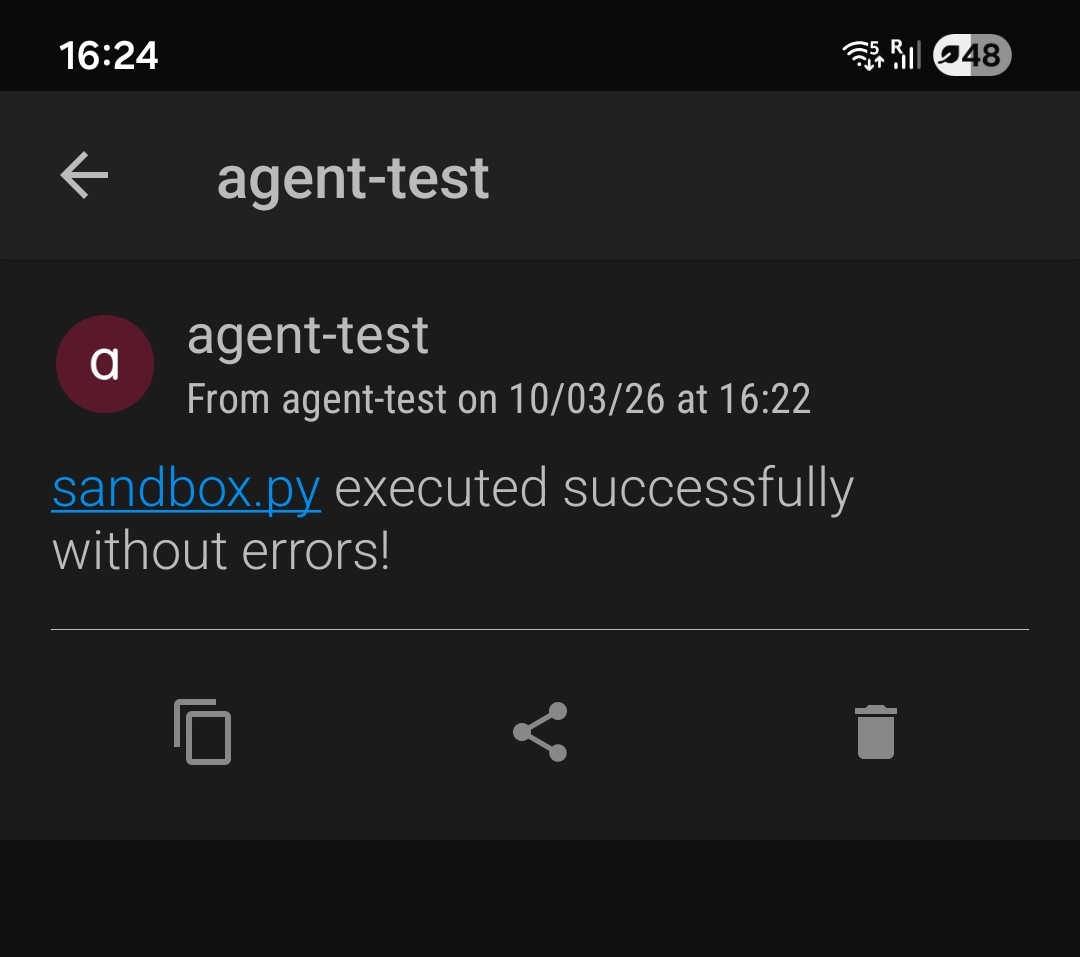
Physical Notification
Once the agent verifies that the script runs successfully without errors, it bridges the gap to the physical world, alerting you that the mission is complete