Qclaw(秋芝2046)
Qclaw
<h3>OpenClaw for everyone, without touching the command line</h3>
<br />
<br />
<br />
简体中文 · Report Bug · Request Feature
Contents
Features
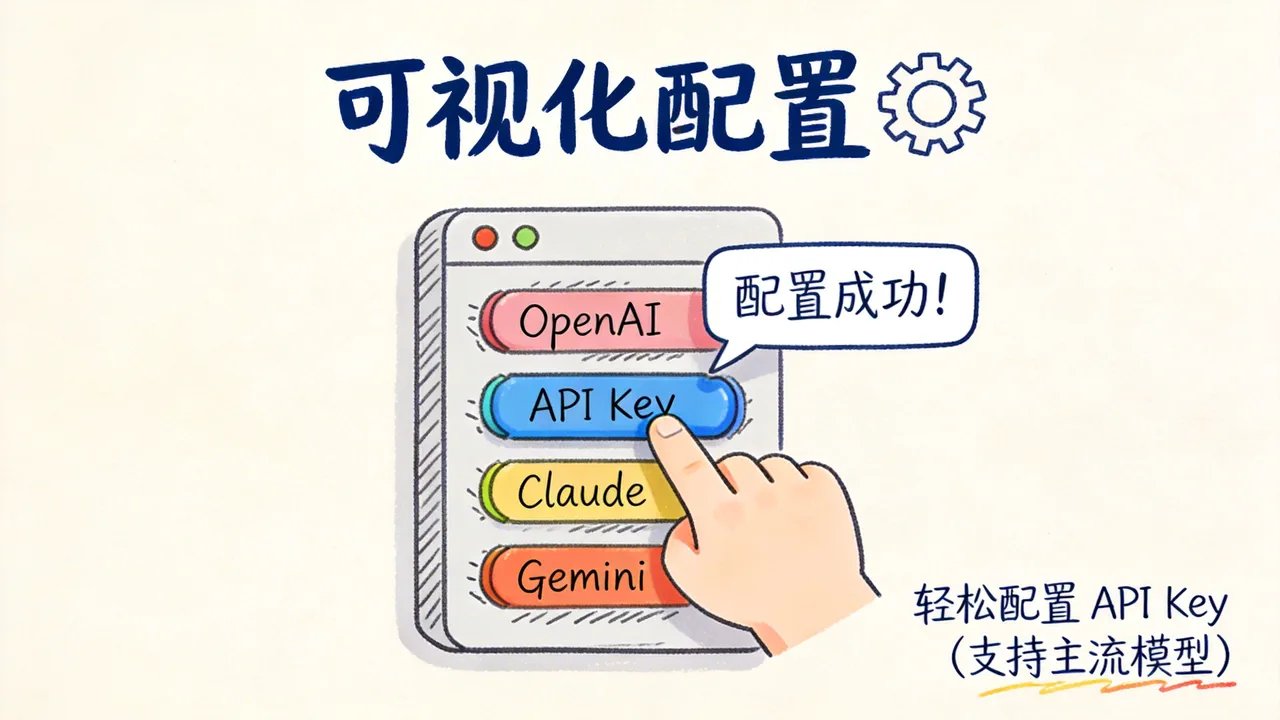
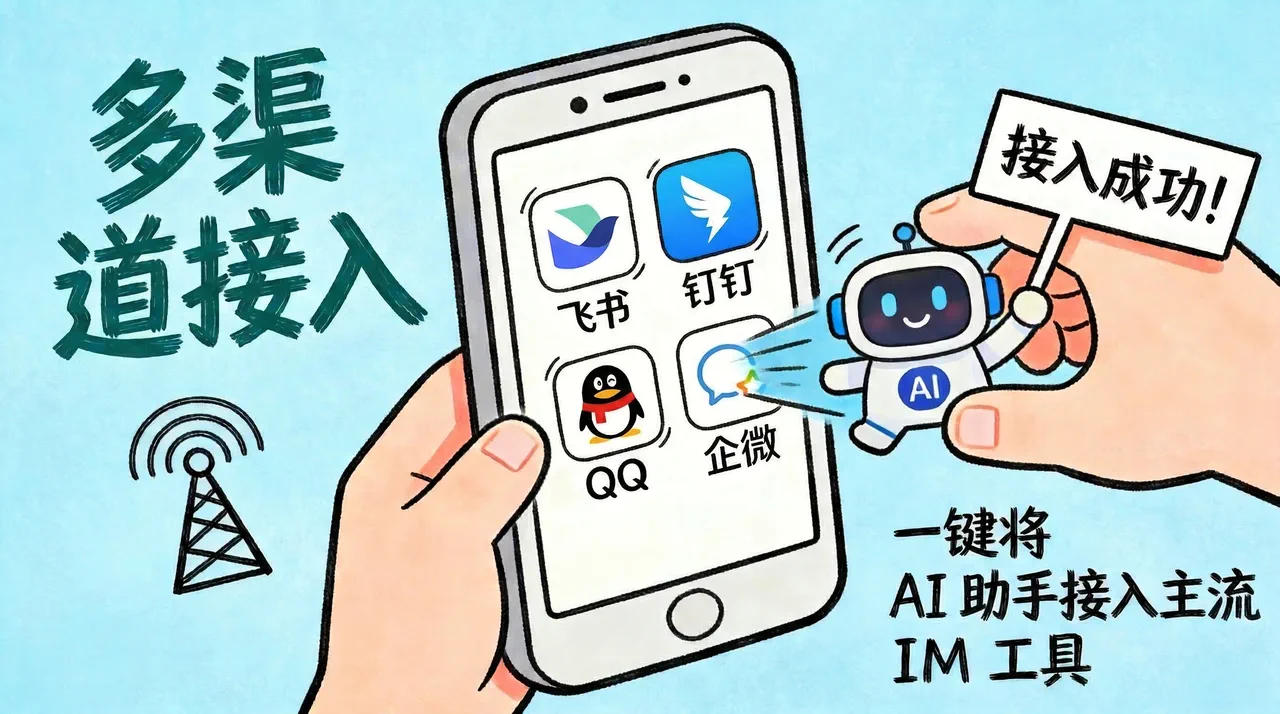
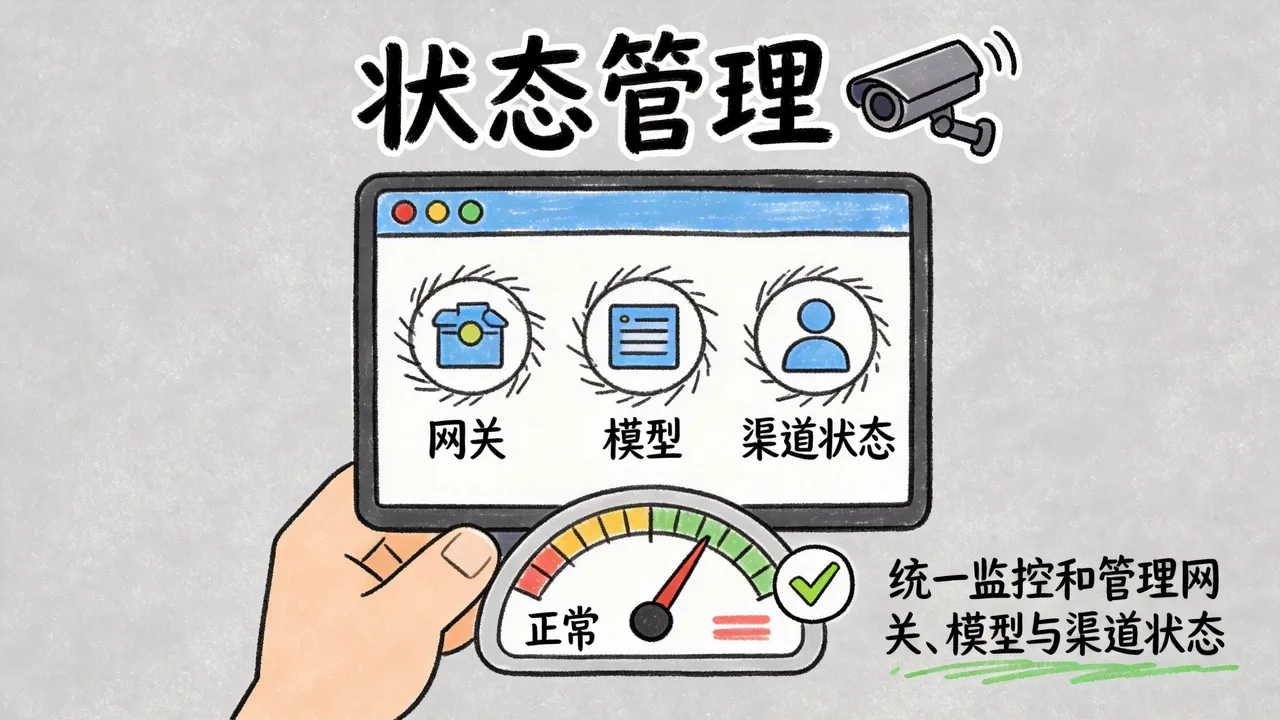

- Environment check — Detects Node.js and OpenClaw CLI automatically and installs missing dependencies when needed
- Full OpenClaw model support — Works with the complete OpenClaw model catalog and also supports custom model entries
- Latest IM integrations — Connect Feishu, WeChat, WeCom, DingTalk, and QQ with QR-code-driven setup, then install official plugins and write config automatically
- Guided onboarding — Beginner-friendly workflow with step-by-step guidance and safety reminders
- Operations dashboard — Monitor gateway status in real time, restart services, and repair runtime issues in one place
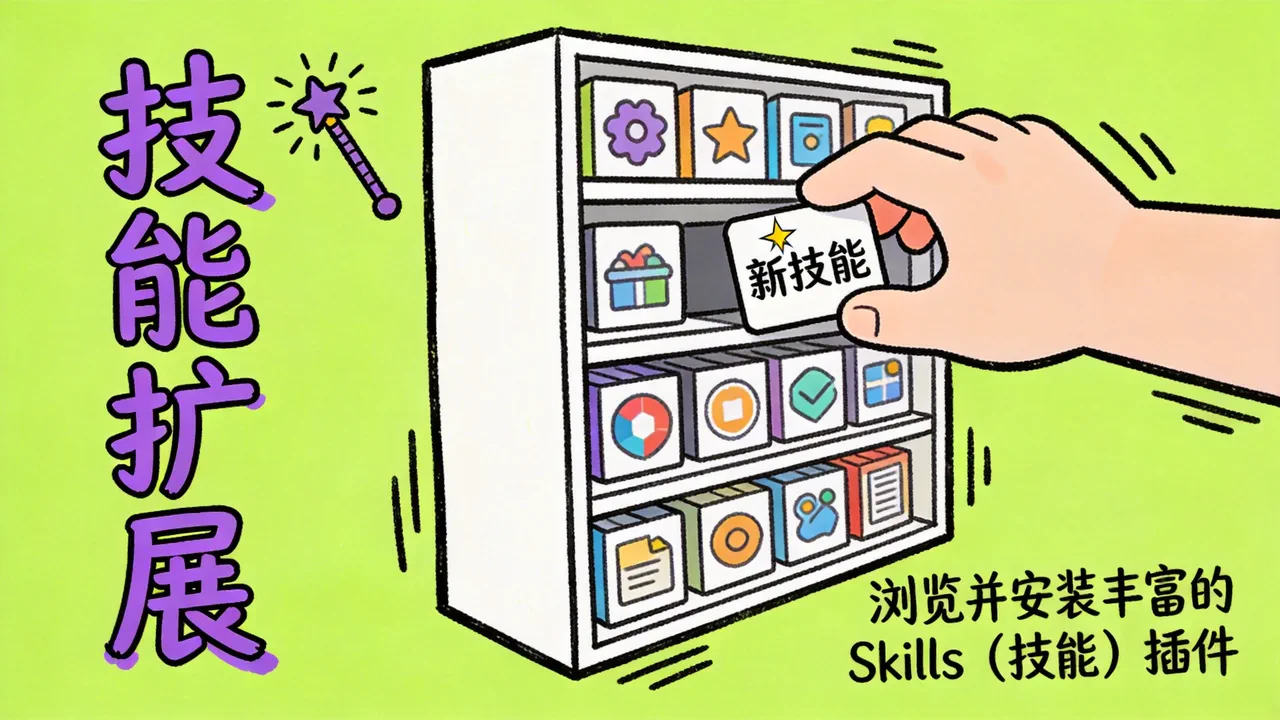
- Skills management — Manage skills from different sources
- Backup support — Includes automatic backup and manual backup flows
- Cross-platform direction — Supports macOS today, Windows is in progress, and Linux is planned
- Update support — Supports the latest OpenClaw releases
Why This Project Exists
Qclaw started with a simple goal: build a practical desktop companion for OpenClaw so everyone can install it, configure it, and actually use it with confidence.
- Lower the barrier by turning complex CLI and config steps into simple desktop interactions
- Make powerful AI tooling more accessible to everyone
- Help first-time users learn by doing, with setup steps that double as a tutorial
Quick Start
Step 1: Download and install
- Download and open the Qclaw Lite client
- Website: https://qclawai.com/
- GitHub Releases: Download the latest version
- Read the safety notice and confirm before continuing
Step 2: Prepare the environment
- Run the environment check
- If an existing OpenClaw setup is detected, Qclaw can import it directly
- Follow the on-screen guidance to begin configuration
Step 3: Configure models
- Open the AI provider page and wait for the model list to load
- Choose the models you want to use
- Supports the full OpenClaw model catalog, and some models also support OAuth authorization
Step 4: Connect IM channels (optional)
- Open the IM channels page
- Choose the platform you use most often, such as Feishu, DingTalk, QQ, or WeCom
- Follow the in-app guide to complete setup for each platform
Step 5: Start using it
- Start conversations directly in the desktop client
- Or test your AI assistant inside the IM tools you just connected
💡 Closing the Qclaw Lite window does not stop OpenClaw in the background. Your IM channels continue to work normally.
Development
Recommended development environment
- macOS
- Qclaw (OpenClaw)
- Codex or Claude Code
- Node.js 24, with 22 as the minimum supported version for local development
Install from source
bash
# Clone the repository
git clone https://github.com/qiuzhi2046/Qclaw.git
cd Qclaw

# Install dependencies
npm install

# Start the development environment
npm run dev

# Build the production version
npm run build
Common commands
| Command | Description |
|---|---|
npm run dev | Start the development server |
npm run build | Build and package the application |
npm test | Run the test suite |
npm run typecheck | Run TypeScript type checks |
Project structure
text
electron/
  main/             Main process: window management, CLI calls, IPC handlers
  preload/          Preload scripts and secure bridge
src/
  pages/            Page-level components: wizard steps, dashboard, chat, and more
  components/       UI components
  lib/              Business logic: channel registry, provider registry, and utilities
  shared/           Shared modules: config flow, gateway diagnostics, and policies
  assets/           Icons and static assets
docs/               Project documents, architecture notes, and changelogs
scripts/            Build and release scripts, signing, versioning, and COS publishing
build/              App icons and packaging resources
Tech stack and architecture
| Layer | Technology |
|---|---|
| Desktop framework | Electron |
| Frontend | React + TypeScript |
| Build tooling | Vite + vite-plugin-electron |
| UI | Mantine + Tailwind CSS |
| Packaging | electron-builder |
text
┌─────────────────────────────────────────────────────────┐
│                           Qclaw                         │
│                                                         │
│  ┌──────────────────┐         ┌──────────────────────┐  │
│  │   Main Process   │         │  Renderer Process    │  │
│  │   (Node.js)      │   IPC   │  (Chromium)          │  │
│  │                  │◄───────►│                      │  │
│  │  ┌────────────┐  │         │  ┌────────────────┐  │  │
│  │  │  cli.ts    │  │         │  │  React + Vite  │  │  │
│  │  │  OpenClaw  │  │         │  │  Mantine + TW  │  │  │
│  │  │  CLI calls │  │         │  │                │  │  │
│  │  └─────┬──────┘  │         │  │  Wizard pages  │  │  │
│  │        │         │         │  │  Dashboard     │  │  │
│  │  ┌─────▼──────┐  │         │  └────────────────┘  │  │
│  │  │ System     │  │         │                      │  │
│  │  │ file I/O   │  │         └──────────────────────┘  │
│  │  │ processes  │  │                                   │
│  │  └────────────┘  │                                   │
│  └──────────────────┘                                   │
│                                                         │
│           │                                             │
│           ▼                                             │
│  ┌──────────────────┐                                   │
│  │  OpenClaw CLI    │                                   │
│  │  ~/.openclaw/    │                                   │
│  └──────────────────┘                                   │
└─────────────────────────────────────────────────────────┘
Known Issues
- This document tracks the current known limitations and bugs
- Please check Issues for specific bug reports and feature requests
Supported Platforms
- macOS 11 (Big Sur)+
- Windows 10+ (x64), currently in active development
- Linux, planned